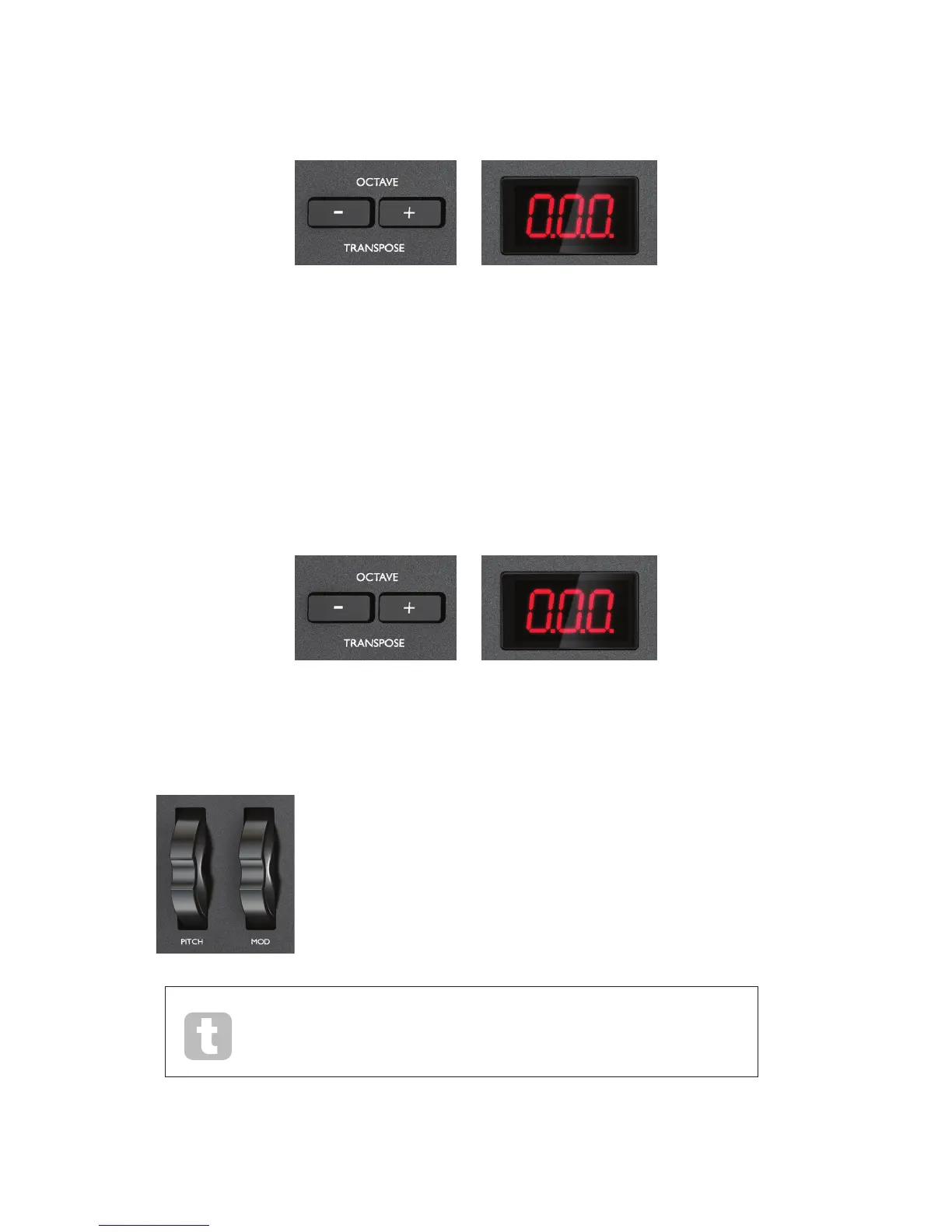
Octave up/down
The Octave + / Octave - buttons [12] shift the keyboard ‘up’ or ‘down’ in octave steps. The
number of octaves over which the keyboard can be shifted varies with Launchkey model:
• Launchkey 25: -4 to +5 octaves
• Launchkey 49: -3 to +4 octaves
• Launchkey 61: -3 to +3 octaves
NotethattheLEDdisplaywillconrmthenumberofoctavesshifted(asapositiveornegative
value).
Transpose
Pressing the Octave + / Octave - buttons [12] together lets you transpose the keyboard in semitone
increments,uptoamaximumof+/-12semitones.TheLEDdisplayashes,andconrmsthe
transposition.
Pitch Wheel
Launchkey’s Pitch Wheel [2] transmits standard MIDI Pitch bend
messages; use it with synth software to vary the pitch of the played note.
Modulation Wheel
The Modulation Wheel [3] transmits standard MIDI Modulation messages
(CC=1);whateffectthesehaveonyoursynthsoundwillbedeterminedby
howthesynthhasbeencongured.
Typically,aModulationWheelisusedtovaryasynthparametersuchaslter
cut-off frequency or vibrato.


 To Next Page