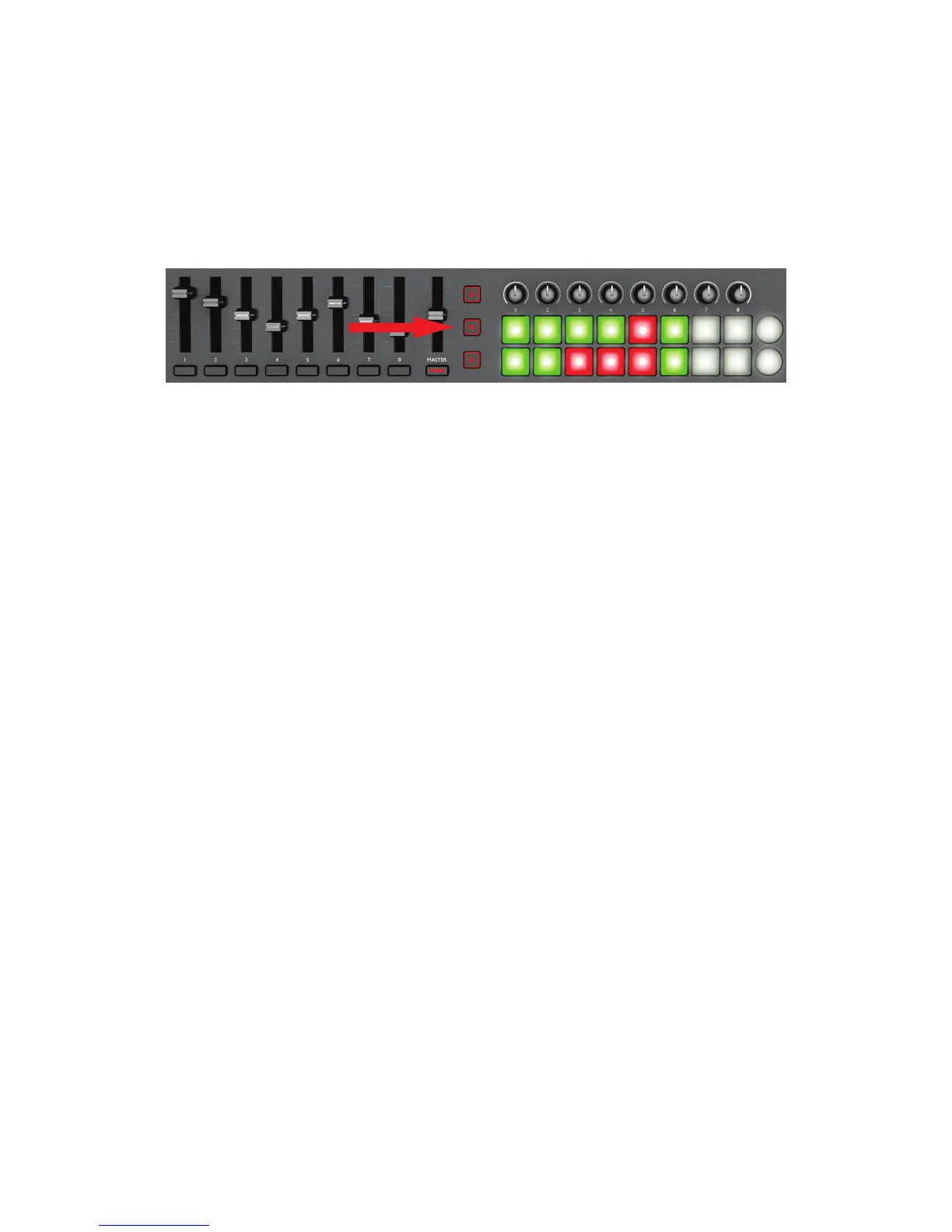
Transportcontrolset[7]toselectotherpairsofrows;notethateachpressscrollsonerowofapp
pads at a time.
On the 49- or 61-note versions, the eight sliders will be mapped onto the eight channel faders of
the Launchpad app, and can thus be used to adjust the mix. To enable them, press the InControl
button for the slider block.
Using Launchkey with both Launchkey and Launchpad iPad apps
It is possible to run the two apps simultaneously, and by using the InControl buttons [10], assign
varioussectionsoftheLaunchkeyhardwaretocontroleachapp.Forexample,youcanassign
the launch pads to control the loops and samples that the Launchpad app generates, while
playing the Launchkey synth.
Although both apps run simultaneously, only one can appear on-screen at a time; you can
remotely switch between them using the Track I and H buttons [13]. The I button selects the
Launchkey app, while the H button selects the Launchpad app.


 To Next Page