V1.0/286 V_pro8 Manual
Operation (Web Browser Control)
MADI Out
MADI Out
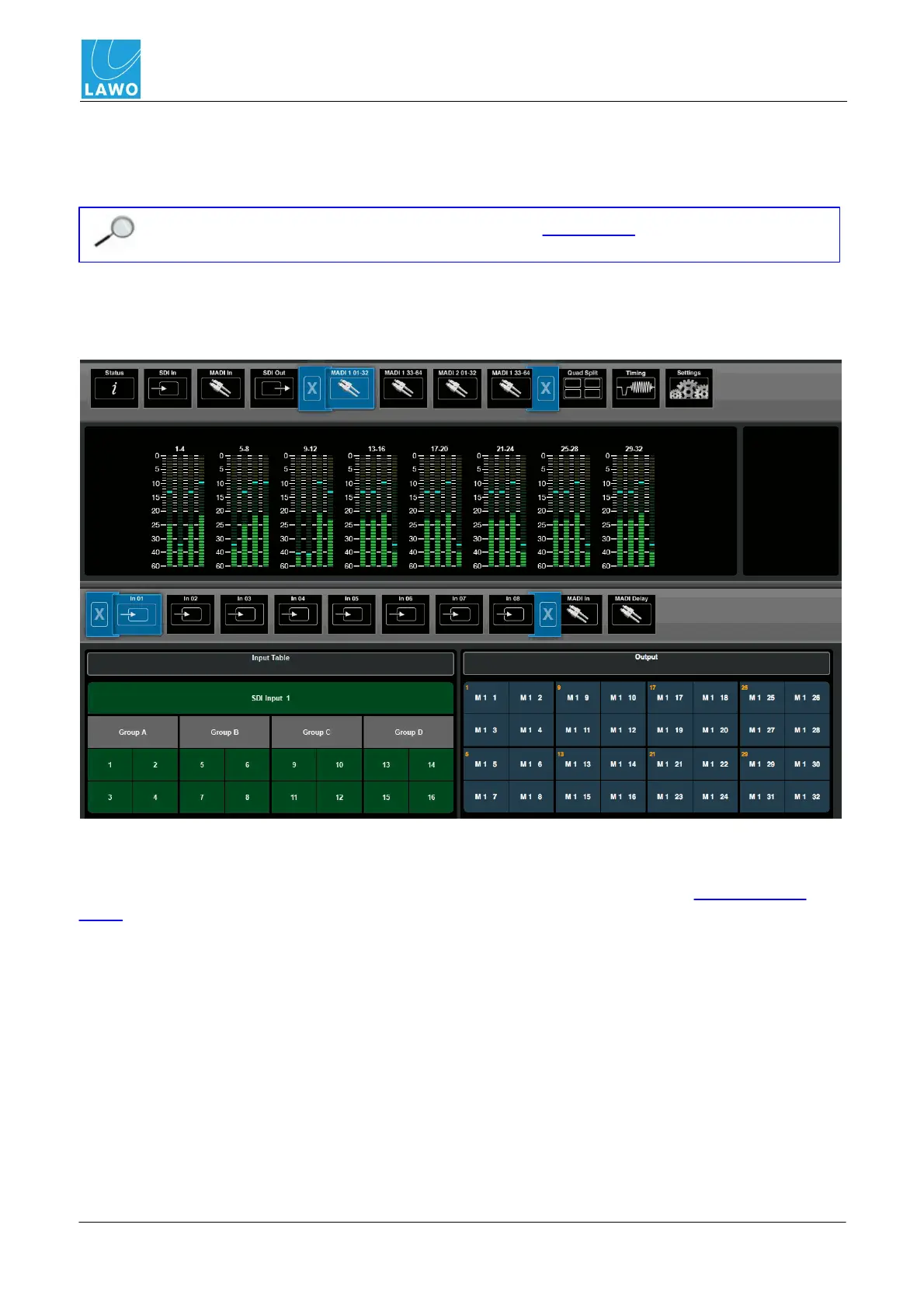
This main menu displays audio metering and provides access to signal routing and output delay for
all MADI output channels.
You can configure redundant MADI ports by making connections from both the front and
rear panel.
1. Select MADI Out and a set of channels (MADI 1 1-32, MADI 1 33-64, etc. ) from the main
menus.
In the upper part of the operating window you will see audio metering for the 32 output channels:
The meter scale is dBFS, and includes a peak hold indicator (green) and overload flag (red) if audio
levels reach 0dBFS. The peak hold indicator clears automatically after a few seconds.
The lower half of the screen can be used to adjust signal routing or delay, see Signal Routing and
Delay.



 To Next Page