LCF Technics Product User Guide
Service Menu Modes
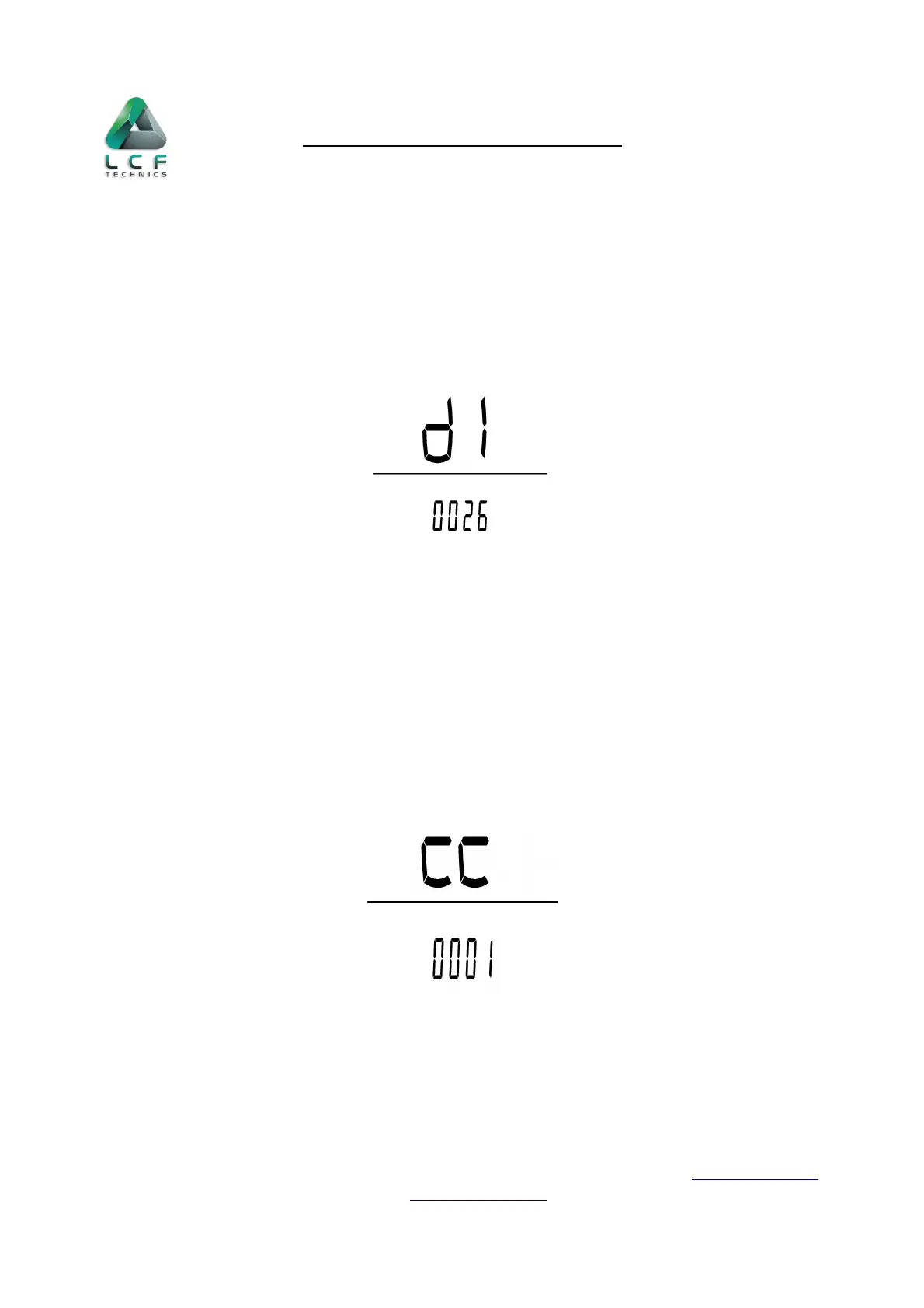
Wheel diameter selection(d1)
Use the
i
button to enter the speed selection, press + or - buttons to choose the
correct diameter. The default is 26”.
Spoke magnet number selection(CC)
Use the
i
button to enter the Spoke magnet number selection, press + or - buttons to
choose the no. of magnets 1-12. The default is 1. The no. represents the number of pulses from
one complete rotation of the wheel.
LCF Technics Limited | The Old Library, Remount Farm, Lusk, Co Dublin, Ireland, K45 XP26 | https://lcftechnics.eu/
Phone: +353 (0) 85 261 6555 | Email: service@lcftechnics.eu | Copyright © 2021 LCF Technics
Page 12


 To Next Page