PAGE 11
Force a Full Tune Cycle
Most of the time, the IT-100’s memory tuning will allow a good match to be found quickly,
if transmitting on the same frequency as a previously stored match. But sometimes, especially
when using a different antenna, the memory tuning will recall a previous match which is
acceptable, but isn’t the best match possible for this different situation. In this case, forcing a
full tune will cause the IT-100 to seek a better match than the match already stored in memory
for this frequency.
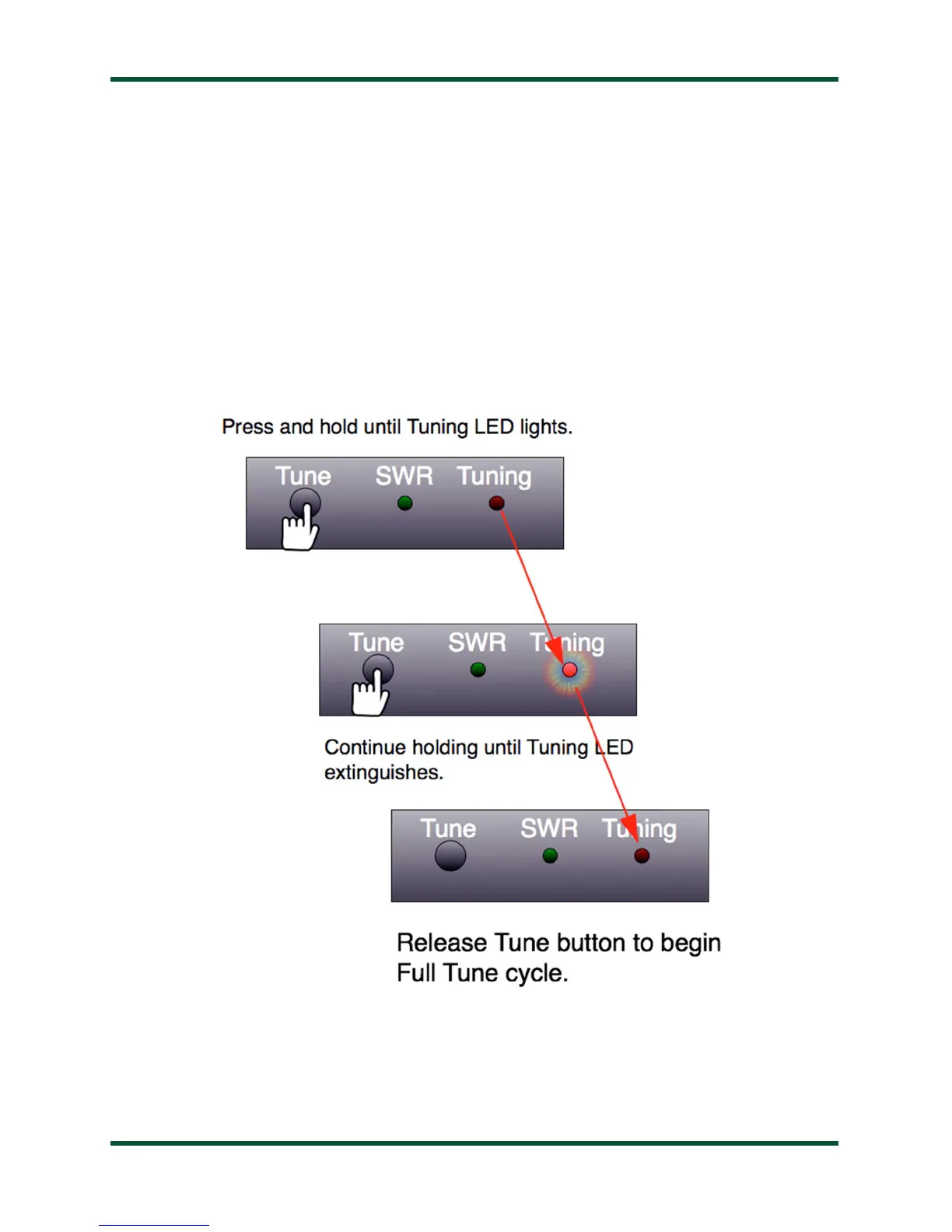
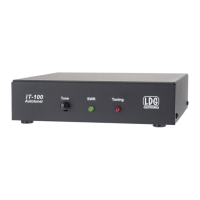
To force a full tuning cycle, press and hold the Tune button on the front panel of the IT-
100 until the Tuning/Status LED lights up, and keep holding until the Tuning/Status LED
goes out again. Release the Tune button once the Tuning/Status LED goes out. A full tuning
cycle will begin. When tuning is complete, the transceiver will be restored to its previous
operating mode and power level.


 To Next Page