Need help?
Do you have a question about the LDG Z-100A and is the answer not in the manual?
Procedure for out-of-warranty repair, including estimates and payment for LDG products.
Instructions for returning LDG products for repair, including form download and shipping details.
Encourages users to submit feedback on LDG products and how to share their experiences.
Guidance on installing and using the Z-100A antenna tuner in mobile radio environments.
Information on the Z-100A's continuous frequency coverage for MARS or CAP operations.
Critical safety instructions for antenna installation, power lines, and electrical code compliance.
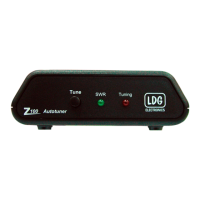
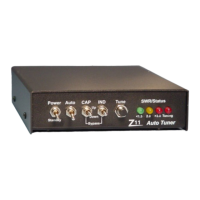
Description of the front panel layout, including the TUNE button and SWR/STATUS LED indicators.
How transceivers indicate tuner status, with emphasis on ICOM models and general behavior.
List of available three-foot interface cables for connecting the tuner to various transceivers.


 To Next Page
 General