System Installation
Photon II System Guide 23
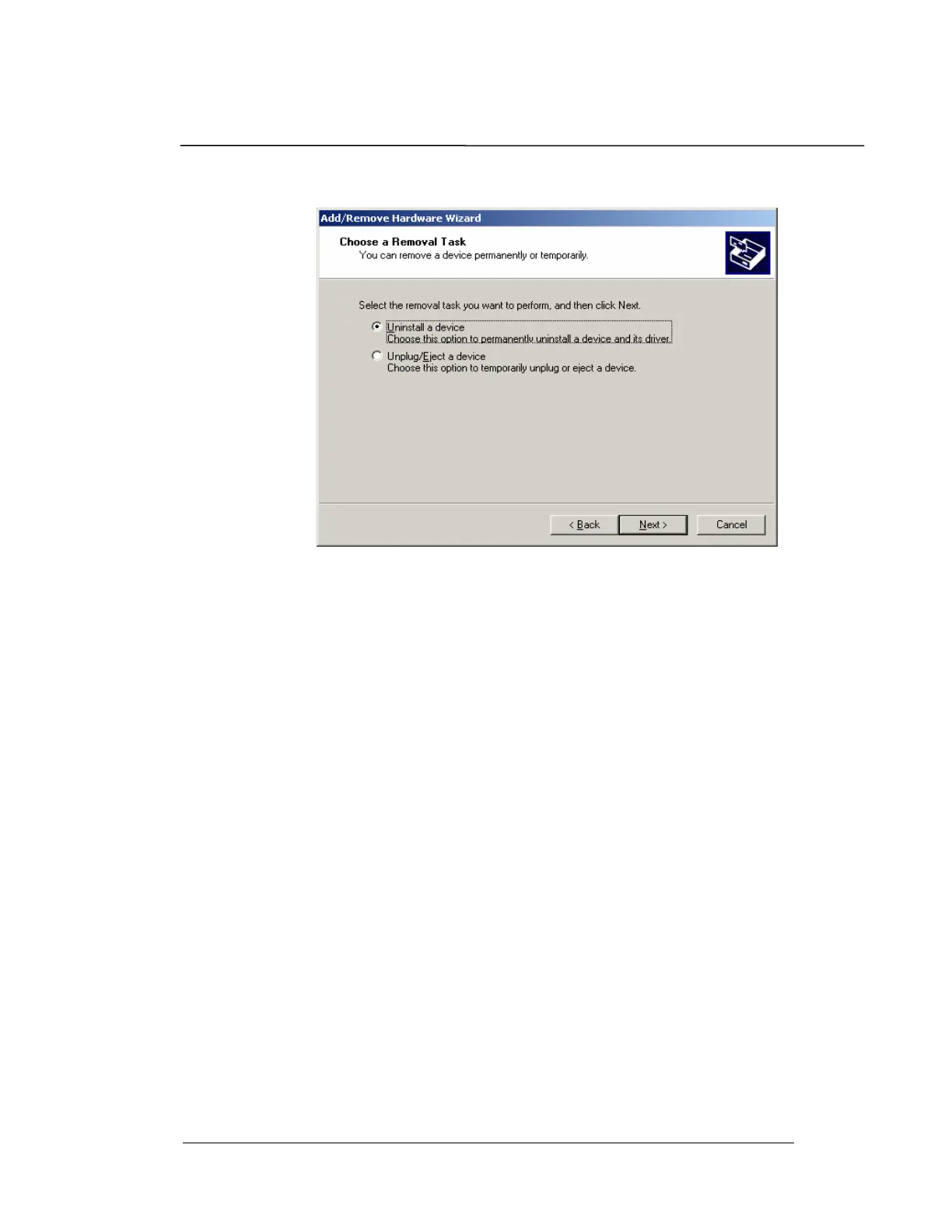
3. Select “Uninstall a device”. Click Next.
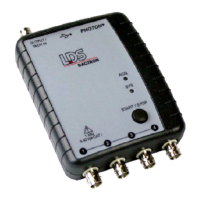
5. Select the “LDS-Dactron Photon USB device”. It will be
hidden if the Photon II is not connected. If this is the case,
then place a check next to “show hidden devices” to display
it. Click Next.
6. Select “Yes, I want to uninstall this device”. Click Next.
7. Click on the Finish button to close the Add/Remove
Hardware Wizard.


 To Next Page