05. ProTuner - CS1, CS2RS Series
183
< Figure 13: open an .lsr configuration file window >
• Find and select the .lsr configuration fil click “OK” button. After the configuration file is open, then
click the icon.
8.2 파라미터 설정 파일 저장
Follow the following steps to save the current parameters into an .lsr configuration file.
• Open the parameter manage window, click the icon, then it will show as Figure 14.
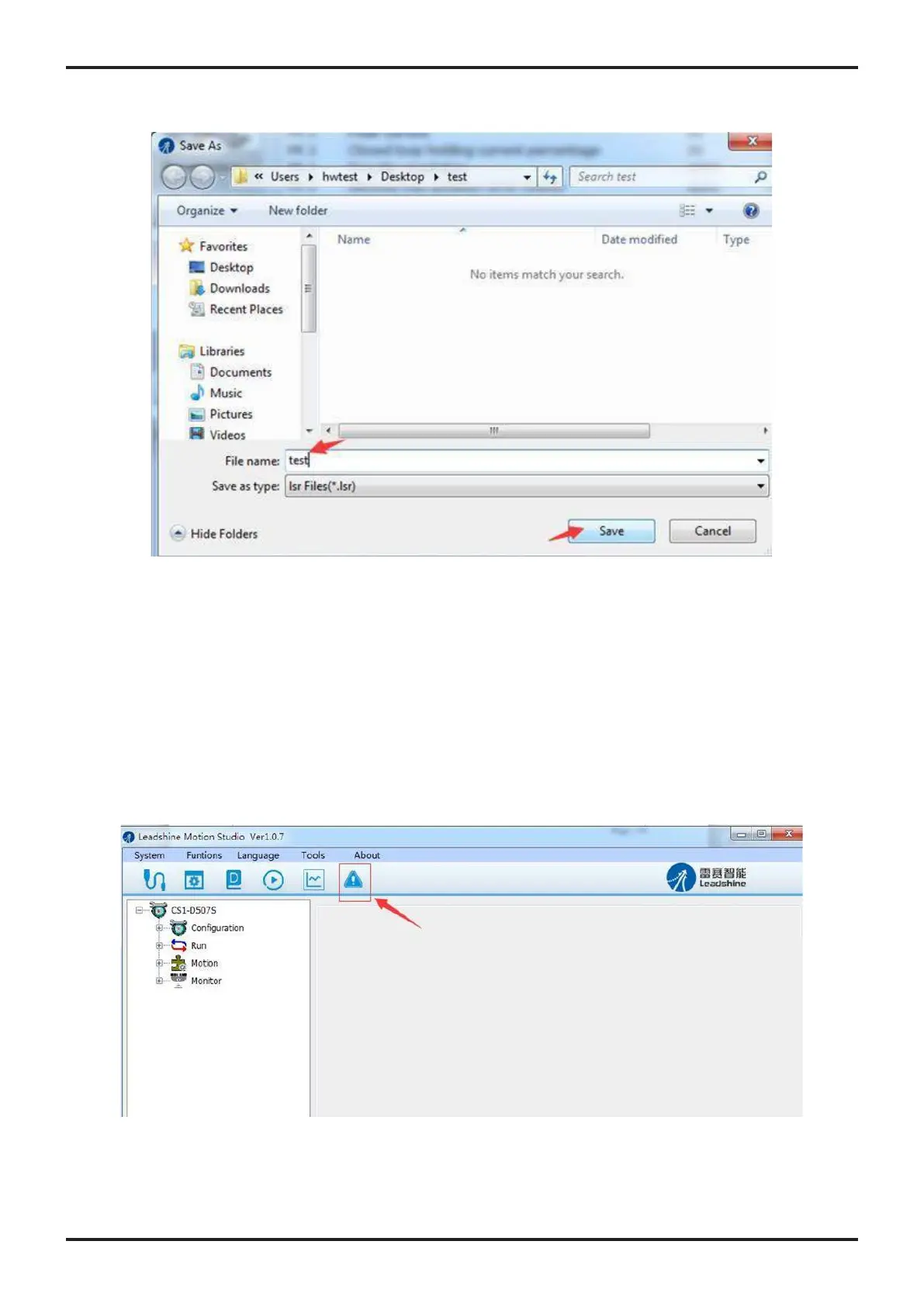
• Choose the location and file name and click the Save button.
< Figure 14: save configuration file >
9. 드라이버 오류 이력 관리
You can use the “Motion Studio” for CS1-D software to track error history Previously happened to
the connected CS1-D closed loop stepper drives. Follow the following steps for that:










 To Next Page