WWW.leaptonpv.com
16
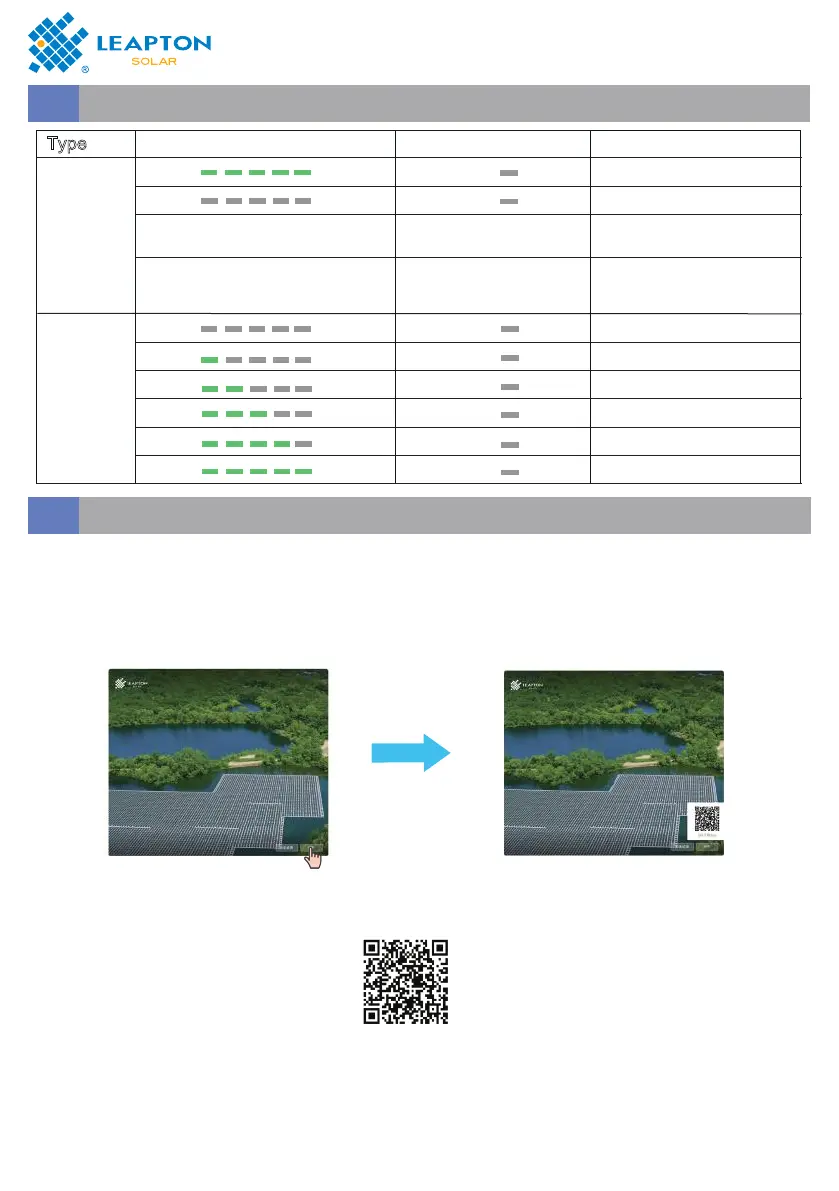
Indicator Status
6.2
Download APP
6.3
Type
SOC Indicator FAULT Indicator Meaning
Running
indication
Power on
Power off
According to the fault
referring to the table 4.2
Steady red
Battery system alarm
Blinking red
Communication Fault
between battery system
and PCS
According to the SOC, Steady
green
SOC
SOC
FAULT
FAULT
SOC
SOC
SOC
SOC
SOC
SOC
FAULT
FAULT
FAULT
FAULT
FAULT
FAULT
0% SOC,Power OFF
0~20% SOC,Power OFF
20~40% SOC,Power OFF
40~60% SOC,Power OFF
60~80% SOC,Power OFF
80~100% SOC,Power OFF
SOC
Indicator
Method 1: Search for Leapton Air on App Store or Google play and download the latest
installation package;
Method 2: Access https://leapton.inteless.com using the mobile phone or PC browser and
download the latest installation package.
Method 3: Scan the following OR code on the PCU and download the latest installation
package.


 To Next Page