EasyManua.ls Logo

Lear Siegler ADM 3A - Section III: Operation; 3.2 Keyboard Operations; 3.3 Set-Up Mode Operations

Default Icon
54 pages
Print Icon
To Next Page IconTo Next Page
To Previous Page IconTo Previous Page
Loading...
,
__
LEAR SIEGLER, INC.
DATA PRODUCTS DIVISION
SECTIC)N III
OPERA1TION
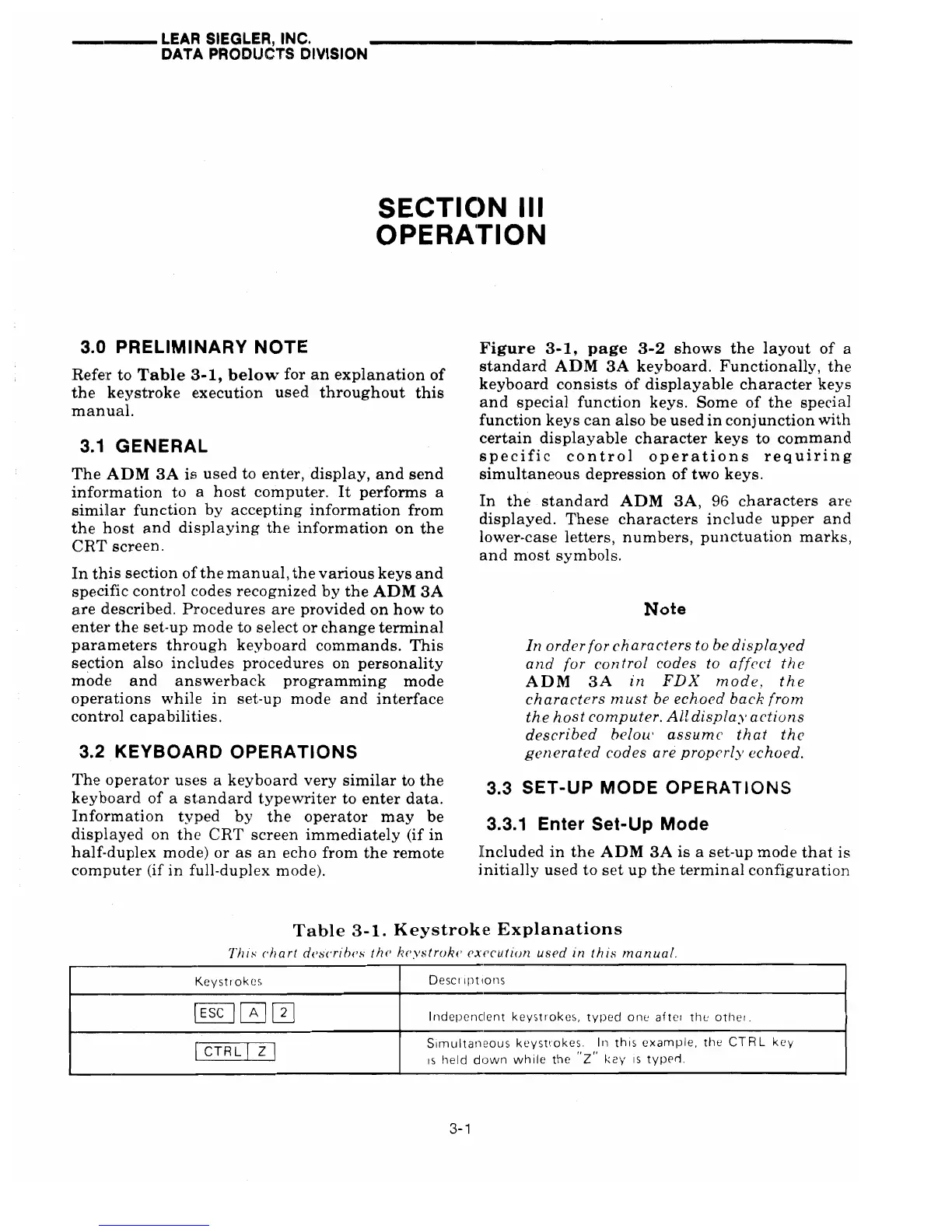
3.0
PRELIMINARY
NOTE
Refer
to
Table
3-1,
below
for
an
explanation
of
the
keystroke
execution
used
throughout
this
manual.
3.1
GENERAL
The
ADM
3A
is
used
to
enter,
display,
and
send
information
to a
host
computer.
It
performs
a
simBar
function
by
accepting
information
from
the
host
and
displaying
the
information
on
the
CRT
screen.
In
this
section
of
the
manual,
the
various
keys
and
specific
control
codes
recognized
by
the
ADM
3A
are
described.
Procedures
are
provided
on
how
to
enter
the
set-up
mode
to
select
or
change
terminal
parameters
through
keyboard
commands.
This
section
also
includes
procedures
on
personality
mode
and
answerback
programming
mode
operations
while
in
set-up
mode
and
interface
control
capabilities.
3.2
KEYBOARD
OPERATIONS
The
operator
uses
a
keyboard
very
similar
to
the
keyboard
of
a
standard
typewriter
to
enter
data.
Information
typed
by
the
operator
may
be
displayed
on
the
CRT
screen
immediately
(if
in
half-duplex
mode)
or
as
an
echo
from
the
remote
computer
(if
in
full-duplex mode).
Figure
3-1,
page
3-2
shows
the
layout
of
a
standard
ADM
3A
keyboard.
Functionally,
the
keyboard
consists
of
displayable
character
keys
and
special
function
keys.
Some
of
the
special
function
keys
can
also
be
used
in
conjunction
with
certain
displayable
character
keys
to
command
specific
control
operations
requiring
simultaneous
depression
of
two
keys.
In
the
standard
ADM
3A,
96
characters
are
displayed.
These
characters
include
upper
and
lower-case
letters,
numbers,
punctuation
marks,
and
most
symbols.
Note
In
order
for
characters
to be
displayed
a
nd
for con frol codes to
affect
the
ADM
3A
in
FDX
mode,
the
characters
must
be
echoed
back
frorn
the
host
computer.
All
displa.v
actions
described
belou'
assume
that
the
generated
codes are properl}' echoed.
3.3
SET-UP
MODE
OPERATIONS
3.3.1
Enter
Set-Up
Mode
][ncluded
in
the
ADM
3A
is
a set-up
mode
that
is
initially
used
to
set
up
the
terminal
configuration
Table
3-1.
Keystrok·e
Explanations
Thl.'-"
('hart
descrl!Jes
the
keystroke
execution
used
in
this
manual.
Keystrokes
Oeser
Ipt
Ions
@IJ00
Indepenclent
keystrokes,
typed
one
aftci
the
othel.
Simultaneous
keystrokes.
In
this
example,
the
CTR
L
key
I
CTRL
[]]
IS
held
down
while
the
"z"
key
IS
typerl.
3-1