Dual Channel Digital Receiver
Rio Rancho, NM
9
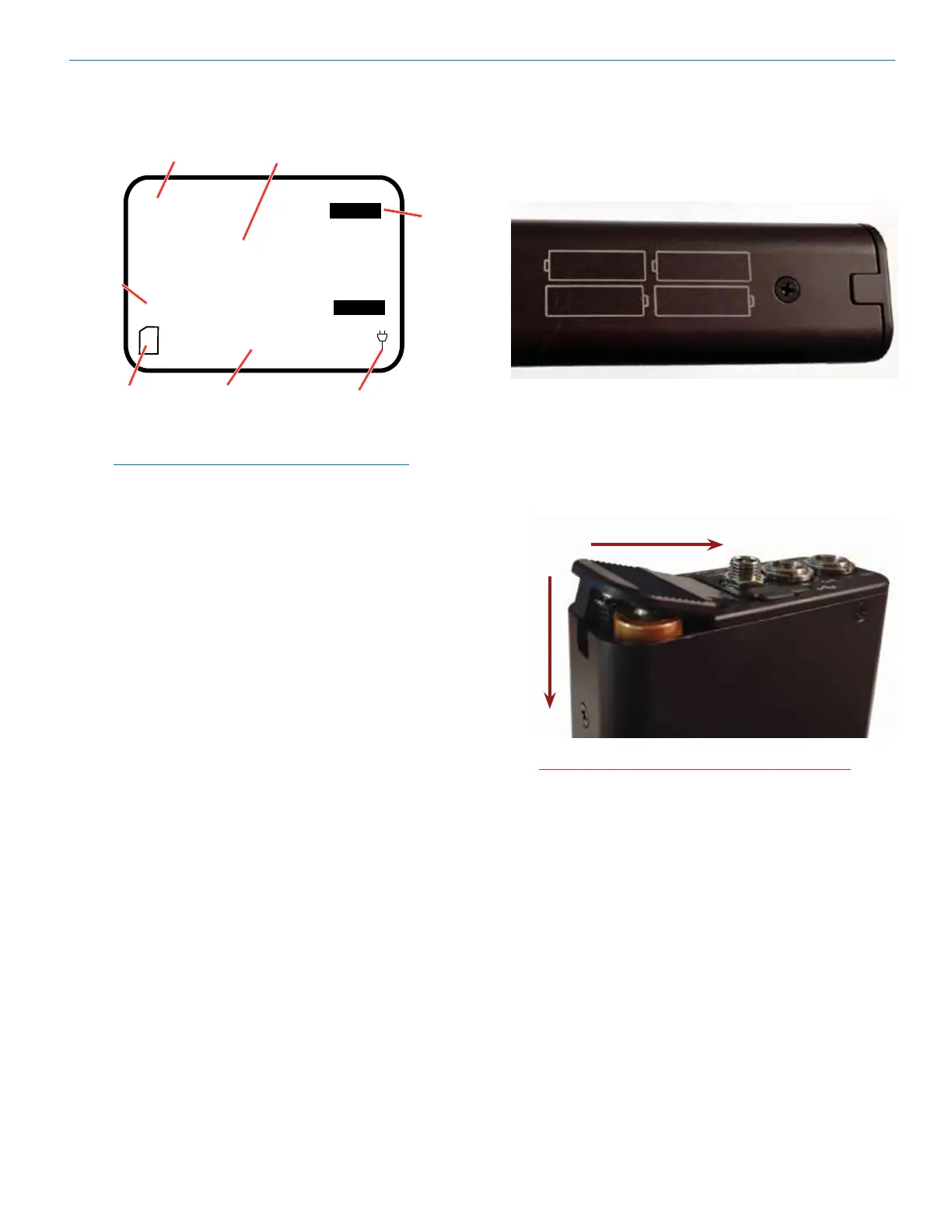
Replacing the Batteries
Lift the battery door to unlatch, push slightly forward
and open it.
Observe the battery orientation markings on the side of
the unit.
Depress the batteries slightly to allow the door to close,
then press with down firmly while pushing back towards
the DC connector to latch the door closed. The battery
contacts are spring loaded to maintain constant pres-
sure. The door will snap into place for security when it is
fully closed.
CAUTION: Be sure to remove batteries as soon
as possible after they are depleted.
Press
down
Slide back to latch
NOTE: If Link Indicator is flashing, this indicates
that the key or compat mode is invalid.
Tx1
LINK
LINK
|-60 |-40 |-20 0|
|-60 |-40 |-20 0|
Tx2
D
CH1
Name
CH2
Name
CH1
Audio Level
CH2
Audio Level
Plug (or battery)
Icon
Channel
Status
indicator
SD Card
Status
(data
card)



 To Next Page