7
6
7
8
<25%
<25%
Backup
2x
Boost
=10s
User Manual P6R Work | P7R Work V.01 06.2021
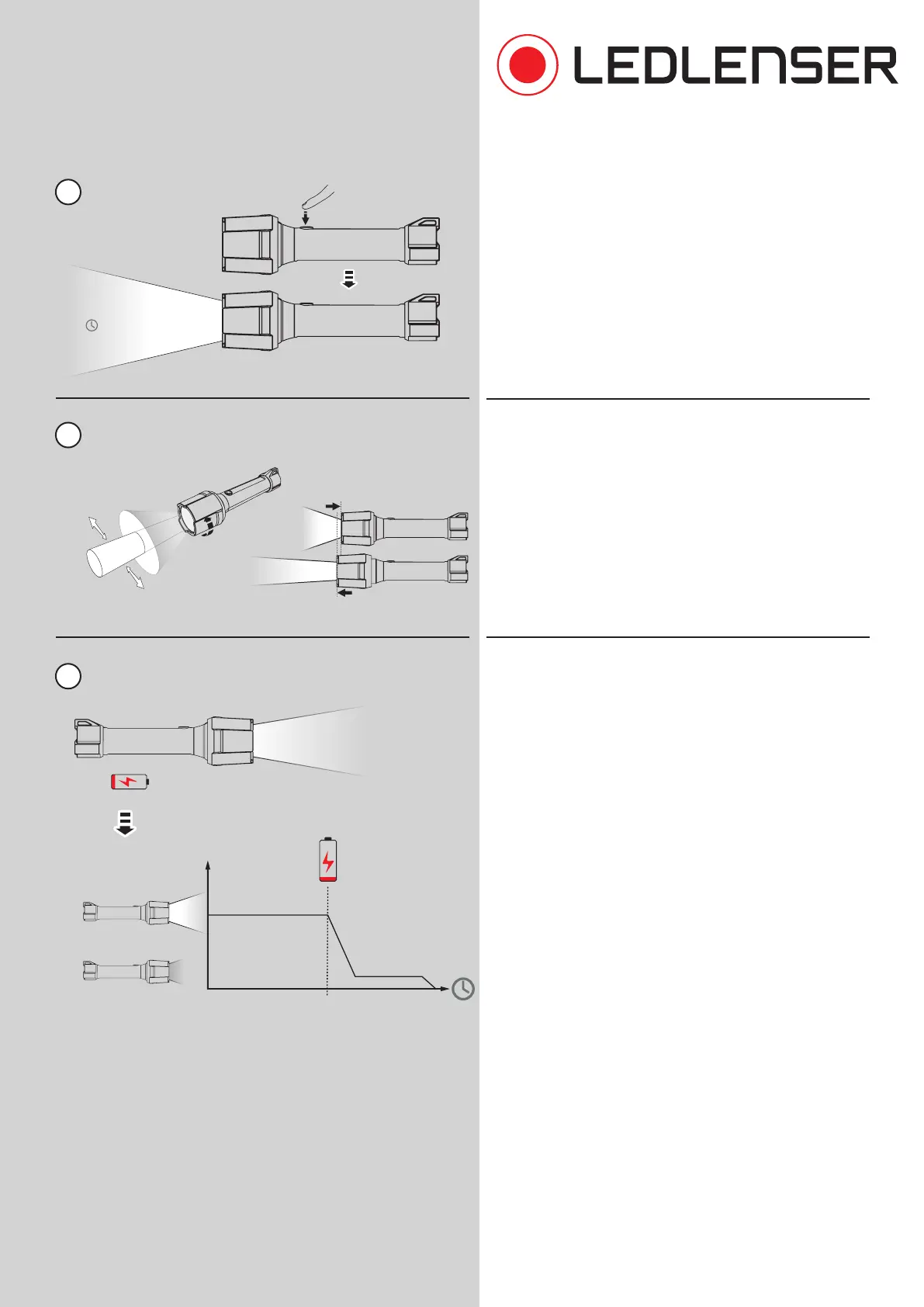
6. In boost mode, the lamp lights up with the maximum
available brightness for a period of ten seconds. The
boost mode can be activated at any time by double
tapping the switch, except when the transportation
lock is activated. After ten seconds the lamp switches
back to the previously selected light function.
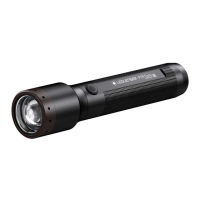
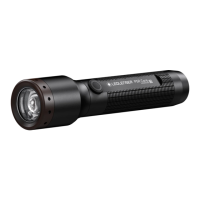
7. Dierent activities require dierent light. By turning
the lamp head whilst moving it forwards or backwards,
the light can be focused for maximum beam distance
or defocused for even illumination of the close-up area.
8. If the remaining battery capacity is low - after the
regular runtime has expired - the lamp switches to
„Backup Mode“. In this mode the lamp can only be
used in the lowest brightness level. It prevents the
lamp from suddenly switching o and ensures that
the user still has light available when the battery
is weak.
The „Backup Mode“ can be activated or deactivated
in the advanced settings. If the backup mode is
deactivated, the lamp is operated at full brightness
until the end of the battery capacity and then switches
o immediately.
When the „Low Battery Warning“ is active, which can
be activated or deactivated in the advanced settings,
the lamp gives a flashing signal every 15 minutes
when the battery capacity is low.
Advanced Focus System
Boost Function
Backup Mode
defocused
focused


 To Next Page