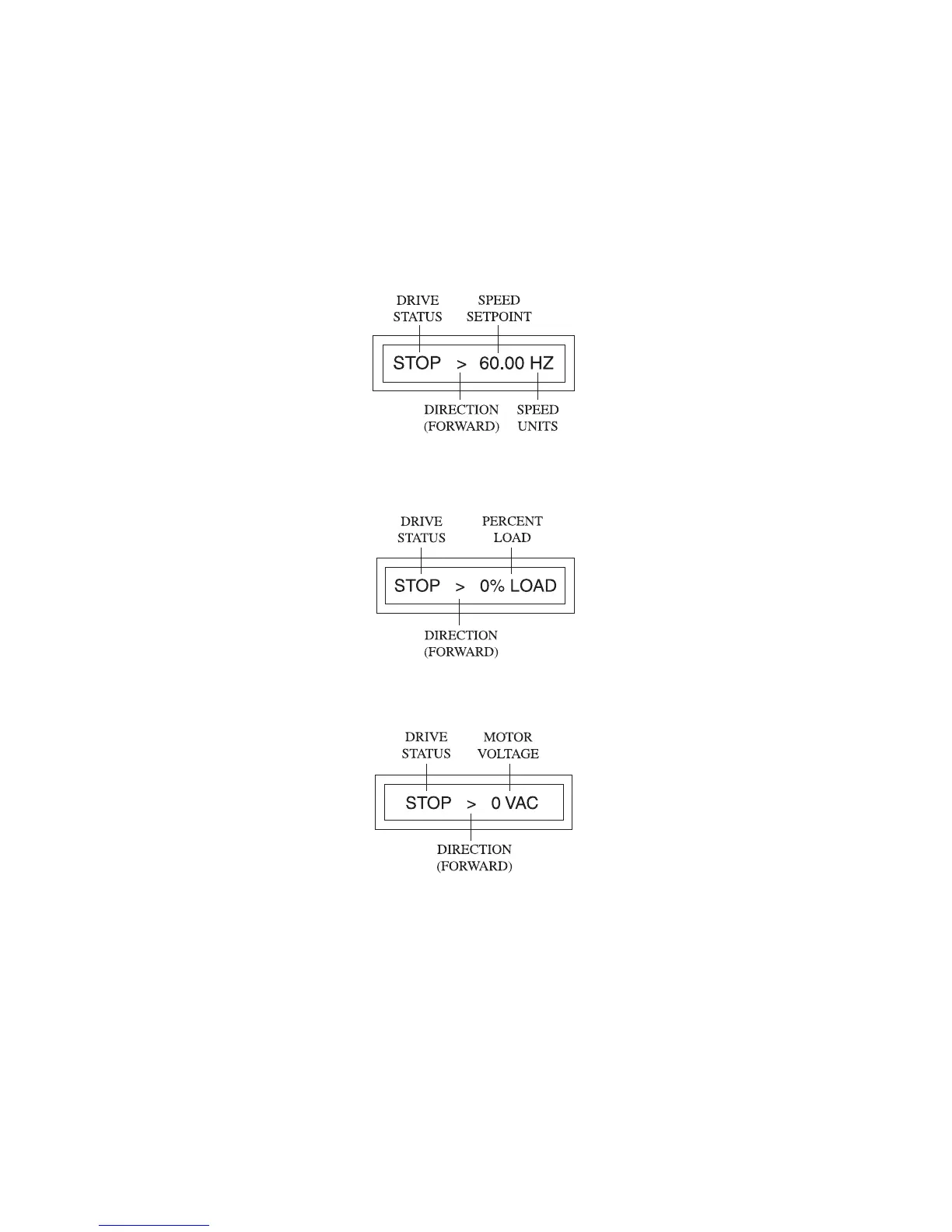
13.2 MICRO SERIES DISPLAY
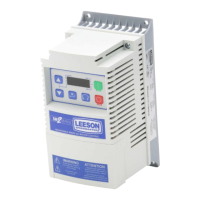
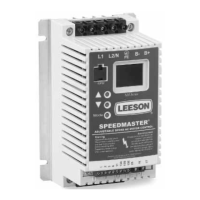
The following describes the possible display configurations for the SPEEDMASTER MICRO Series drive.
13.2.1 MICRO SERIES DISPLAY IN STOP MODE
When the drive is in the STOP mode, there are three possible delays. The first is the SPEED display, which
looks like this:
NOTE: See Parameter 31 - HZ UNITS for the SPEED UNITS display options.
Pressing the ENTER key will change the display from the SPEED indication to the % LOAD indication.
Pressing the ENTER key again will change the display from the % LOAD indication to the VAC (motor
voltage) indication:
Pressing ENTER again will change the display back to the SPEED indication.
25


 To Next Page