4
View of Unit
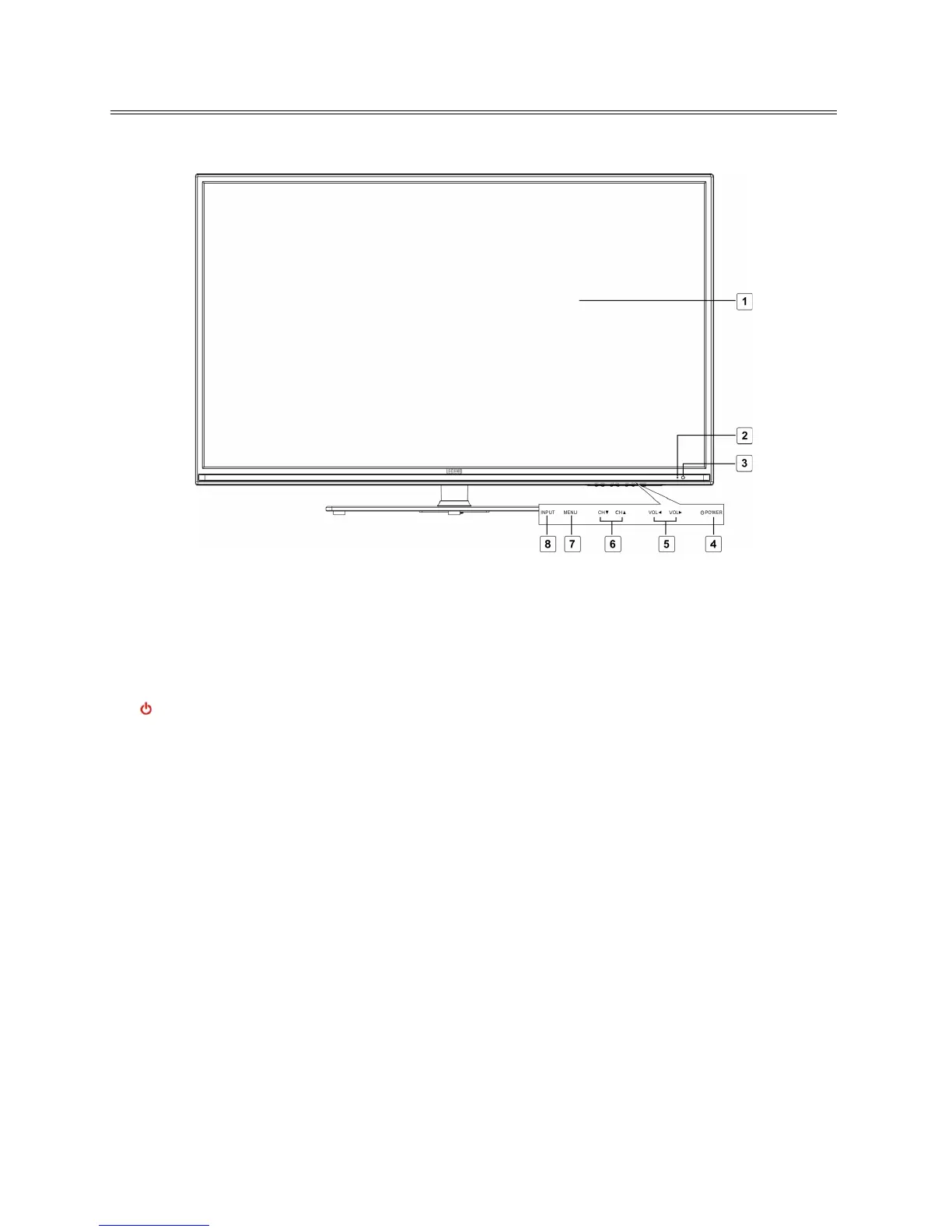
Front Panel
1. Color TFT screen
Presents high resolution picture.
2. Power Indicator
In active mode, it is green; in standby mode, it turns red.
3. Remote Sensor
Remote sensor window for the remote control.
4.
POWER button
Press to switch on or off the device (enter or exit the standby mode).
5. VOL ◄► buttons
Press to decrease or increase the volume.
When in setup menu, this button also serves the ◄► direction button.
6. CH ▲▼ buttons
Press to page up or down through programs in TV mode.
When in setup menu, this button also serves the ▲▼ direction button.
7. MENU button
Press to enter or exit system setup menu.
8. INPUT button
Press to display a menu of all of the available input sources.
When in setup menu, this button also serves the ENTER button.



 To Next Page