52
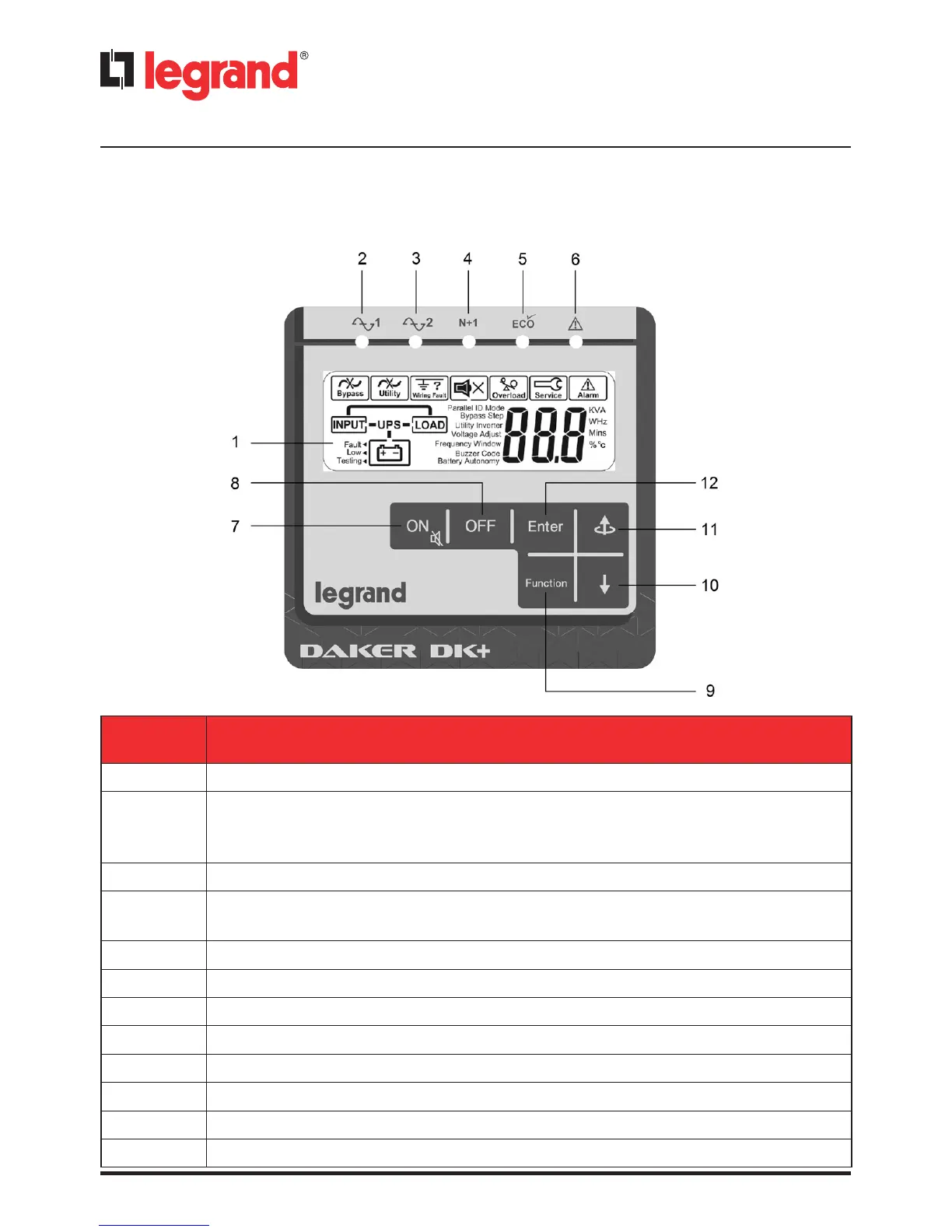
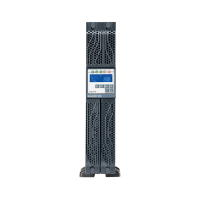
4.1 Control Panel
4.1.1 LCD Panel
ITEM DESCRIPTION
a
Display
b
The steady green LED indicates that the mains voltage is within the admittable
input voltage range.
The LED blinks if the mains voltage is below that acceptable range.
c
The steady green LED indicates that the bypass line is present
d
The steady green LED indicates that the UPS is able to run under redundancy
mode
e
The steady green LED indicates that the UPS is in ECO mode
f
The steady red LED indicates that there is an alarm
g
UPS power ON/Silence alarm
h
UPS power OFF
i
Special functions access menu
j
Go to the next screen
k
Go to the previous screen or change a setting.
l
Confirm a changed setting
4 Operation










 To Next Page