5
ADDING A RANGE EXTENDER OR REMOTE
To add a range extender or remote to the network, follow these simple steps.
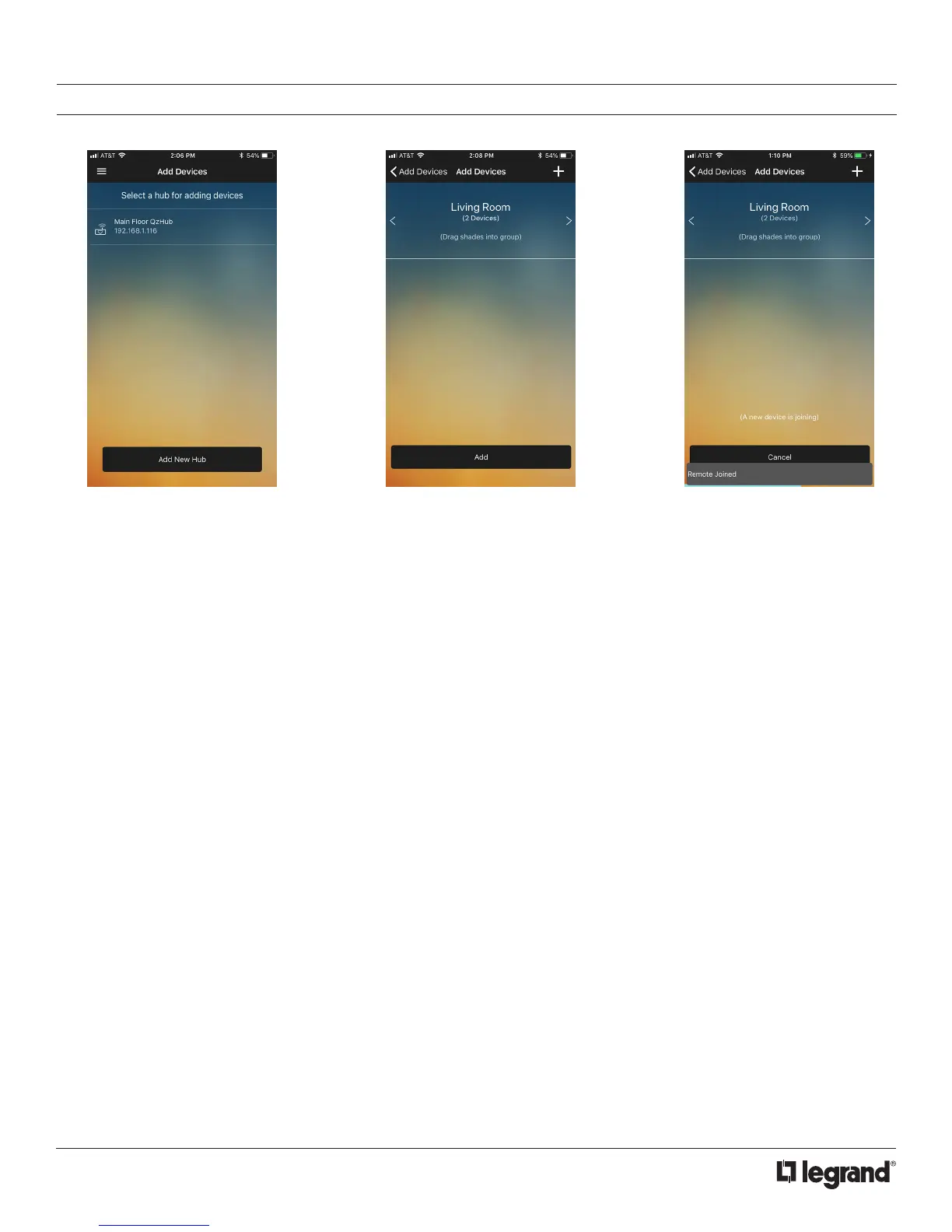
1. Navigate to the Add Devices
page. Tap the hub you wish to add
the extender to.
2. Tap the Join button to put the hub
into join mode. At this time, also
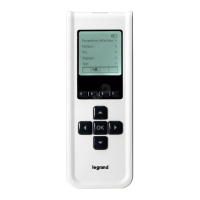
put the range extender or remote
into join mode (see instructions,
page 13).
3. Once connected, a notification will
indicating a successful pairing.



 To Next Page