56
6. Assembly
6.16 Optional Accessories
Camera
Connecting a camera
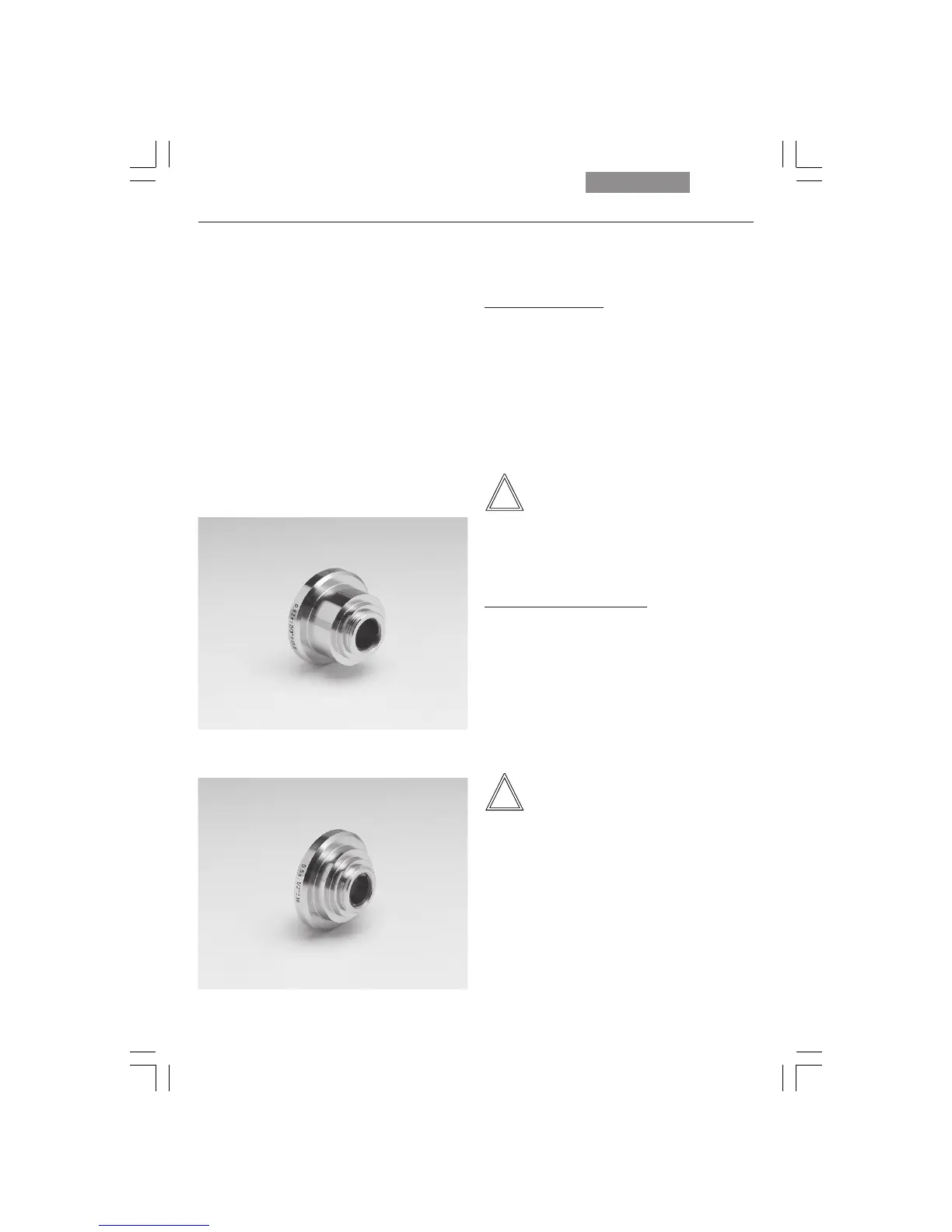
A camera can be installed using a C-mount or
Vario mount.
• Place the C-mount or Vario mount onto one of
the camera ports and secure it with the lock-
ing screw at the side.
• Screw on the camera.
Note:
When using a C-mount or Vario mount, run a
teach-in via the Leica Application Suite (LAS)
software.
Connecting multiple cameras
Two or more cameras – for example a digital and
an analog camera – can be adapted as required.
• When using a DC type camera, connect the
camera to the PCI card of your PC.
• When using a DFC type camera, connect the
camera to the FireWire card of your PC.
Note:
Please read the separate operating manual of
your digital camera.
Fig. 76 C-mount 0.5x
Fig. 75 C-mount 0.63x



 To Next Page