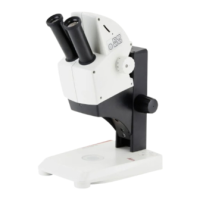
Leica E Series User Manual Leica ES2 18
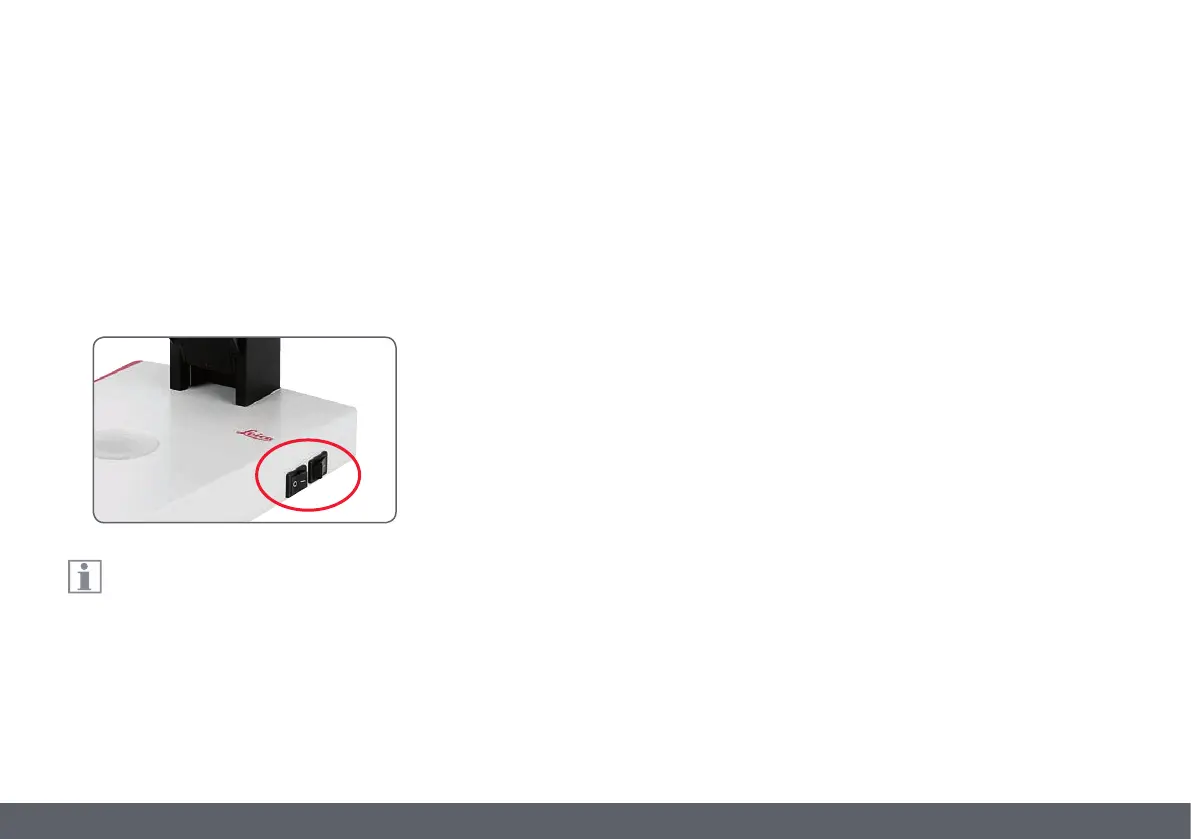
Iluminating the specimen
1. Position a specimen in the middle of the
baseplate.
2. Switch the two LED illuminators on or off as
desired.
After switching off, the LEDs remain lit for
about another 4 seconds.
Tips on use
O Use incident light for plastic, opaque
objects.
O Use transmitted light for transmitted light
specimens or transparent objects.
O Use the combination of both LED illumina-
tors for partially transparent objects.
Using the LED Illuminator


 To Next Page