EasyManua.ls Logo

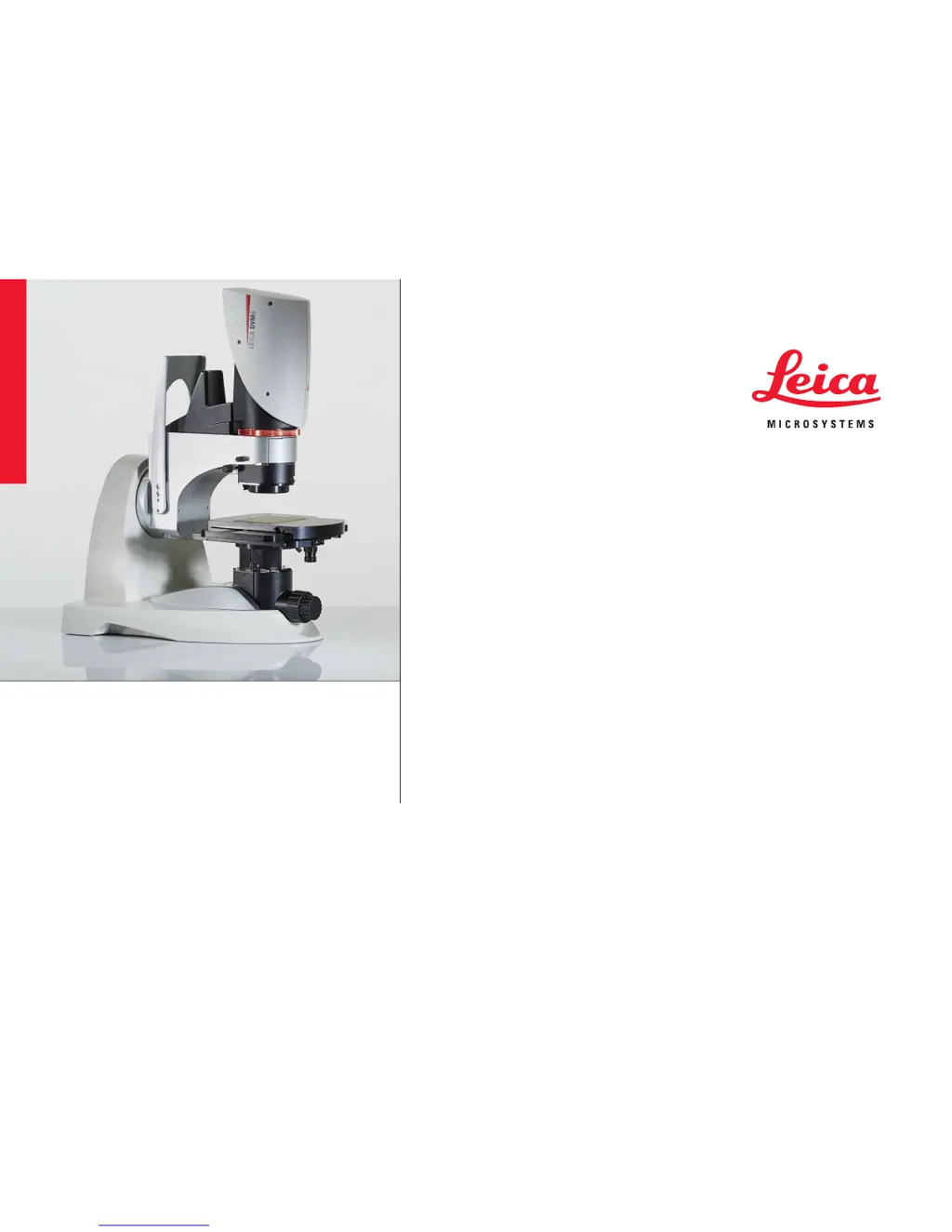
Leica DVM6 - User Manual

Leica DVM6
79 pages
Print Icon
To Next Page IconTo Next Page
Loading...
Leica DVM6
User Manual

Other manuals for Leica DVM6

Questions and Answers

  • K
    Karla DawsonJul 26, 2025
    What to do if the motorized focus drive cannot be activated in LAS X software for Leica DVM6?
    • S
      Sheila HannaJul 26, 2025
      If the motorized focus drive isn't activating in the LAS X software, ensure that the DVM6 is powered on via the power supply before launching the LAS X software. Also, check that the DVM6 is connected to the computer using a USB 3.0 connection. Restart the LAS X software after confirming the USB connection.
  • M
    Mr. Jonathan RyanAug 2, 2025
    Why is there no image on my Leica Microscope monitor?
    • J
      Jennifer StevensAug 2, 2025
      If you're not seeing an image on your Leica Microscope monitor, here's what to check: 1. Make sure the Leica DVM6, Windows PC, and the monitor are all switched on. 2. Connect the DVM6 to the computer using a USB 3.0 cable. 3. Verify the objective is properly installed on the DVM6. 4. Start the LAS X software and activate the live display. 5. Turn on one of the available illumination options. 6. Adjust the exposure time in the LAS X software or switch to automatic. 7. Use the focus drive to bring the sample surface into the working distance area of the objective and set the zoom ring to the lowest magnification. 8. If using coaxial illumination, set the relief contrast to the OPEN setting.
  • J
    jeremy97Aug 9, 2025
    What to do if the motorized XY stage cannot be activated in the LAS X software of Leica DVM6?
    • D
      Darlene LeonAug 9, 2025
      If you're having trouble activating the motorized XY stage in the LAS X software, make sure the DVM6 is powered on using the power supply before starting the LAS X software. Also, verify that the DVM6 is connected to the computer via USB 3.0. You might need to restart the LAS X software after establishing the USB connection.
  • R
    robertcaldwellAug 17, 2025
    How to fix uneven image brightness with coaxial illumination on a Leica DVM6?
    • A
      Angel McdonaldAug 17, 2025
      To correct uneven image brightness when using coaxial illumination, set the relief contrast to the OPEN position. Otherwise, brightness changes may be noticeable within the image, especially at low magnification levels. Also, set the contrast dial for the ?/4 plate to the Normal position.

Summary

General Instructions

Safety Concept and General Guidelines

Covers safety concept, clean rooms, cleaning procedures, and responsibilities for instrument operation.

Important Safety Notes

Provides crucial safety information regarding the user manual, system components, and handling.

Detailed Safety Instructions

Outlines intended use, non-intended use, place of use, health risks, and handling precautions.

Introduction

Installation and Assembly

System Setup and Connections

Guides on setting up the microscope, connecting cables, power supply, and installing objectives.

Instrument Setup

System Power-Up and Software Launch

Steps for powering on the Leica DVM6, computer, and launching the LAS X software.

Specifications

Troubleshooting

Common Errors and Solutions

Provides a guide to identify and resolve common operational errors and issues with the Leica DVM6.

Leica DVM6 Specifications

General IconGeneral
BrandLeica
ModelDVM6
CategoryMicroscope
LanguageEnglish

Related product manuals