Leica DVM6 User Manual Instrument Setup 33
Switching on the Computer and Starting the LAS X Software
General instructions
The light from the Leica LED illumina-
tion can be very bright. Avoid looking
directly into the LEDs.
The objective is equipped with a safety
shut-off for the integrated illumination.
Removing the objective from the microscope
switches off the illumination, preventing acci-
dental operation in an unmounted state.
Ensure that the objective is inserted on
the microscope and is securely in place,
the microscope is switched on and the micro-
scope is connected to the computer via USB.
Use
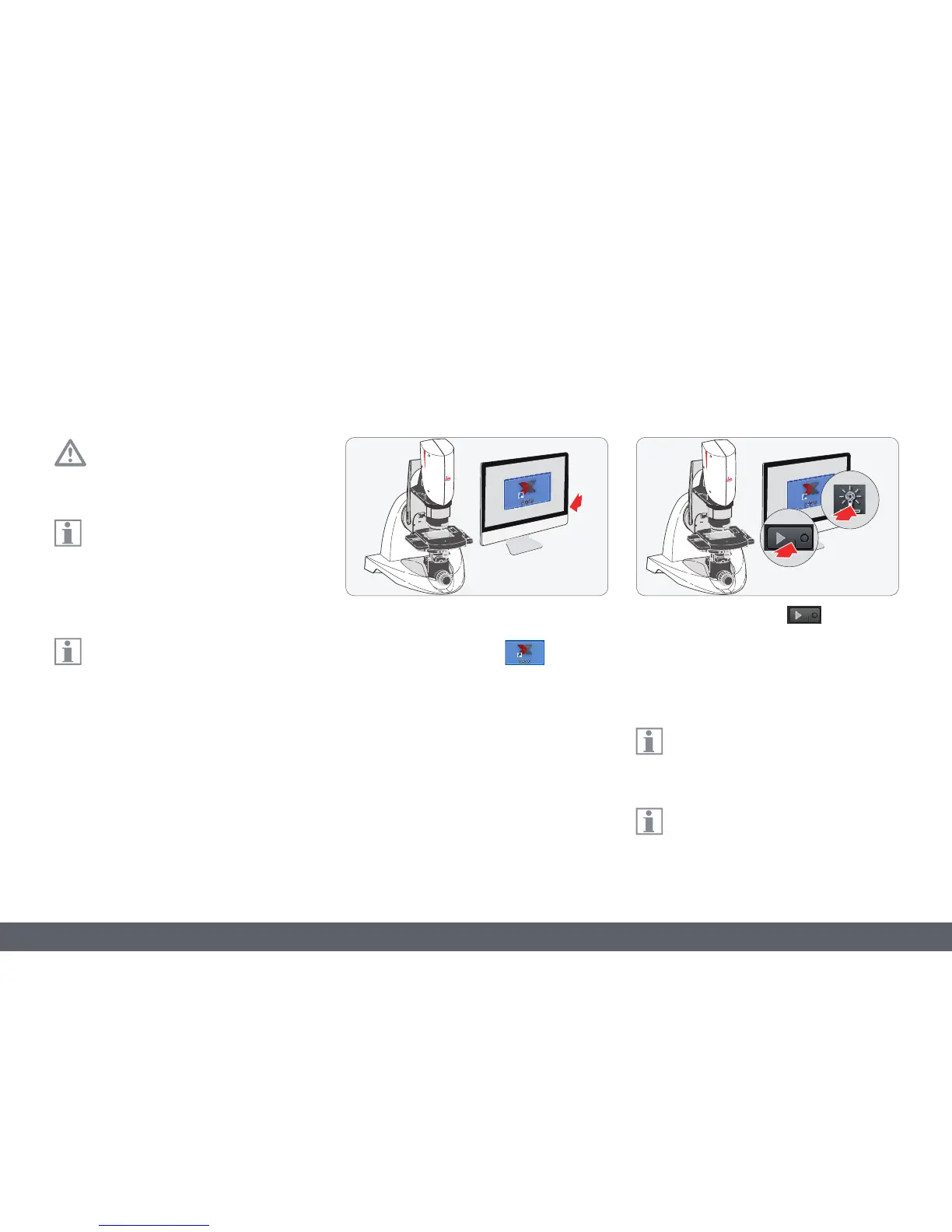
1. Switch on the Windows PC and the monitor.
2. Start the LAS X software
.
3. Press the "Play" button
to display the
live image.
4. Switch on the LED ring light illumination
using the LAS X software.
The intensity of the illumination can be
adjusted in ten increments using the
software.
In addition to the LED ring light illumina-
tion, you can also use the coaxial illumi-
nation as needed.



 To Next Page