Leica DVM6 User Manual Application 41
Leica DVM6
Leica DVM6 Application Example
General instructions
O The Leica DVM6 is designed as a VDU
workstation.
O It is a universal microscope with a wide
range of uses.
O It provides a large working distance,
making it ideal for examining even rela-
tively large samples that can be observed
at very high magnification levels without
special preparation.
O The Leica Application Suite X (LASX) soft-
ware lets you control the Leica DVM6,
change settings and record images or
videos.
Following you will find a brief description
of a typical workflow.
Preparations
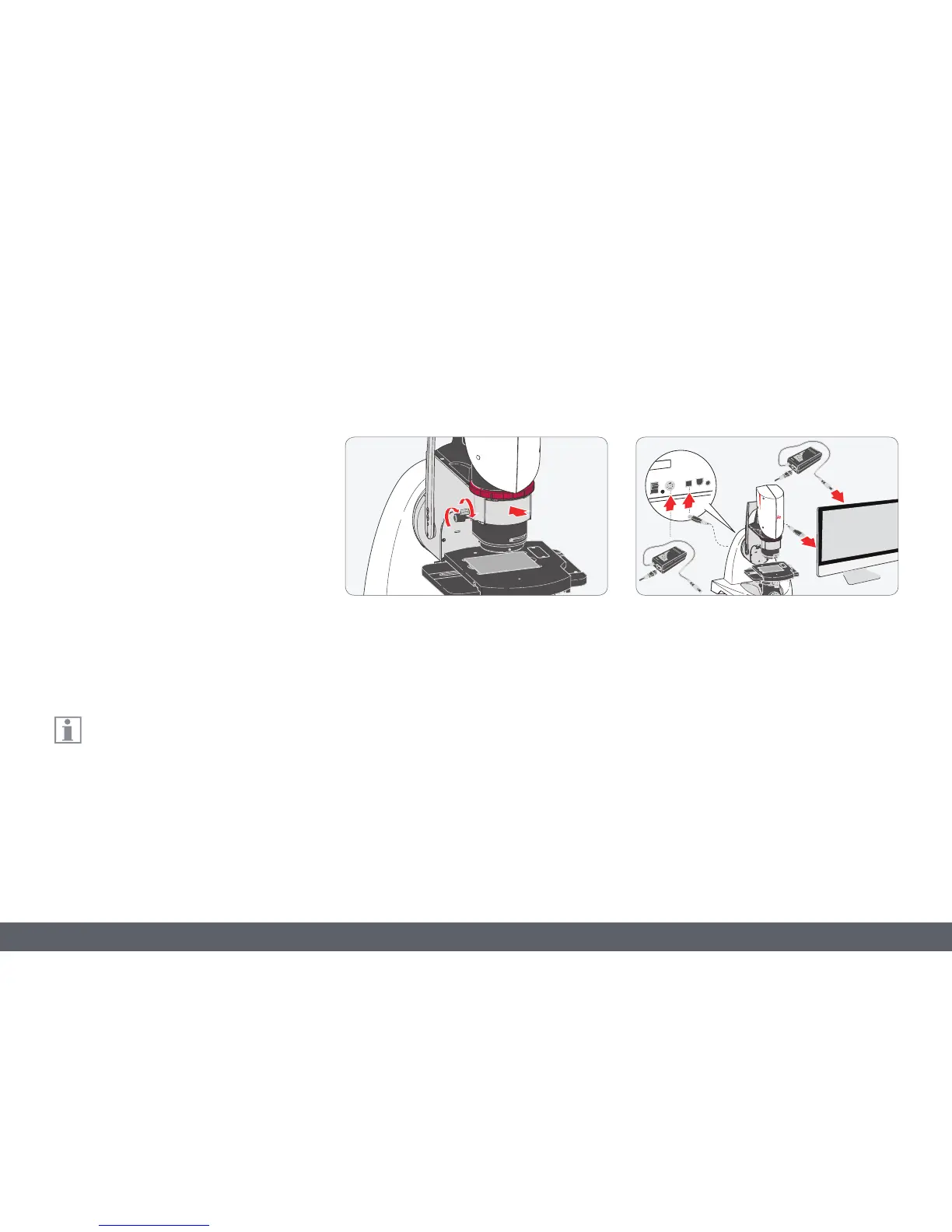
1. Check that the objective is correctly
inserted and secured.
2. Ensure that the relief contrast is turned all
the way towards the bottom.
3. Check that the microscope and computer
are properly connected to the power
supply.
4. Check the USB connection between the
microscope and computer.



 To Next Page