Leica DVM6 User Manual Instrument Setup 35
Focusing
Focusing
The LAS X software is used to control a
Leica DVM6 A with a motorized focus
drive. The focus can also be adjusted by hand at
any time despite this.
For a Leica DVM6 with a motorized
focus drive, the stage height can only be
adjusted if the instrument is powered.
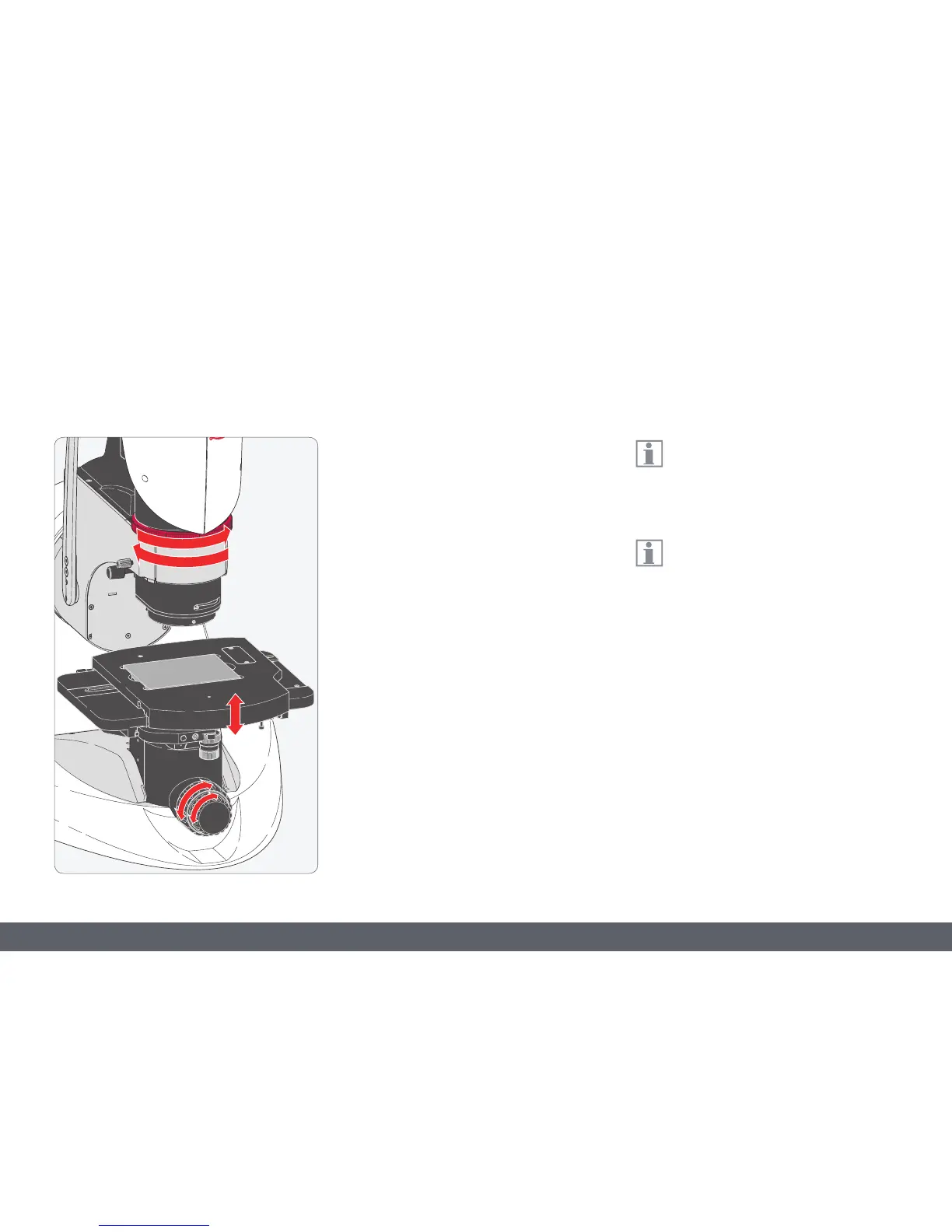
Focusing raises or lowers the XY stage using the
focusing drive. Focusing is manual or motor-
ized depending on the instrument version. The
sample detail is brought into sharp focus as
soon as it is at the focal point.
1. Set the lowest magnification level. Turn the
zoom ring clockwise as far as it will go.
2. At the lowest magnification level, use the
coarse/fine adjustment to focus.
3. Use the zoom ring to set the highest magni-
fication level.
4. At the highest magnification level, use the
coarse/fine adjustment to focus. Now the
sample is in focus at every magnification
setting.



 To Next Page