Leica DVM6 User Manual Installation/Assembly 21
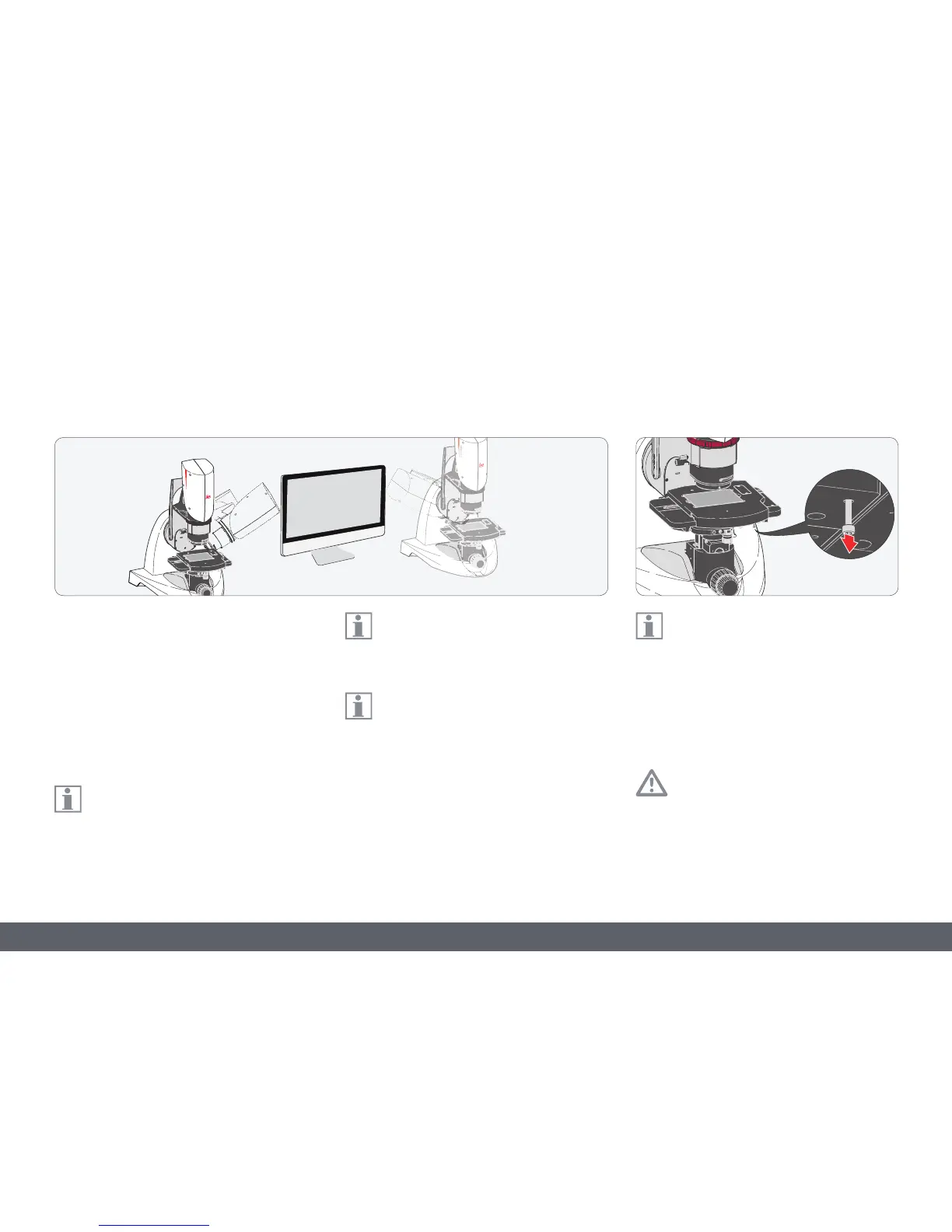
Leica DVM6 and monitor
1. Position the Windows PC and computer
monitor such that you have an optimum
working position in front of the screen.
2. Position the LeicaDVM6 next to the moni-
tor so that you can easily reach the rocker
arm, zoom ring, manual focus drive and XY
stage.
Depending on your preference, you can
position the LeicaDVM6 to the right or
left of the computer monitor.
Ensure that the LeicaDVM6 is far enough
away from the screen to ensure the tilt-
ing movement of the microscope.
The LeicaDVM6 microscope is designed
as a VDU workstation; the microscope
image is always and only displayed on the
computer monitor!
Transport anchor
The transport anchor has to be removed
before switching on the microscope for
the first time, specifically for the Leica DVM6A
with motorized XY stage.
1. Remove the transport anchor screw and
keep it for subsequent use.
Re-insert the transport anchor for subse-
quent transport; failure to do so could
result in severe damage to the LeicaDVM6.



 To Next Page