Leica DVM6 User Manual Software Application 51
Basic functions with the LeicaDVM6
The LAS X software is started via the LAS X icon
on the Windows
desktop.
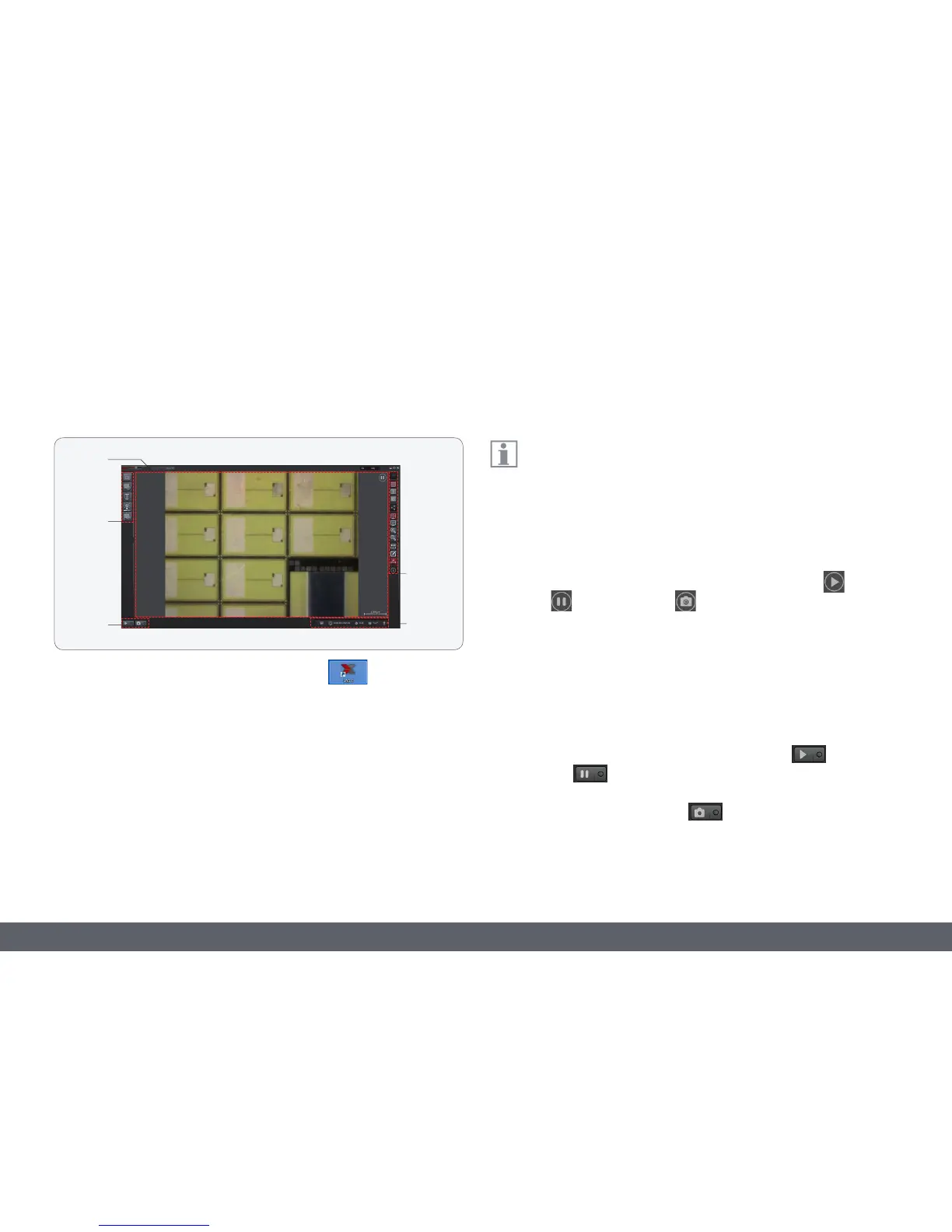
Once the LAS X user interface has loaded, the screen is subdivided into
the following areas:
1. Image area
2. Left toolbar
3. Work space
4. Right toolbar
5. Status bar
The LAS X software provides various functions for the different
LeicaDVM6 types (C, S, A). These differences are not listed in this
User Manual.
Image area
O The current image is shown in the image area. The displayed status
indicator on the top right indicates whether a live image
, a paused
image
or a stored image is currently displayed.
O A scale can be displayed in the bottom right image area; this scale
adjusts automatically if the magnification changes. The button on the
right-hand toolbar is used to display the scale.
Work space
O In the work space, you can switch on a live image or pause the
live image
.
O You can use the capture switch to initiate image acquisition.
Leica LAS X Basic Functions



 To Next Page