Leica DVM6 User Manual Software Application 52
Leica LAS X Basic Functions (Continued)
Left-side toolbar
Here, you can prepare image acquisition or
adjust the default values.
Right-side toolbar
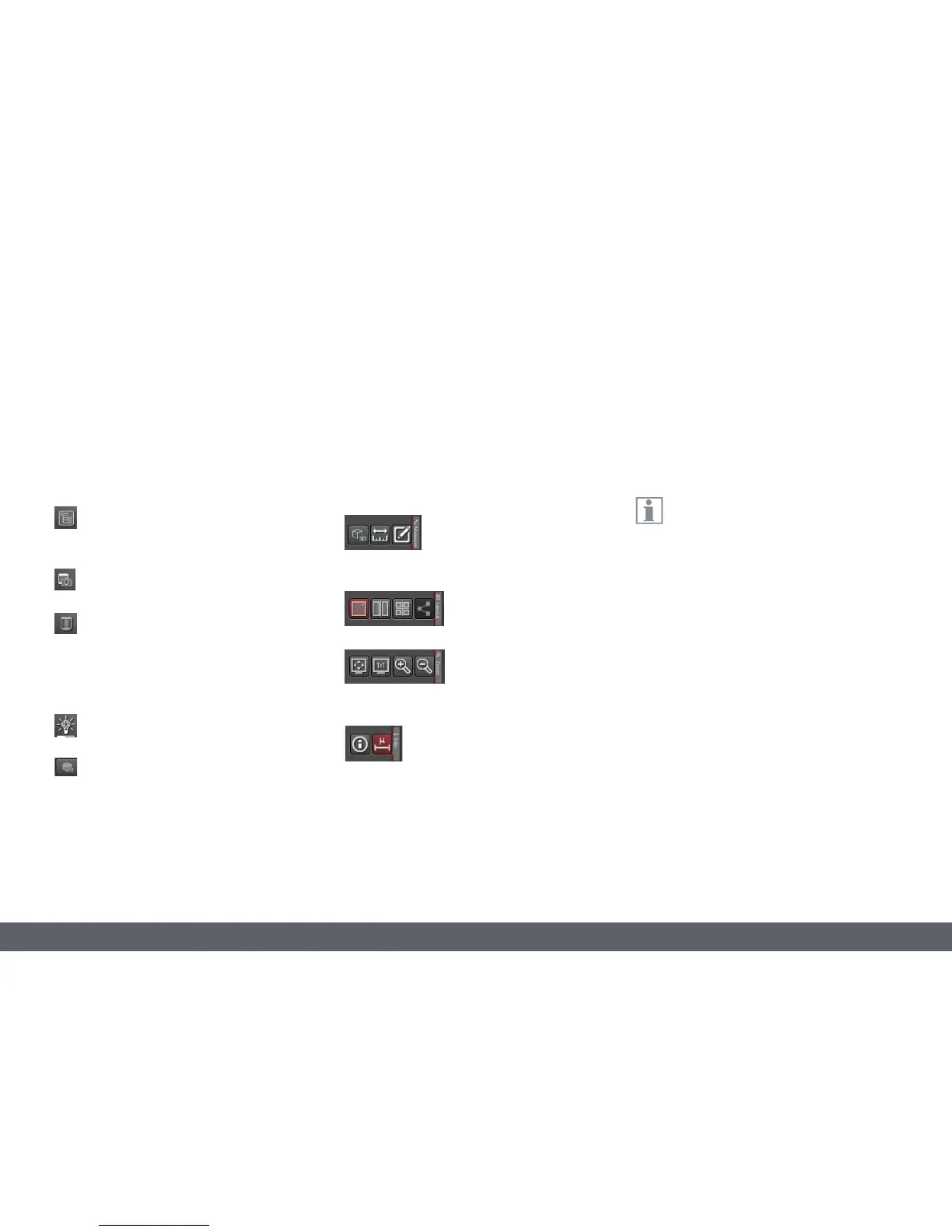
Buttons sorted into four groups are located on
the right-side toolbar. The buttons slide out
when you move the mouse to the edge of the
screen.
Display of a 3D image if suitable
image data is available. Tools for
measurement in the image and
for labels and comments.
Displaying several image
views for tasks such as
comparing images.
Tools for changing the
display on the screen (adapt
to the screen size, reduce or
enlarge the display).
Information on the image currently
shown. Show a scale in the image.
Status bar
The current instrument status is shown in the
status bar.
For more information, a detailed descrip-
tion of the individual functions and
controls is available in the help menu (top right
in the title bar).
Under Project, specify the storage loca-
tion for images or retrieve previously
saved images.
Under Camera, specify the camera
settings and activate the image preview.
In the microscope menu, retrieve the
current magnification and specify
whether the system should be optimized
for the best depth of field or the best
image resolution.
In the illumination menu, control the illu-
mination of the DVM6.
In XY mode, expand the image area by
moving the XY stage; in Z mode, you can
create an image with an expanded depth
of field.



 To Next Page