Leica DVM6 User Manual Instrument Setup 37
Changing the Magnification
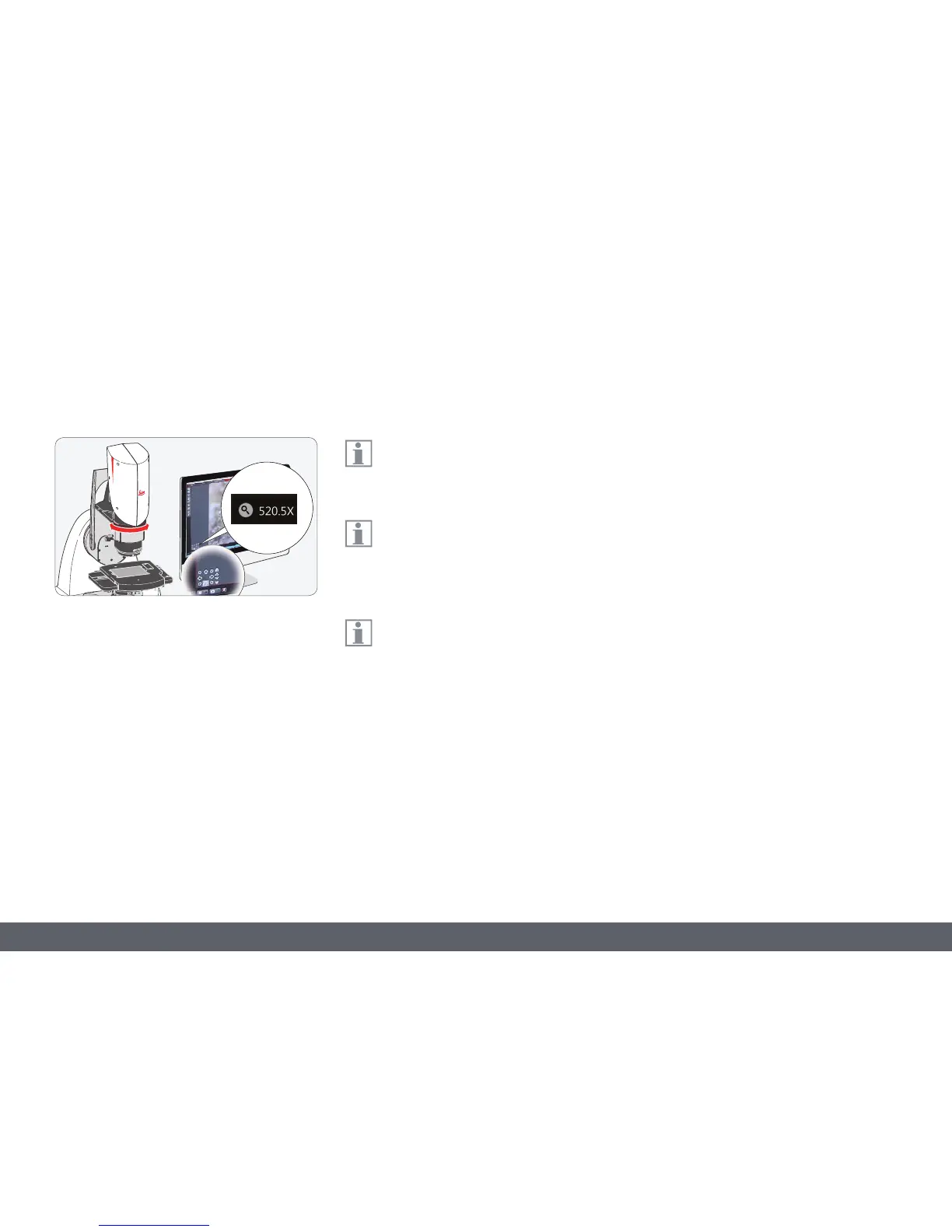
Changing the magnification (zoom)
1. Observe the live image on the monitor.
2. Focus on the sample.
3. Rotate the zoom ring until the desired
magnification is configured. While chang-
ing the magnification, the current value is
displayed in the live image.
4. Refocus if necessary.
The LeicaDVM6 provides you with infi-
nitely variable adjustment for changing
the magnification level.
Parfocality: The LeicaDVM6 is parfocally
matched. If the sample is in focus at the
highest magnification level, this remains true
across the entire magnification range.
A magnification display is shown on the
screen while zoomed in. The displayed
magnification corresponds to the ratio of the
size shown on the screen to the real structure
size on the sample.



 To Next Page