Leica DVM6 User Manual Application 44
General instructions
The coaxial illumination
O illuminates the sample directly from above
O is switched on and off via the Leica LAS X
software and the brightness is adjusted
O can be adjusted to the reflection properties
of the sample using the contrast dial
O can be influenced using relief contrast
O can be used independent of the LED ring
light illumination
O is available for the two PlanAPO FOV12.55
and FOV3.60 objectives
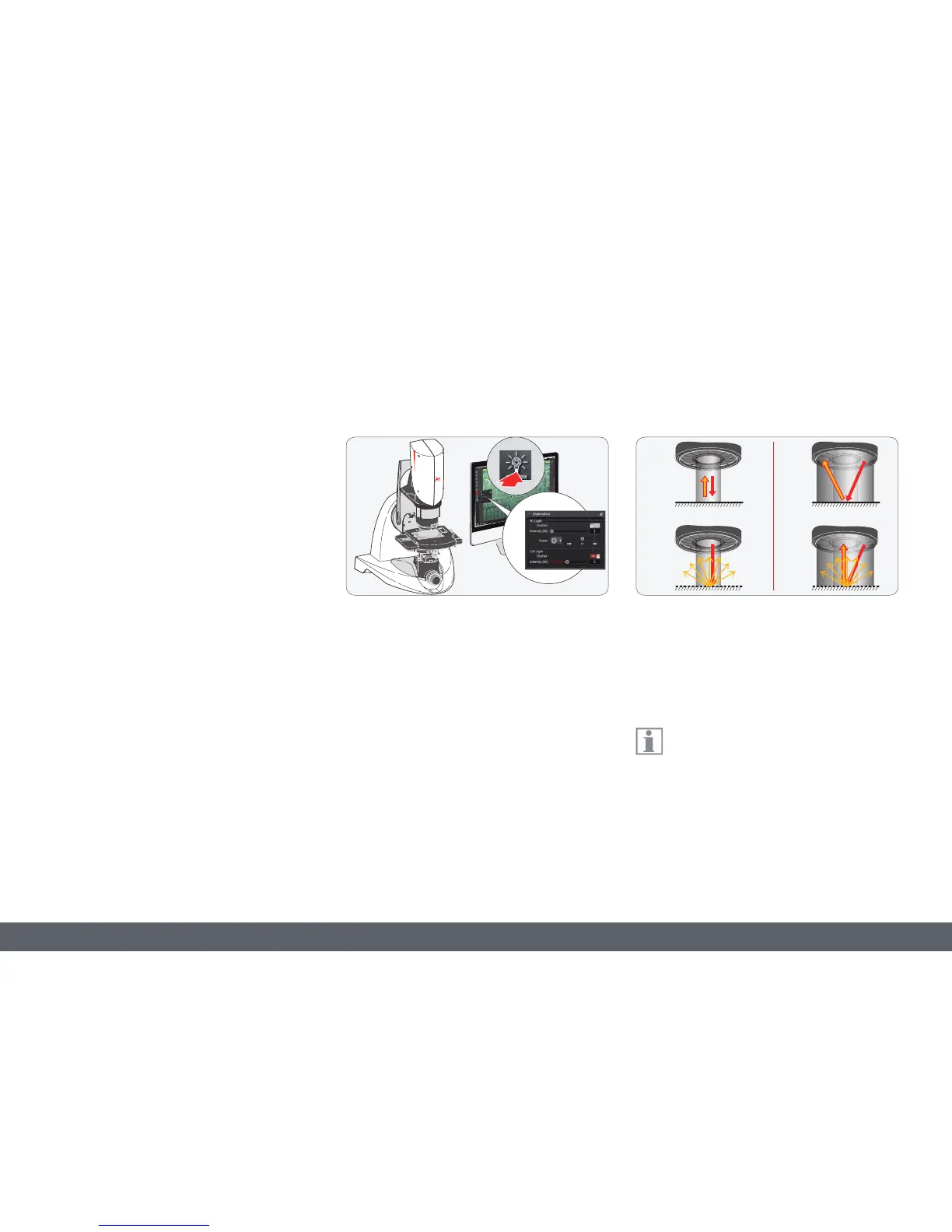
Switching on the coaxial illumination
1. Focus on the sample.
2. Switch on the coaxial illumination using the
Leica LAS X software.
3. You can also regulate the brightness of
the coaxial illumination using Leica LAS X
software.
The image shows a schematic diagram of how
the coaxial illumination (a) and LED ring light
illumination (b) work: The top shows reflective/
shining sample surfaces and the bottom shows
matte/diffuse sample surfaces.
The LED ring light illumination is recom-
mended for matte/diffuse sample
surfaces; the coaxial illumination is recom-
mended for reflective/shining sample surfaces.
Coaxial Illumination



 To Next Page