Leica DVM6 User Manual Application 45
Coaxial Illumination (Continued)
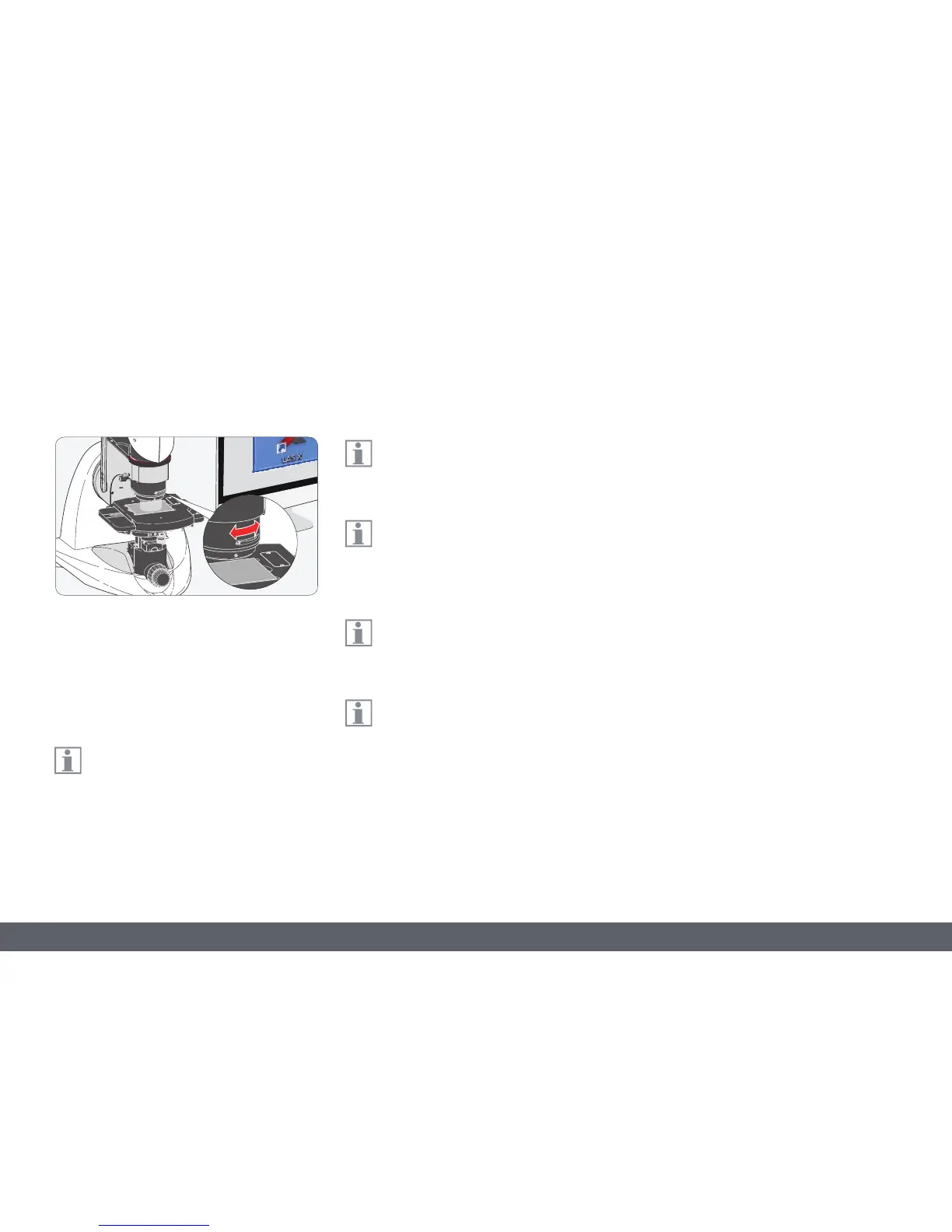
Contrast dial
1. With the coaxial illumination switched on,
bring the sample into focus.
2. Adjust the contrast dial to regulate the
image brightness of reflective sample
surfaces under the coaxial illumination.
If, when turning the dial, the image
becomes dark for a short period of time,
wait a moment until the exposure correction
has compensated for the brightness of the
image.
The contrast dial should only be turned
out of the normal position for flat, shin-
ing samples to improve the image quality.
For suitable samples with shining
surfaces, e.g. semiconductor chips, the
contrast dial can be used to show the colors of
the surface.
The contrast dial for coaxial incident light
illumination is available for the PlanAPO
FOV12.55 and FOV3.60 objectives.
The contrast dial and relief contrast can
be used at the same time.



 To Next Page