Leica DVM6 User Manual Application 46
Coaxial Illumination (Continued)
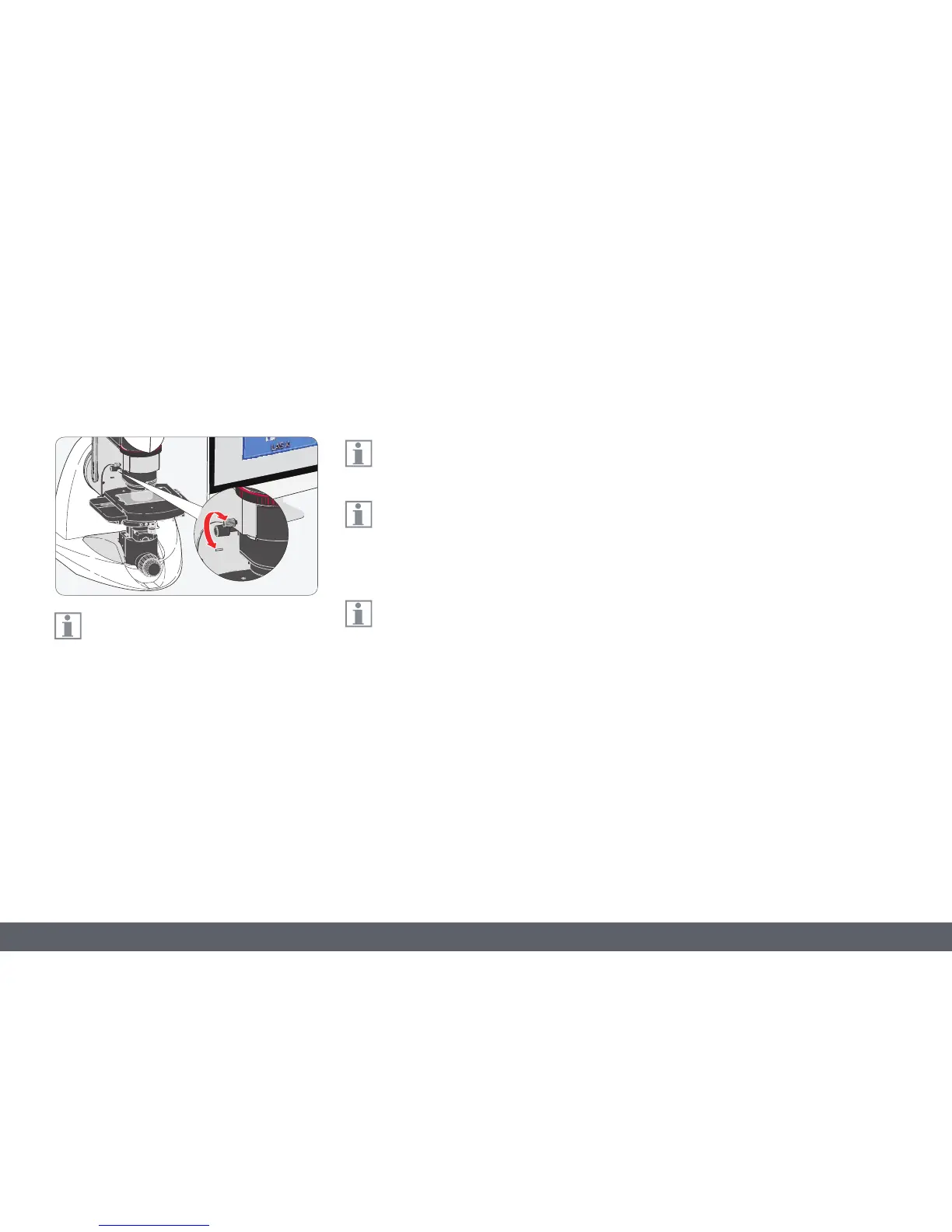
Adjusting relief contrast
Using the control dial for relief contrast,
"mask" a part of the coaxial illumination.
This makes the light hit the sample at a slight
angle and creates shadows on subtle surface
irregularities to convey a spatial impression.
1. With the coaxial illumination switched on,
bring the sample into focus.
2. Use the control dial to adjust the coaxial
illumination until the image shows the
desired spatial effect.
Adjusting the relief contrast has an influ-
ence on the coaxial illumination.
Adjusting the relief contrast can be used
to generate a depth effect in the image
for flat samples, for example, to better detect
contamination.
The contrast dial and relief contrast can
be used at the same time.



 To Next Page