18 Instruction Manual V1.1 01/2001
7. Setup
7.4 Power on
When turning the instrument on with the
mains switch, do not press any of the buttons
of control panel, external control panel or the
foot switch!
Turn the instrument on with the mains switch at the
rear.
This is followed by a beep.
The instrument initializes.
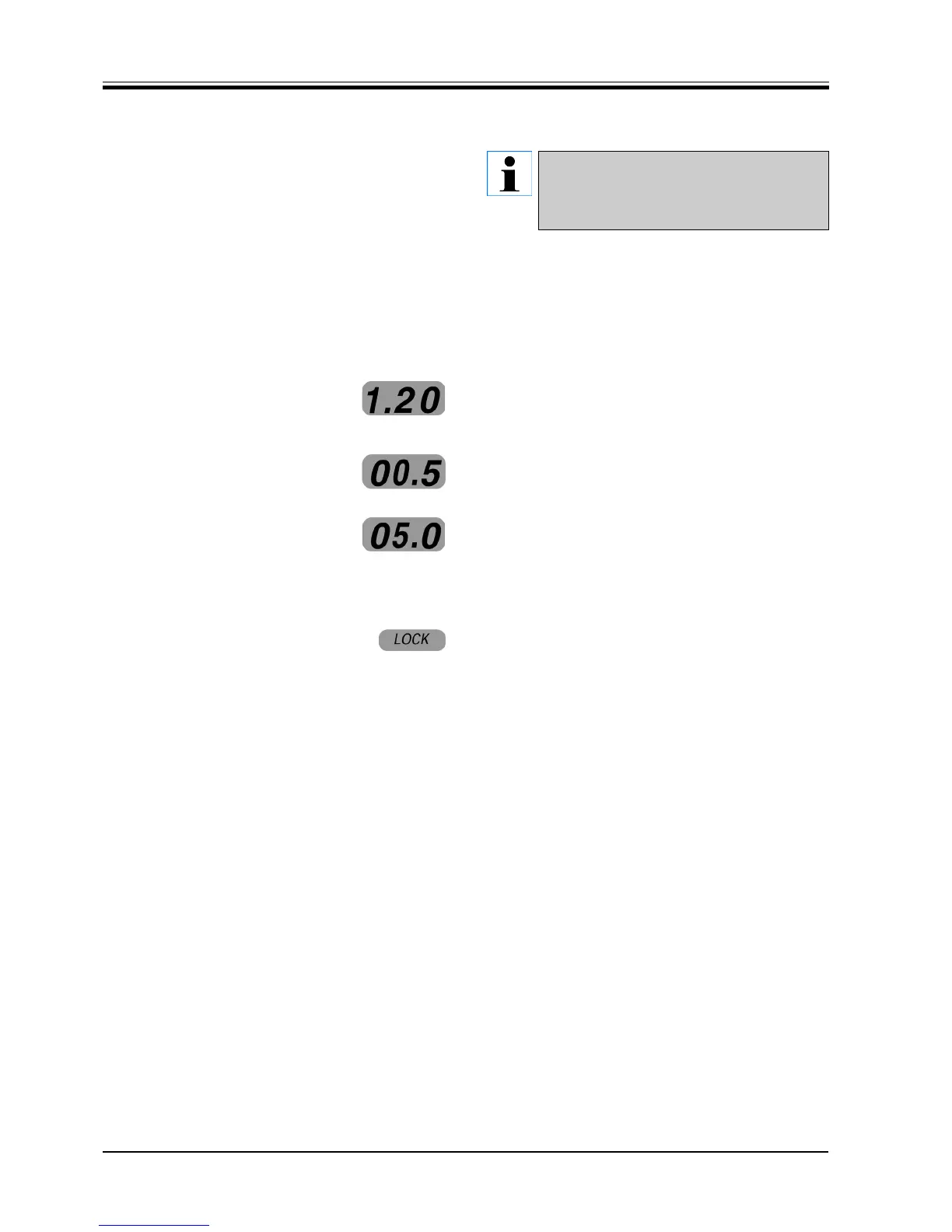
The software version is displayed for approx. two sec-
onds.
The display reads the section thickness previously se-
lected (e.g. 0.5 µm).
If the TRIM function is activated the display reads the
TRIM STEP setting previously selected (e.g. 5 µm).
After turning on the LEDs of all activated functions il-
luminate.
If 'LOCK' (yellow) illuminates, release the hand-
wheel brake if activated.



 To Next Page