EasyManua.ls Logo

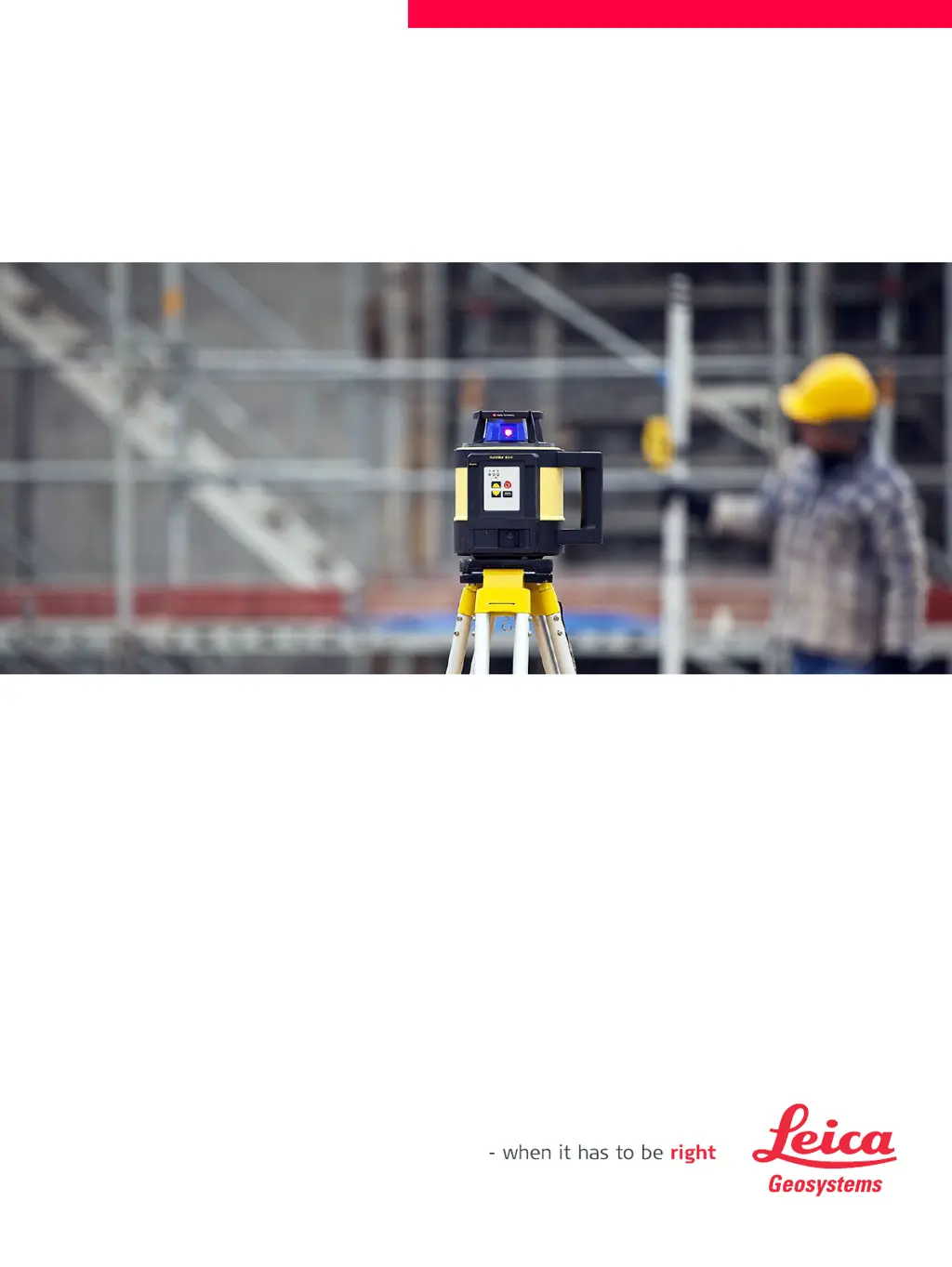
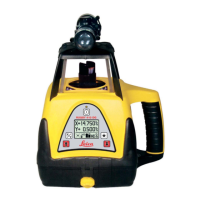
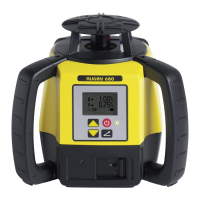
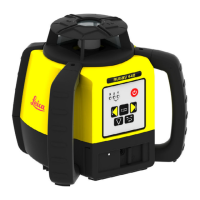
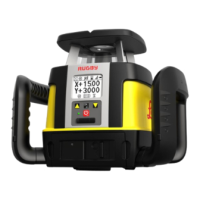
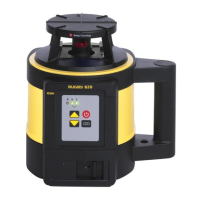
Leica Rugby 820 - User Manual

Leica Rugby 820
52 pages
Print Icon
To Next Page IconTo Next Page
Loading...
Leica Rugby 820/830
User Manual
Version 1.0
English

Other manuals for Leica Rugby 820

Questions and Answers

  • D
    Darlene StephensAug 2, 2025
    Why is my Leica Laser Level receiver not working properly?
    • R
      Robert AbbottAug 2, 2025
      Several factors can cause this. The Rugby might not be rotating because it is levelling or in Elevation Alert. Ensure the Rugby is operating correctly. You may be out of the receiver's usable range, so move closer to the Rugby. Alternatively, the receiver batteries might be low, so try changing them.
  • K
    Kristen ThomasAug 6, 2025
    What to do if my Leica Rugby Laser Level does not turn on?
    • D
      Danielle SweeneyAug 6, 2025
      If your Rugby laser level isn't turning on, the batteries may be low or dead. Check the batteries and replace or charge them if needed.
  • M
    michaelrodgersAug 10, 2025
    How to fix Leica Rugby 820 Laser Level Rugby when it is working, but not self-levelling?
    • A
      Allison HamiltonAug 10, 2025
      If your Rugby laser level is working but not self-levelling, it might be in Manual Mode. The Rugby must be in Automatic Mode to self-level. Set the Rugby to Automatic Mode by pressing the Automatic/Manual Mode button. When in Automatic Mode, the X-axis LED and the Y-axis LED will flash green while levelling. In Manual Mode, the X-axis LED and/or the Y-axis LED will be red.
  • T
    terrencecunninghamAug 15, 2025
    Why is the distance of the laser reduced on my Leica Rugby Laser Level?
    • C
      Cynthia GrossAug 15, 2025
      A reduced laser distance could be due to dirt reducing the laser output. Clean the windows of both the Rugby and the receiver.
  • J
    John MartinAug 19, 2025
    What to do if the Elevation Alert function is not working on my Leica Rugby 820 Laser Level?
    • J
      johnnybartonAug 19, 2025
      If the Elevation Alert function isn't working, it may be disabled. To enable or disable it: turn on the Rugby and ensure it's rotating, then press and hold the Up and Down Arrow buttons. While holding these, press the Automatic/Manual Mode button. The Rugby will beep once to indicate the change.
  • C
    Carl JohnstonAug 25, 2025
    How to fix Leica Rugby Laser Level when it does not switch to Manual Mode?
    • B
      Bruce WoodsAug 25, 2025
      If the Rugby beeps three times when you press the Automatic/Manual Mode button but doesn't switch to Manual Mode, the Manual Mode might be disabled. To enable or disable it, turn off the Rugby, then press and hold both the Automatic/Manual Mode button and the Power button for 5 seconds. The Rugby will beep five times, followed by a longer beep to indicate the change.
  • R
    Ricardo WardAug 27, 2025
    Why is Smart Target feature not working on my Leica Rugby 820 Laser Level?
    • J
      John PattersonAug 27, 2025
      The Smart Target feature may not work because the Rugby 820 and the receiver haven't been paired and can't communicate. Pair the Rugby 820 and the receiver.

Summary

Introduction

Purchase

Initial congratulations and introduction to the product purchase.

Product Identification

Locating and recording the product's type and serial number for reference.

Validity of this Manual

Specifies which Rugby models this manual applies to and how differences are marked.

Available Documentation

Lists additional resources like Quick Guides and online materials for product support.

Safety Directions

General Safety Information

General directions for anticipating and avoiding operational hazards.

Definition and Limits of Use

Details intended use, reasonably foreseeable misuse, and environmental limits.

Responsibilities

Outlines duties of Leica Geosystems and the person responsible for the product.

Hazards of Use

Identifies potential hazards like electrocution, lightning, and mechanical damage.

Laser Classification

Explains laser safety classifications and product safety for momentary exposure.

Electromagnetic Compatibility

Discusses product's ability to function in electromagnetic environments and avoid interference.

FCC Statement

Regulatory statement for US regarding FCC rules for digital devices and radio frequency energy.

Labelling

Product and Receiver Labels

Illustrates and explains the labels found on the Rugby 820/830 and Rod Eye receivers.

Description of the System

System Components Overview

Introduces the Rugby 820/830 as a laser tool for construction and levelling.

Rugby and Case Components

Identifies and labels the main components of the Rugby laser and its carrying case.

Setup and Installation

Provides steps for setting up the Rugby on a tripod and securing it properly.

Operation

Buttons and Controls

Details the function of each button on the Rugby laser for operation.

LED Indicators and Status

Explains the meaning of LED indicators for battery, axis status, and alerts.

Powering On and Off

Step-by-step guide on how to turn the Rugby laser on and off.

Automatic Mode Operation

Describes how the Rugby operates automatically with self-levelling.

Manual Mode Operation

Explains how to activate and use manual modes for slope entry.

Elevation Alert Function

Details the Elevation Alert feature to prevent incorrect work due to tripod movement.

Receivers

Rod Eye 160 Digital Receiver

Describes the instrument components and buttons of the Rod Eye 160 receiver.

Rod Eye 180 Digital RF Receiver

Details instrument components and buttons for the Rod Eye 180 RF receiver.

Receiver Menu and Settings

Explains how to access and navigate the receiver menu for various settings.

Pairing Receivers

Step-by-step guide on how to pair the Rod Eye 180 with the Rugby 820.

Applications

Setting Forms

Step-by-step instructions for using the laser to set forms accurately.

Checking Grades

Guidance on using the laser to check existing grades and elevations.

Manual Grades

Instructions for setting manual grades using the laser and receiver.

Applications - Rugby 820 and the Rod Eye 180 Digital RF receiver

Covers Smart Target, Smart Target Lock, and Dual Receiver Setups for the Rod Eye 180 when used with the Rugby 820.

Batteries

Charging and First-Time Use

Details battery charging requirements, temperature ranges, and first use.

Operation and Discharging

Explains operating temperature limits and the effect on battery capacity and service life.

Accuracy Adjustment

Checking Level Accuracy

Procedure for checking the Rugby's level accuracy against a wall.

Adjusting Level Accuracy

Steps for entering adjustment mode and adjusting the laser's level accuracy.

Automatic Field Calibration

Calibration Overview

Describes the automatic field calibration procedure using the receiver.

Calibration Setup and Procedure

Step-by-step guide for setting up and performing automatic field calibration.

Troubleshooting

Alerts and Error Indicators

Explains common alerts, their symptoms, and possible causes.

Common Problems and Solutions

Provides a comprehensive list of common issues, their causes, and suggested fixes.

Care and Transport

Transport Guidelines

Instructions for safely transporting the equipment in the field, vehicles, and by shipping.

Storage Recommendations

Guidance on proper storage of the product and batteries, including temperature limits.

Cleaning and Drying Procedures

Steps for cleaning lenses, products, and cables to maintain performance.

Technical Data

Regulatory Compliance

Details compliance with national regulations, FCC, and European directives.

Laser Specifications

Provides key technical data including operating range, accuracy, and rotation speed.

Lifetime Manufacturers Warranty

Warranty Coverage Details

Explains the lifetime warranty, five-year no-cost period, and knockdown warranty.

Accessories

Accessories for Power Supply

Lists and describes various power supply accessories for the Rugby laser.

Leica Rugby 820 Specifications

General IconGeneral
TypeRotary Laser Level
Accuracy± 1.5 mm at 30 m
Protection ClassIP 68
Self-Leveling Range± 5°
RangeUp to 800 m with detector
Power SupplyRechargeable Li-Ion battery pack
Laser Diode Type635 nm
Operating Temperature-20 °C to +50 °C

Related product manuals