EasyManua.ls Logo

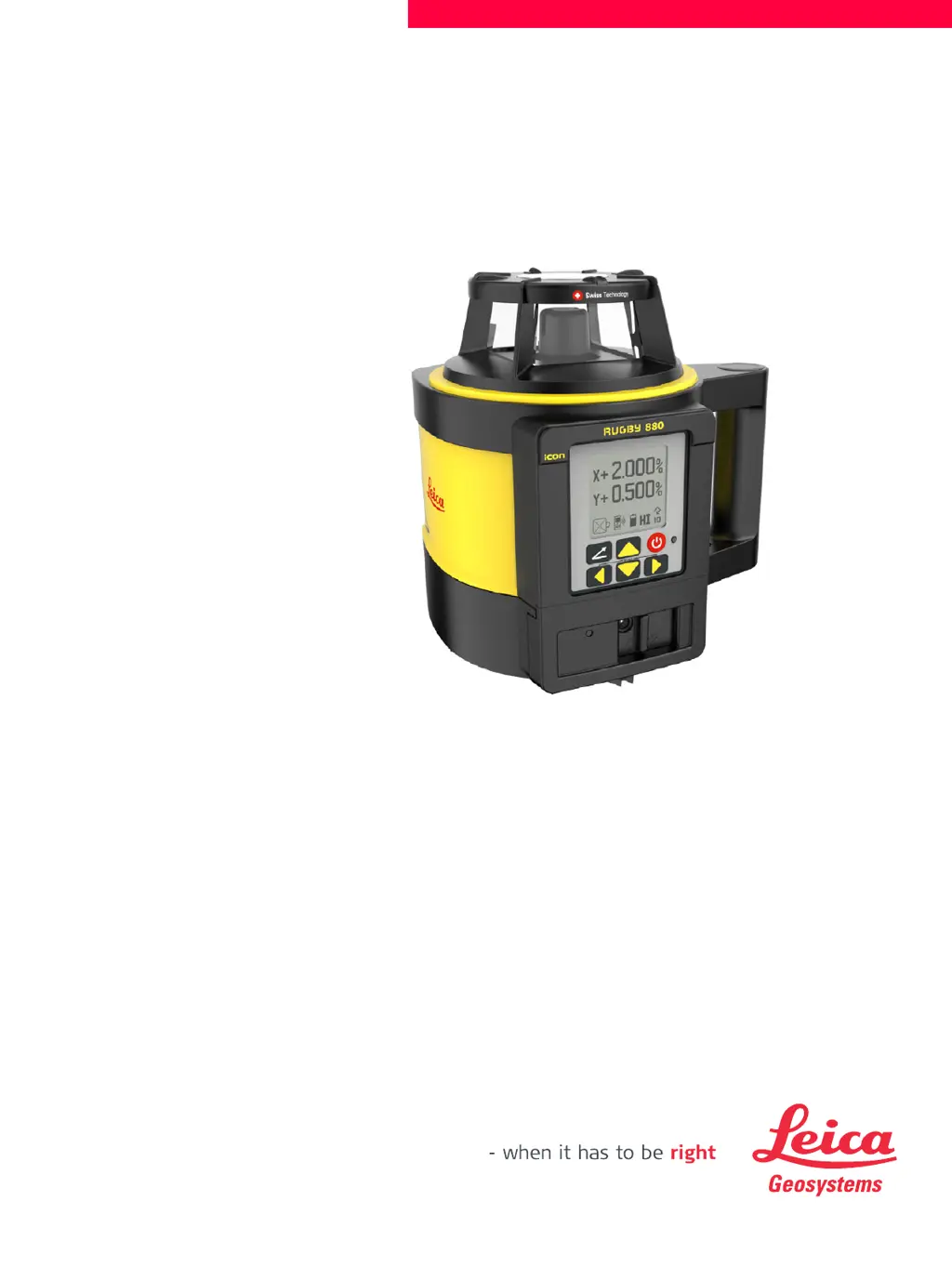
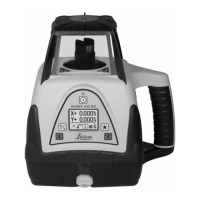
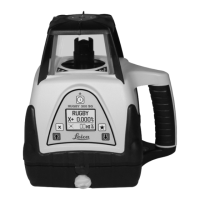
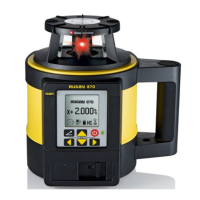
Leica Rugby 880 - User Manual

Leica Rugby 880
72 pages
Print Icon
To Next Page IconTo Next Page
Loading...
Leica Rugby 870/880
User Manual
Version 1.0
English

Table of Contents

Other manuals for Leica Rugby 880

Questions and Answers

  • T
    tiffanysheltonAug 20, 2025
    How to fix a low battery indication on my Leica Laser Level display?
    • J
      Jack WilsonAug 20, 2025
      If you see the Low Battery indication on the display of your Leica laser level, it means the batteries are low. Replace the alkaline batteries or recharge the Li-Ion battery pack.
  • B
    Benjamin OwensAug 22, 2025
    Why is the 'empty battery' icon flashing on my Leica Rugby 880 Laser Level?
    • B
      Billy JacksonAug 22, 2025
      If the Leica Rugby laser level has reached a low battery condition, the “empty battery” icon will flash. Check the battery of the Rugby.
  • S
    Sonya RodgersAug 25, 2025
    How to fix a Leica Laser Level Rugby that does not turn on?
    • R
      ryanmezaAug 25, 2025
      If the Rugby does not turn on, it may be because the batteries are low or dead. Check the batteries and change or charge them if necessary.
  • D
    Daniel KennedyAug 27, 2025
    What to do if semi-automatic calibration does not work on my Leica Laser Level?
    • M
      Michael WhiteAug 27, 2025
      If the Semi-automatic Calibration procedure could not be completed on your Leica Laser Level, repeat the procedure.
  • Y
    yorkbrianAug 28, 2025
    What to do if the Servo Limit Alert screen is shown on my Leica Rugby 880 Laser Level?
    • S
      Sarah JenningsAug 28, 2025
      If the Leica Rugby laser level is tipped too far, it cannot reach a level position. Relevel the Rugby within the 6 degree self-levelling range.
  • S
    Sabrina PughAug 30, 2025
    Why is my Leica Laser Level Rugby not communicating with the RC800 remote control?
    • S
      Sharon RoweAug 30, 2025
      If the Leica Rugby laser level has lost the communication link to the remote control, ensure that you are within clear sight of the Rugby and that you have not exceeded the 100 m (300’) working range.
  • M
    Marcus MillerSep 1, 2025
    What to do if the Elevation (H.I.) Alert screen is shown on my Leica Laser Level?
    • V
      Vanessa JacksonSep 1, 2025
      If the Elevation (H.I.) Alert screen is shown and the audio beeps on your Leica Rugby laser level, it means the device has been bumped or the tripod was moved. Turn off the device to stop the alert, then check the height of the laser before beginning to work again. Allow the device to relevel and check the height of the laser.
  • D
    David HunterSep 2, 2025
    What should I do if the Temperature Alert screen is shown on my Leica Rugby 880 Laser Level?
    • J
      Jack JonesSep 3, 2025
      If the Leica Rugby laser level is in an environment where it cannot operate without damaging the laser diode, the Temperature Alert screen will appear. Shade the Rugby from the sun.
  • E
    Emily MullenSep 4, 2025
    Why is the laser distance reduced on my Leica Laser Level?
    • D
      Daniel RamseySep 4, 2025
      The distance of the laser is reduced because dirt is reducing the laser output. Clean the windows of the Rugby and the receiver.
  • M
    Marco PhillipsSep 6, 2025
    Why is my Leica Laser Level receiver not working properly?
    • J
      Julie MoralesSep 6, 2025
      If the Leica laser receiver is not working properly, it may be because the Rugby is not rotating, is levelling, or is in H.I. Alert. Check for proper operation of the Rugby. Another reason may be that the receiver is out of usable range, so move closer to the Rugby. Also, the batteries of the receiver may be low, so check the low battery symbol on the receiver display and change the receiver batteries.

Summary

Introduction

Purchase

Congratulates the user on the purchase of a Leica Rotating Laser product.

Product Identification

Details on type and serial number of the product are indicated on the type plate.

Available Documentation

Lists available documentation resources like Quick Guide and User Manual.

Safety Directions

General Safety

Provides directions to anticipate and avoid operational hazards.

Definition of Use

Explains the intended use and foreseeable misuse of the product.

Limits of Use

Specifies environmental conditions suitable for use and potential hazards.

Responsibilities

Outlines duties of the manufacturer and the person responsible for the product.

Hazards of Use

Details potential hazards and precautions for safe operation.

Laser Classification

Explains laser safety classification according to international standards.

Electromagnetic Compatibility (EMC)

Discusses product compatibility with electromagnetic radiation and potential disturbances.

FCC Statement

Provides FCC compliance information applicable to products without radio.

Description of the System

System Components

Describes the Rugby laser tools for general construction, levelling, and slope applications.

Rugby Laser Components

Identifies the main parts of the Rugby laser unit.

Case Components

Lists the components included in the product case.

Setup

Guides on placing the Rugby and setting it up on a tripod for operation.

Operation

Control Panel

Explains the buttons and displays on the Rugby's control panel.

Powering On and Off

Details the procedure for powering the Rugby on and off.

LCD Display

Describes the information shown on the Rugby's LCD display.

Grade Entry

Guides on how to input grade values for the laser.

Axis Identification

Explains how to identify the correct directions for grade entry axes.

Axis Alignment

Describes how to align the Rugby's X and Y axes to the jobsite.

Laydown Operation (Rugby 880 Only)

Explains how to use the Rugby 880 in a horizontal position for vertical plane jobs.

RC800 Remote Control

RC800 Remote Control Description

Details the functions and controls of the RC800 remote.

Pairing Rugby and RC800 Remote

Step-by-step guide to pair the Rugby with the RC800 remote control.

RC800 Remote Control Screens

Explains the different screens displayed on the RC800 during connection.

Receiver

Rod Eye Receivers Overview

Introduces the Leica Rod Eye Receivers and their functions.

Rod Eye 140 Classic Receiver

Details the components and functions of the Rod Eye 140 receiver.

Rod Eye 160 Digital Receiver

Details the components and functions of the Rod Eye 160 receiver.

Rod Eye 180 Digital RF Receiver

Details the components and functions of the Rod Eye 180 receiver.

Rod Eye 180 Special Functions

Explains special functions like Smart Targeting with the Rod Eye 180.

Pairing Rod Eye 180 with Rugby

Step-by-step guide to pair the Rod Eye 180 receiver with the Rugby.

Rugby 870;880 Menu

Menu Access and Navigation

Guides on how to navigate through the Rugby's menu system.

Menu Set 1

Details settings like Head Speed and H.I.Alert in Menu Set 1.

Menu Set 2

Covers settings like Display Brightness and Beam Masking in Menu Set 2.

Menu Set 3

Explains settings for Customer Name, Display Format, and Calibration Alert in Menu Set 3.

RC800 Menu

RC800 Menu Overview

Introduces the configurable parameters for the RC800 remote control.

RC800 Display Brightness

Adjusts the brightness of the RC800 remote display.

RC800 Sleep Mode Hours

Sets how long the Rugby stays in sleep mode before turning off.

RC800 Remote Shut-Off Time

Determines the auto shut-off time for the remote control.

Applications

Setting Forms

Step-by-step guide for setting forms using the laser.

Checking Grades

Method for verifying grade accuracy on the jobsite.

Entering Grades

Instructions on inputting specific grade values into the Rugby.

Smart Targeting (Grade Matching)

Feature to match an existing grade and self-level to it.

Smart Target Lock

Monitors grade position to maintain accuracy over time.

Automatic Axis Alignment

Electronically adjusts laser axes to grade stakes.

Axis Alignment plus Smart Target Lock

Combines axis alignment with grade monitoring.

Dual Receiver Setups

Instructions for using two receivers for simultaneous axis targeting.

Batteries

Battery Operating Principles

General information on battery usage, charging, and temperature limits.

Li-Ion Battery Charging

Details on charging the rechargeable Li-Ion battery pack.

Changing Li-Ion Batteries

Step-by-step guide for managing the Li-Ion battery pack.

Changing Alkaline Batteries

Step-by-step guide for managing alkaline batteries.

Accuracy Adjustment

Checking Level Accuracy

Procedure to verify the laser's level accuracy.

Adjusting Level Accuracy

Steps to correct the laser's level accuracy if needed.

Adjusting Vertical Accuracy

Steps to correct the laser's vertical accuracy.

Semi-Automatic Calibration

Semi-Automatic Calibration Setup

Guides on preparing for and performing semi-automatic calibration.

Troubleshooting

Troubleshooting Alerts

Explains common alerts and their possible causes and solutions.

Care and Transport

Transport

Guidelines for safely transporting the product in the field and by vehicle.

Storage

Advice on proper storage of the product and batteries.

Cleaning and Drying

Instructions for cleaning product components and accessories.

Technical Data

National Regulations Conformity

Information on regulatory compliance for the product.

General Laser Technical Data

Provides specifications like operating range, accuracy, and head speed.

Lifetime Manufacturers Warranty

Warranty Details

Outlines the terms of the lifetime and extended warranty coverage.

Accessories

Power Supply Accessories

Lists power-related accessories like chargers and cables.

Leica Rugby 880 Specifications

General IconGeneral
TypeRotary Laser Level
IP RatingIP68
Operating Timeup to 40 hours
Laser ClassClass 2
Laser Wavelength635 nm
Accuracy±1.5 mm at 30 m
Power SupplyRechargeable Li-Ion battery pack
Operating Temperature-20°C to +50°C

Related product manuals