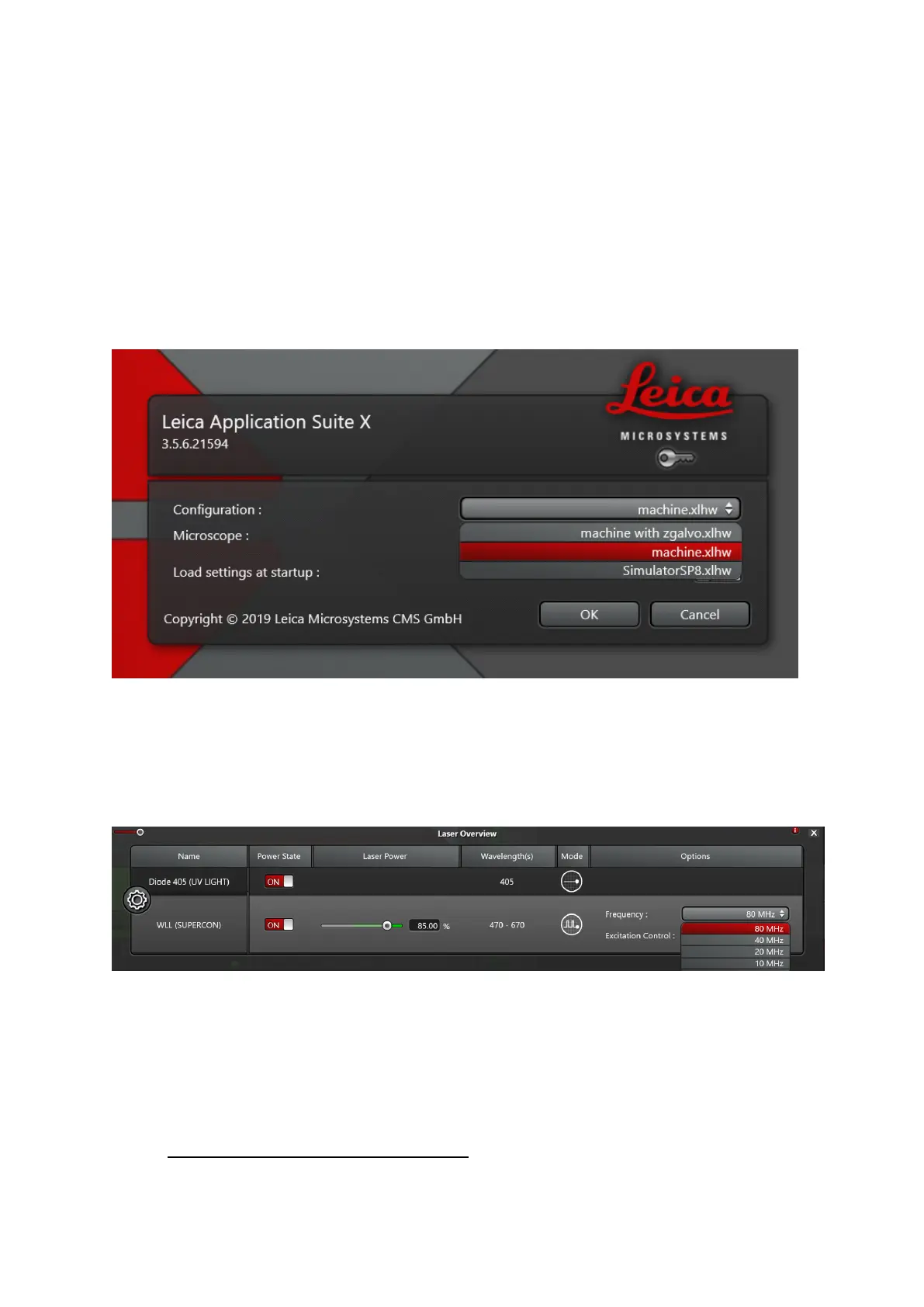
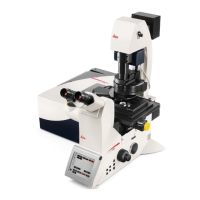
• For imaging: start LASX software. Select configuration Machine.xlhw or machine
with zgalvo and DM6microscope (You should insert zgalvo stage and fix in place
using 2 knobs at the back-> If you are not using it, place it face down in the heating
chamber!)
• !!!!! Never use "Use last system settings"
Fig.1
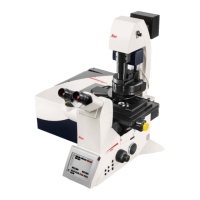
• In the LASX software, go to ‘configuration’ –‘lasers’- Turn ON the lasers you want to
use. Set the Laser power of the WLL to 85% and 80MHz (usually the default
numbers).
Fig.2
• make sure the pulse picker is set to 80 MHz, otherwise laser power is significantly
lower (Fig.2)
• Visual examination of the sample


 To Next Page