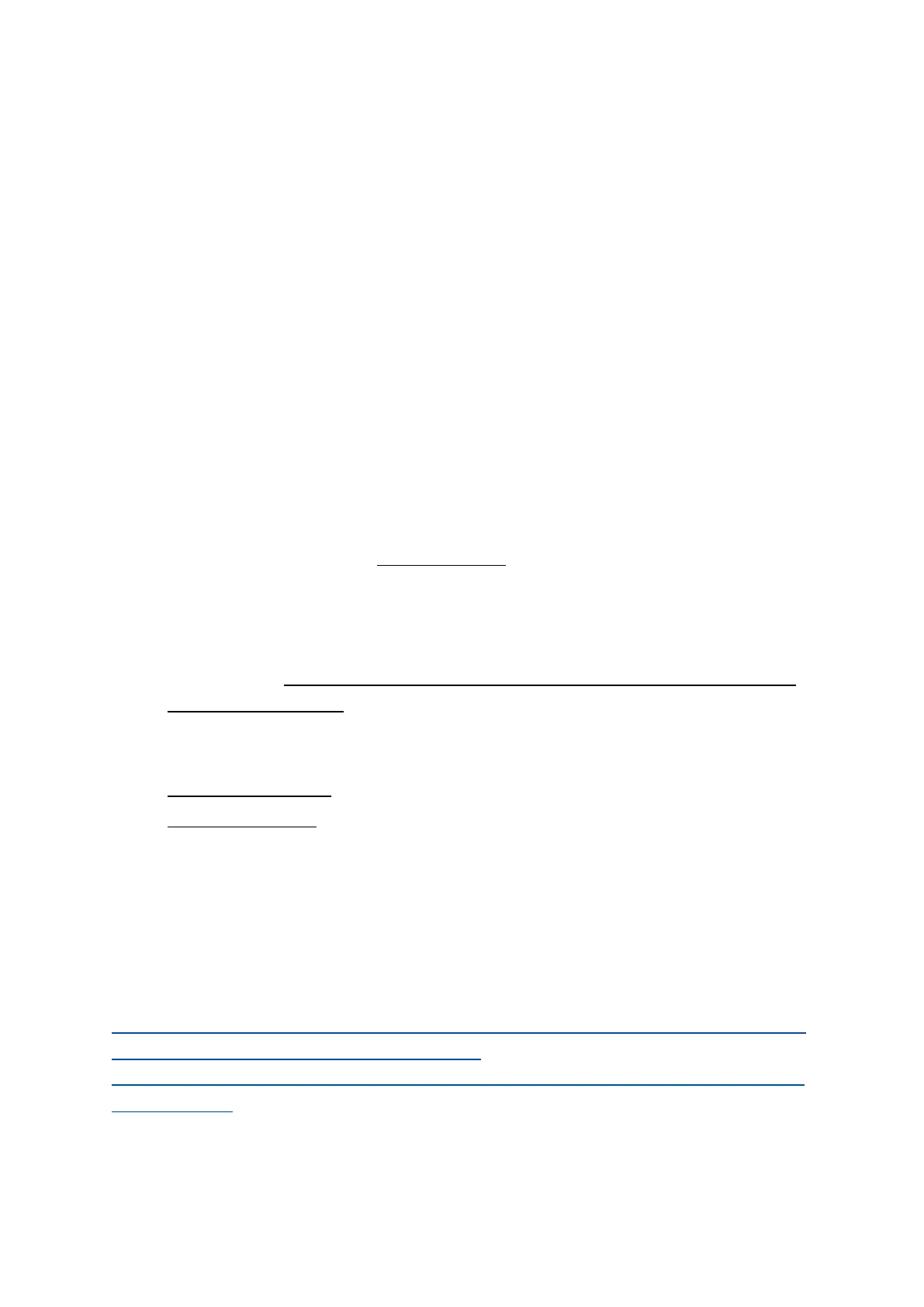
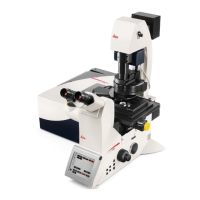
• On the microscope touchpad choose the illumination icon to open the illumination
menu.
• For transmitted light press the BF/TL button and operate the TL shutter from
touchscreen (if you don’t see any light probably the manual shutter “Lever” is
closed)
• Intensity buttons are found on the left side of the microscope as well (TL indicator
light is next to it)
• For fluorescent illumination, press FLUO button in the illumination menu of the
microscope touchpad.
• Choose filter cubes on the front panel: (DAPI, GFP, RHO). Open the IL-shutter to see
fluorescence.
• Intensity buttons (same as for BF) on the left side of the microscope stand lets you
change the LED intensity
• FOCUSing on your sample- To prevent crash, look from the side and raise the
sample very close to the objective (to pass the focus point),then look in the
eyepiece and always move the stage downward until you see the sample.
• Visual illumination is disabled during scanning, the system is automatically changing
to "CS" mode. (For TL detector you need to manually switch back the “lever “at the
back of the microscope).
• Data organization
In User Config -> Your data can be organized into Folder structure or
Project based structure. In the folder based structure files are saved as
TIFF while projects are saved as Lif/Lof. (Due to a software bug do not
use Folder base file saving)
Additional info @:
file:///C:/Program%20Files/Leica%20Microsystems%20CMS%20GmbH/LAS%20X/BIN/UserH
elp/UserHelpEnglish/Default.htm?Highlight=user
configuration#DLG/Configuration/DLG_configuration_user_configuration.htm?Highlight=us
er configuration


 To Next Page