3
1. Receive volume up/down
2. Mute
3. Headset ON/OFF
4. Noise cancelling boom
5. Replaceable earplug
6. Battery (note position of
arrow when replacing)
4
5
6
1
3
2
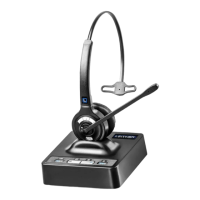
B. WL1240 Headset
Manual W9xx_03.pdf 1 6/23/2016 10:18:40 AM
2
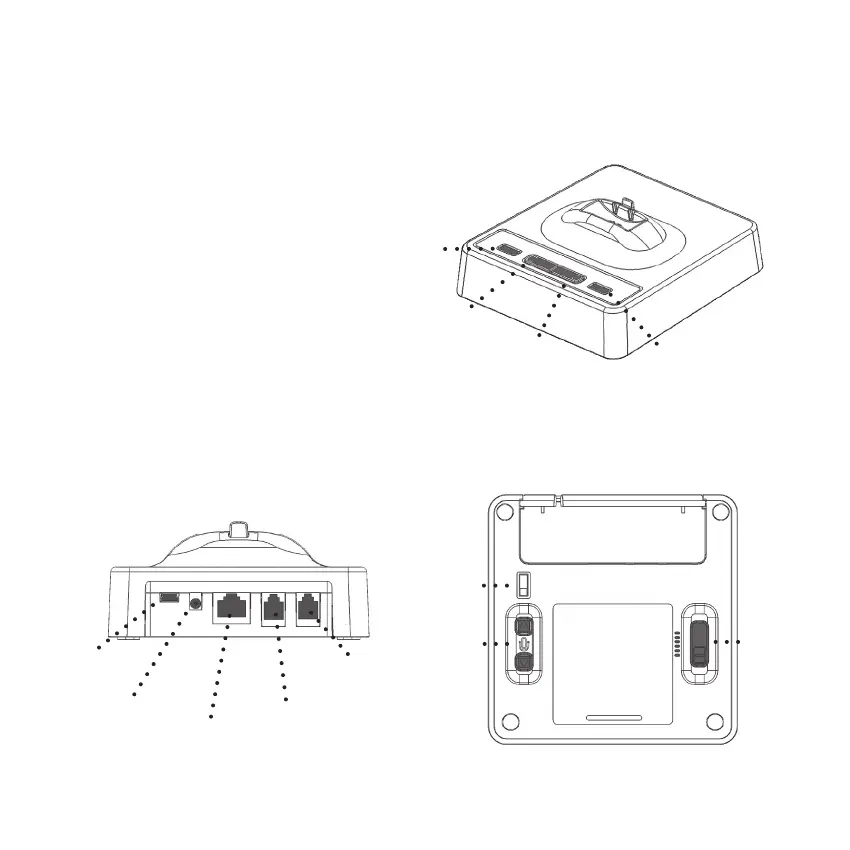
A. Base station
1. Battery indicator
2. PC button
3. Telephone (TEL) button
4. Online indicator
5. USB connector (PC port)
6. Power socket
7. EHS port
8. Telephone connector (‘Tel’ port)
9. Handset connector
10. EHS Selection switch
11. Microphone volume up/down
12. Wiring switch
5
7
6
9
8
10
11
12
1
4
3
2
Manual W9xx_02.pdf 1 6/23/2016 10:17:51 AM
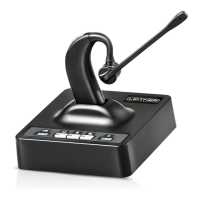
Headset
1. Incoming volume up/down
2. Mute
3. Headset ON/OFF
(and online indicator)
4. Noise cancelling boom
5. Replaceable eartip
6. Battery (note position of
arrow before replacing)
7. Battery door
Noise-canceling boom
4 5
7
4
Base Station
1. Battery indicator
2. Computer Mode button
3. Telephone (TEL) Mode button
4. Online indicator
5. USB connector port
6. Power socket
7. AUX port
8. Telephone connector (TEL port)
9. Handset connector port
10. Accessory selection switch
11. Microphone volume up/down
12. Compatibility switch
1
2
3
4
5
6
7
8
9
10
11
12



 To Next Page