5.1004.8641.0 B
5-12 Maintenance
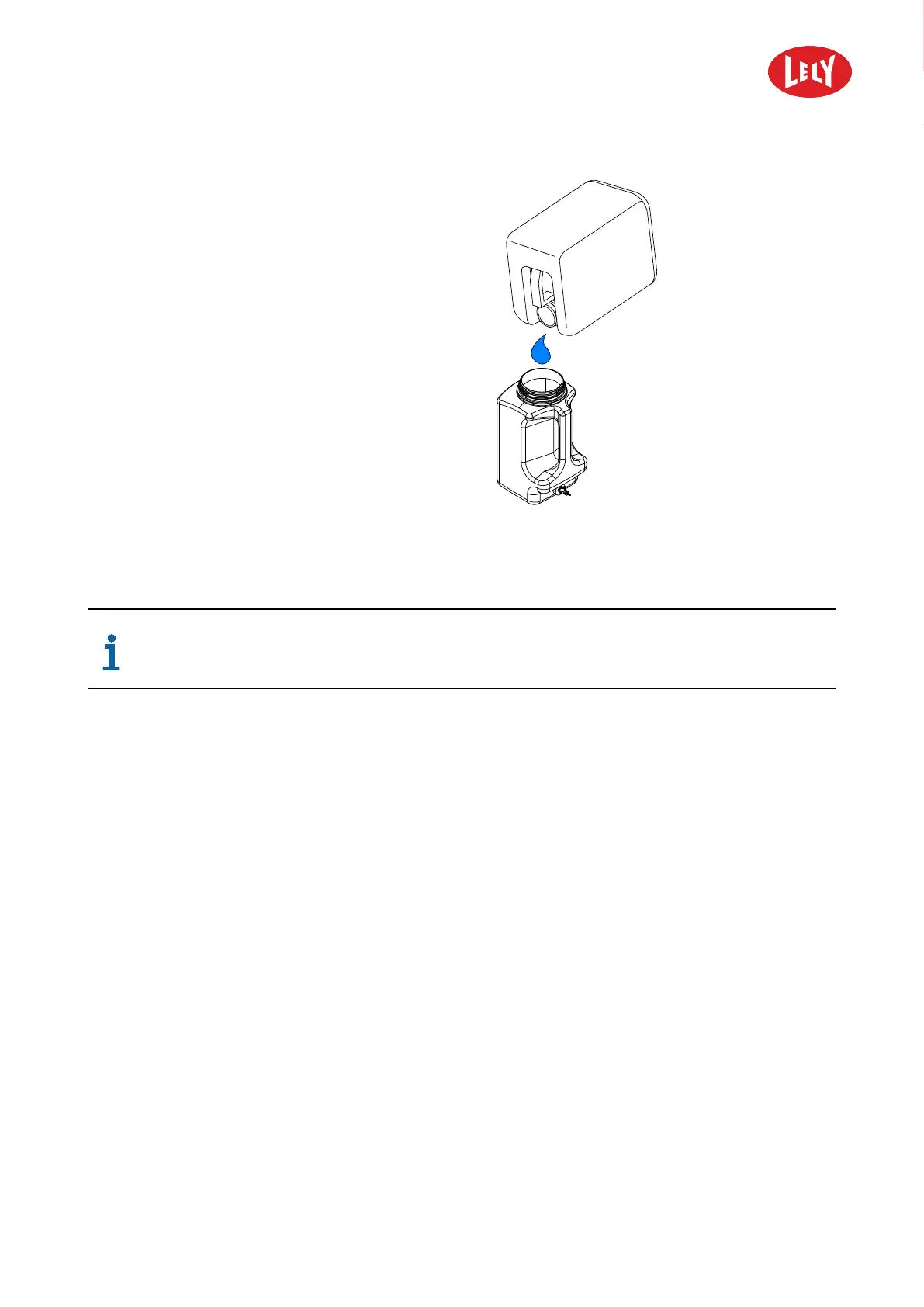
Figure 25. Fill reagent container
6. Fill the reagent container with the MQC-C
reagent solution (see figure 25 on page 5-12).
7. Install the cap on the mixing container.
8. Install the cap on the reagent container.
9. Install the reagent container on the MQC-C
bracket (see figure 23 on page 5-11).
10. Connect the reagent supply tube (1) to the
reagent container.
Restart the MQC-C on the E-Link
If the MQC-C stopped automatically because of an empty reagent container, the MQC-C
must be restarted with the E-Link.
On the E-Link select:
1. Tab Test.
2. select Test menu
3. select Accessories.
4. select MQC-C2.
5. select Service.
6. In the field Reset MQC-C2 errors push the button Reset errors.
Remove a Blockage from the Reagent Supply Tube
To remove a blockage from the reagent supply tube follow the steps below:
1. Take one robot unit out of operation with the E-Link.
2. Clean the Reagent Supply Tube (see page 5-12).
3. Put the robot unit in operation with the E-Link.
Clean the Reagent Supply Tube
1. Open the door of the robot unit.
in n o vato rs in agriculture



 To Next Page