Set Timer
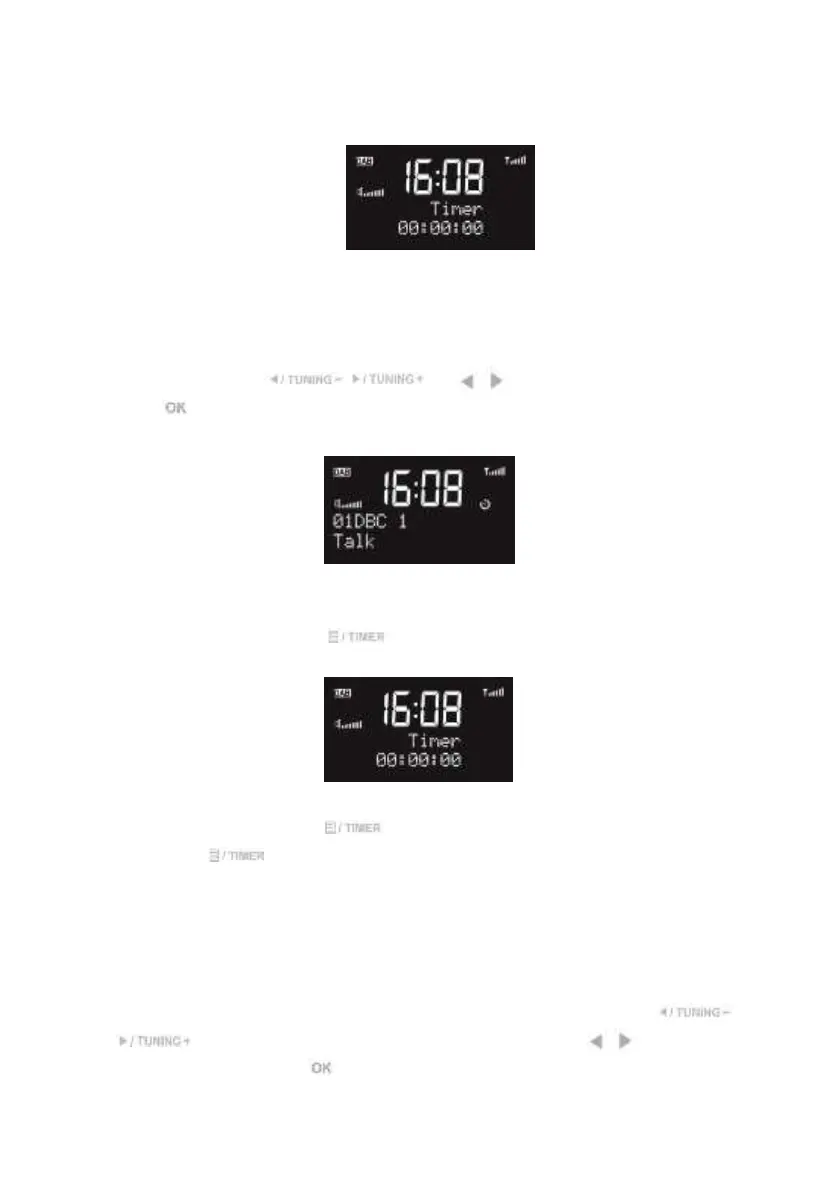
Setup the Timer hh:mm:ss. The maximum time is 2 hours.
Hour (hh): from 00 to2.
Minute (mm): from 00 to 59.
Second (ss): from 00 to 59, each step is 01.
For each one, press / or / on the remote control to select and
press to confirm.
Timer icon will be shown on the display.
On the playing screen, press to view the remaining time. Or it will automatically
turn to the countdown screen in 10 seconds.
On the countdown screen,
- Press any key (except ) or rotate the knob to return playing screen; or
- Press to reset to 00:00: 00 (which means turning off).
After the time counts to the set time, buzzer sound will start. Press any buttons to stop the
buzzer.
Set Time
There are several options on the time setting. Press TIMER and then press /
or press MENU on the remote control and then press / on the remote
control to select and press to confirm.
Set clock: hh:mm. Set the time manually.


 To Next Page