Press and hold / or / on the remote control to adjust the
frequency speed. Once you release the button, the radio will stop at that frequency.
Alternatively, press and hold or on the remote control to do scanning.
The default is scanning up the frequency unless your last operation was adjusting the
frequency downward (after pressing or ).
Preset
In DAB or FM mode, there are 10 presets for each mode.
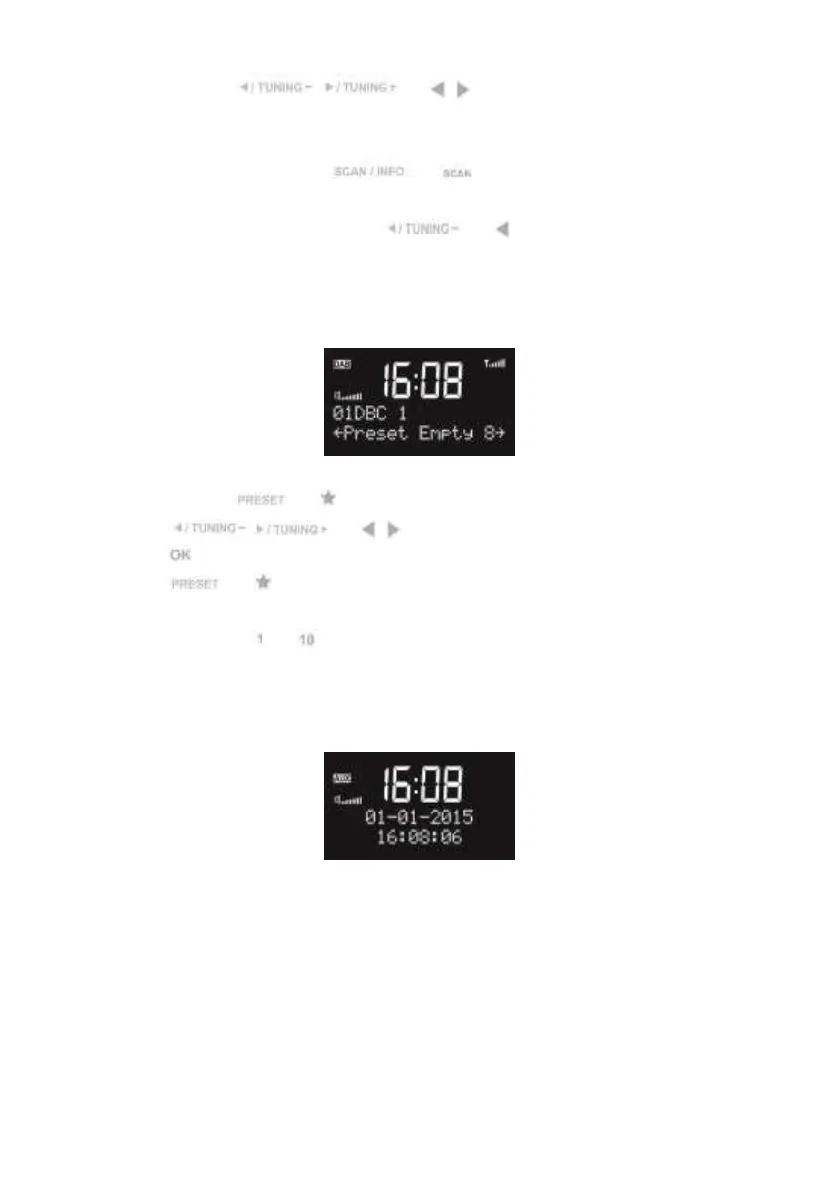
Press and hold or on the remote control to save the the station.
Press / or / on the remote control to select the number, and
press to confirm.
Press or on the remote control to recall the stored preset station list.
The number keys to on the device or on the remote control are the hotkey of each
presets. Press and hold to save stations and press to recall that station.
AUX-IN
Aux in mode plays audio from an external source such as an MP3 player.
To play audio with Aux in mode:
Turn the volume low on both KCR-004 DAB+ and, if adjustable, the audio source device.
Connect the external audio source to the AUX IN 3.5mm stereo socket.
Adjust the volume of KCR-004 DAB+ (and, if necessary, the audio source device) as
required.
Troubleshooting


 To Next Page