Set date: dd-mm-yyyy. Set the date manually.
Auto update: From radio or No update. If it is set to be updated from radio, the radio
automatically update the time and date from DAB or FM RDS even you have set the time
and/or date.
Note: If the device is switch off, then switch on again. The setting is automatically taken from
the radio.
Set 12/24 hour: 12 or 24 time format.
Set EQ
Set the Equaliser: Normal, Flat, Pop, Jazz, Rock, Classic, News or Movie. Press TIMER and
then press / or press MENU on the remote control and then press /
on the remote control to select and press to confirm.
Alternatively, press on the remote control to enter EQ menu.
Dimmer
Set the brightness of the display: High, Medium, Low
Or, you can press to swap among the three backlight levels.
Set Language
OSD language: English, Deutsch, Dutch, French
Press TIMER and then press / or press MENU on the remote control
and then press / on the remote control to select the langauge and press to
confirm.
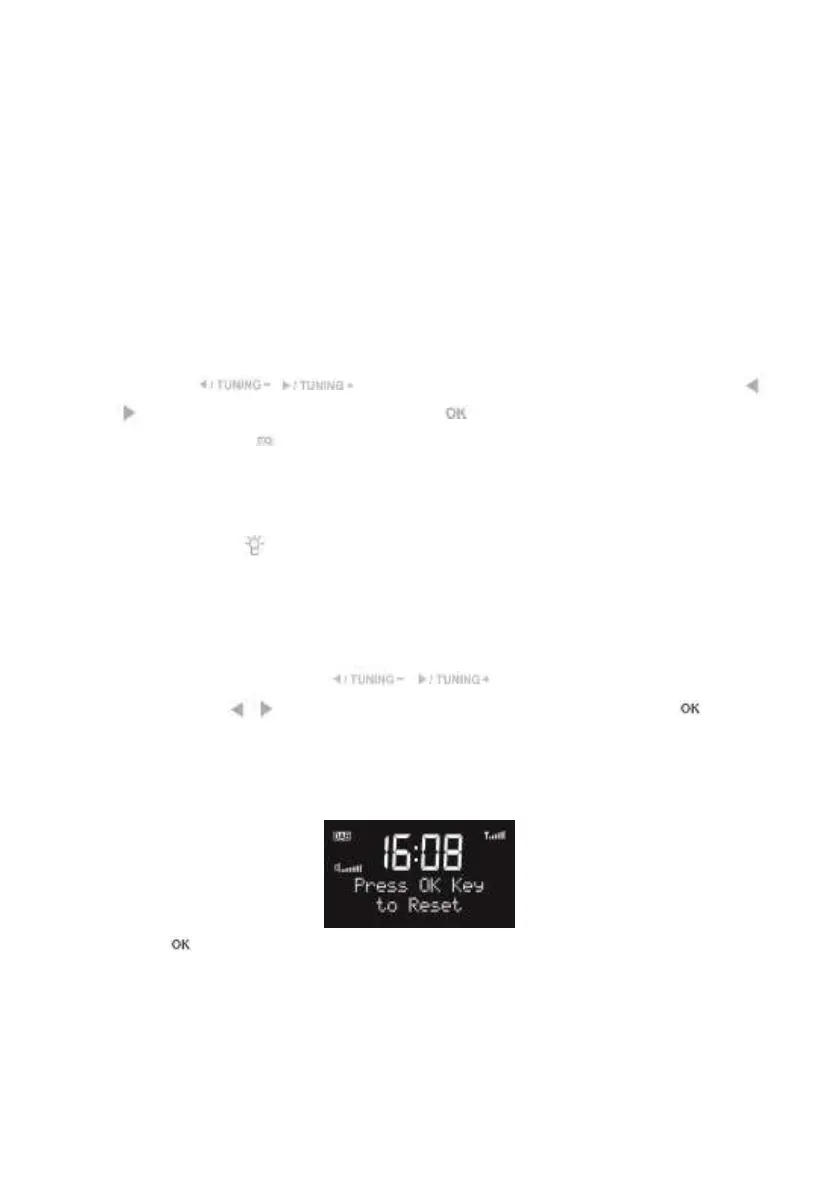
System Reset
Press to confirm factory reset. The system will then restart.
Note: the alarm settings, scanned stations and stored preset stations will be removed after
factory reset.
S/W version
Enter to view the version of firmware of the system.


 To Next Page