DAB
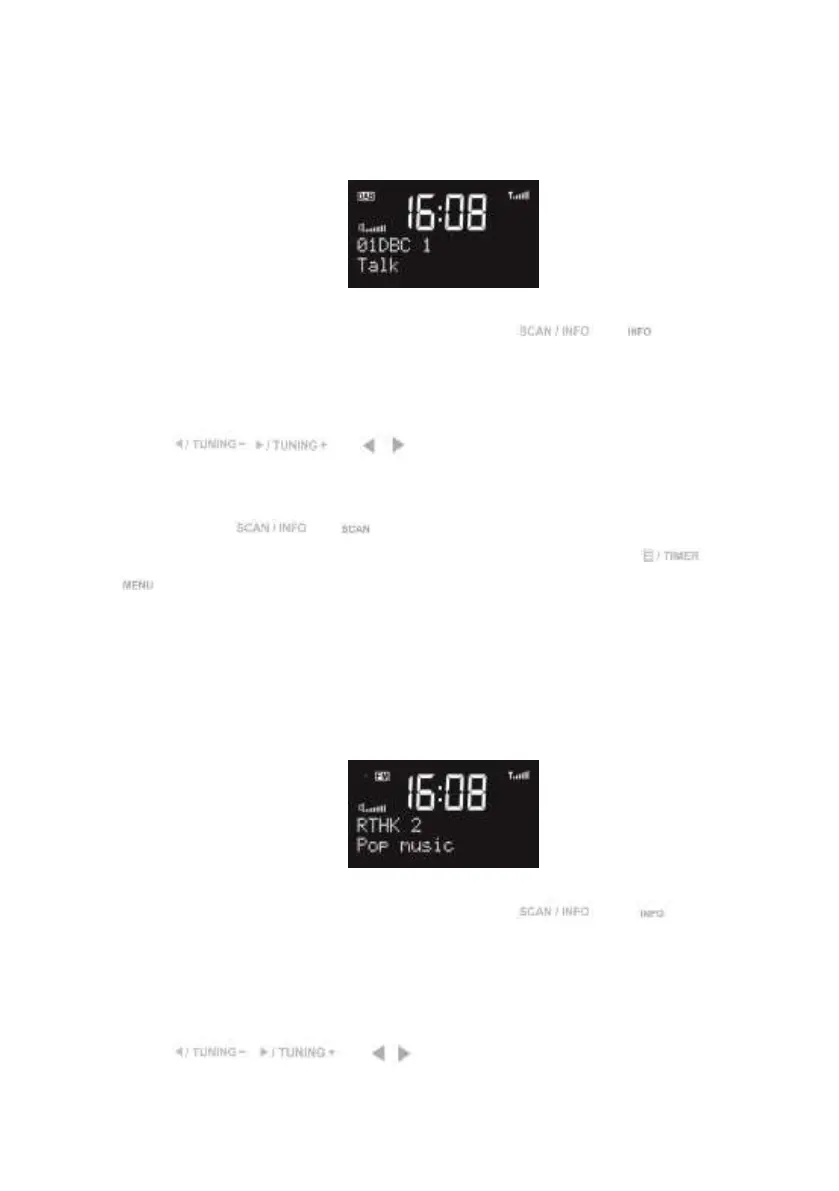
The first row of the text is the name of the DAB station.
The second row shows the details of the station, press or on the remote
control to view the frequency, bit rate, signal strength and the programme type of the station
and today’s date.
Press / or / on the remote control to change the stations.
You can do Full scan or Manual tune.
Press and hold or on the remote control to do the full scan.
If you want to rescan the station at designated frequency, press and hold or press
on the remote control, then choose Manual Tune to start.
Draw out the wire antenna and fix it in a vertical direction to get the best DAB reception.
FM
The first row of the text is the frequency or the name of the FM station.
The second row shows the details of the station, press or on the
remote control to view the signal strength and the programme type of the FM RDS station
and today’s date.
The third row displays the rolling message from the FM RDS station.
Press / or / on the remote control to adjust the previous/next
frequency. Each step is 0.05MHz.


 To Next Page