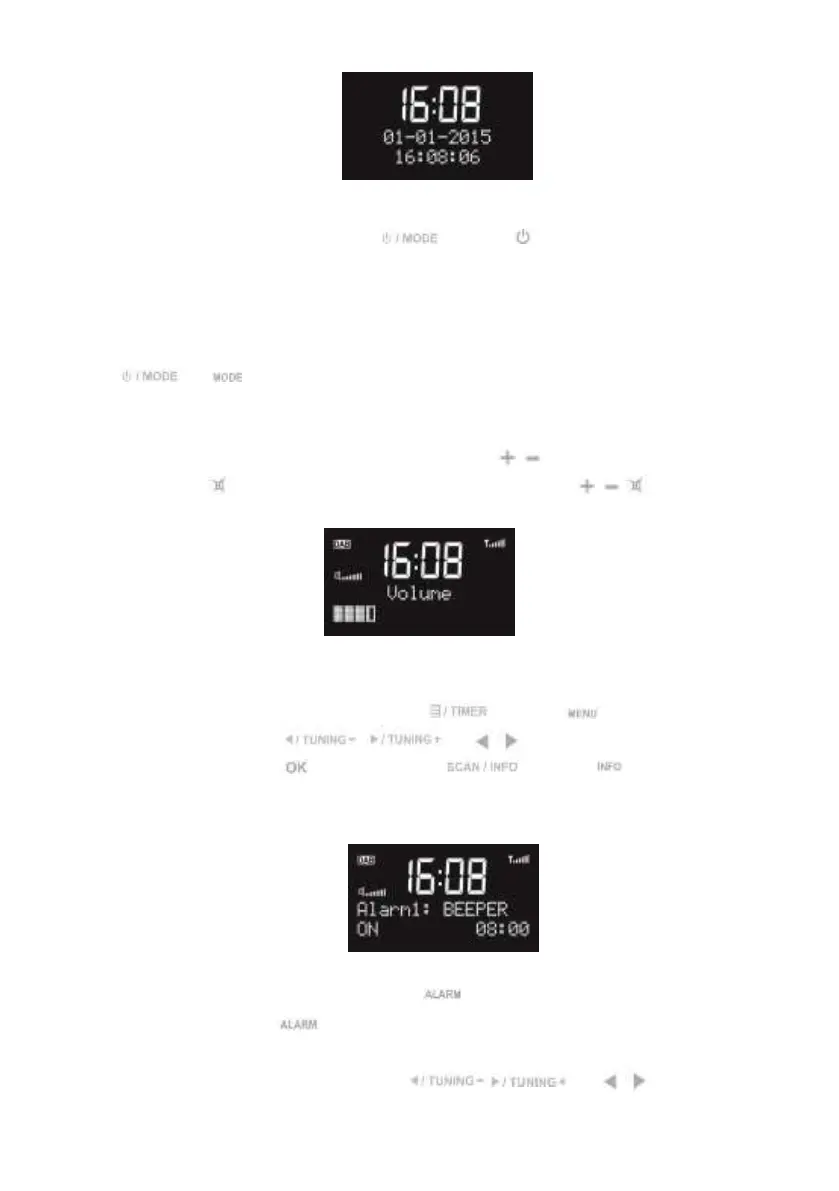
During standby mode, press and hold or press on the remote control to turn the
radio to operation mode.
KCR-004 DAB+ Functions
Press or on the remote contol to swap among the modes below: DAB FM
AUX DAB FM …
When it is on the playback display, rotate the knob or press / on the remote control to adjust
the volume. Press on the remote control to mute the sound, press / / to resume the
volume.
Main Menu and Settings
At any operation modes, you may press and hold or press on the remote control
to go to configuration. Press / or / on the remote control to choose
the submenu and then press to confirm. Press or press on the remote
control to go back to the last display.
Set Alarm
There are two alarms available.
Choose Set Alarm in the menu. Or, press on the remote control to enter the alarm1
setting directly; press once again to enter the alarm2 setting.
For each step below, you have to press / or / on the remote


 To Next Page