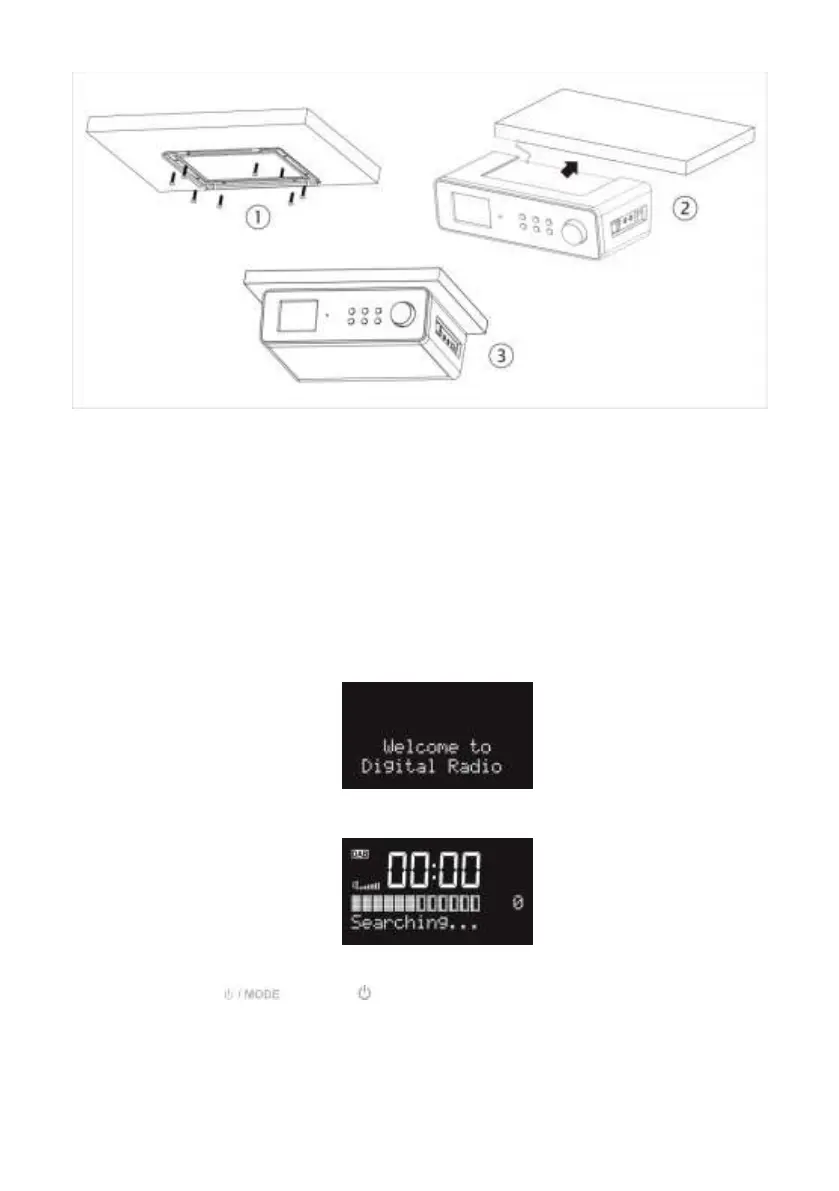
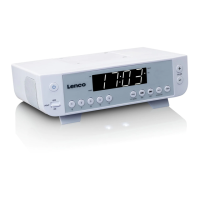
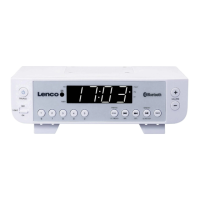
1) Decide on the installation location and installing the unit based on the best cabinet/shelf.
Attach the metal bracket under the cabinet/shelf with the supplied mounting screws. If the
board thickness of cabinet/shelf is thinner than the screw’s height, you can supply the suitable
screw by yourselves.
2) Slide the unit into metal bracket until it locks securely.
3) Due to its heavy weight, the unit should be installed with great care. Make sure that the
cabinet that is used is sturdy enough to support the weight of the unit.
To reduce the risk of fire, do not place the radio on any heating area or without the spacer.
You can slide out the unit from the metal bracket to be used as a standing kitchen radio. Then, you
can slide the plastic clapboard into the unit.
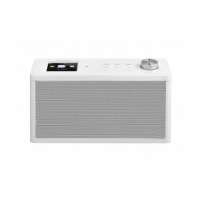
Connect the power adaptor to the side of the KCR-004 DAB+ and plug into power socket.
Switch it on at the side of the KCR-004 DAB+.
When it is the first time running the device, the radio will enter the DAB mode and
automatically scan the DAB/DAB+ stations.
Press and hold or press on the remote control to turn the radio at Standby.


 To Next Page