Power on/off
Power on: press and hold the power key for 5 seconds
Power off: press and hold the power key for 5 seconds → click Power off → click OK
Lock/unlock screen: press the power key to lock/unlock the screen
Forced shutdown: in case of no response of the device, press Reset key to reset the device by force
Note: do not use forced shutdown unless necessary. Shut down the device following power off steps.
Reset key: press this key to reset the device.
Using touch screen
Single click: click an icon to select the option you require.
Press and hold: select an icon and hold to drag it to the desktop.
Drag: drag on the desk to switch among different interfaces.
To avoid scratching or damaging the screen, never put anything on it.
Interfaces
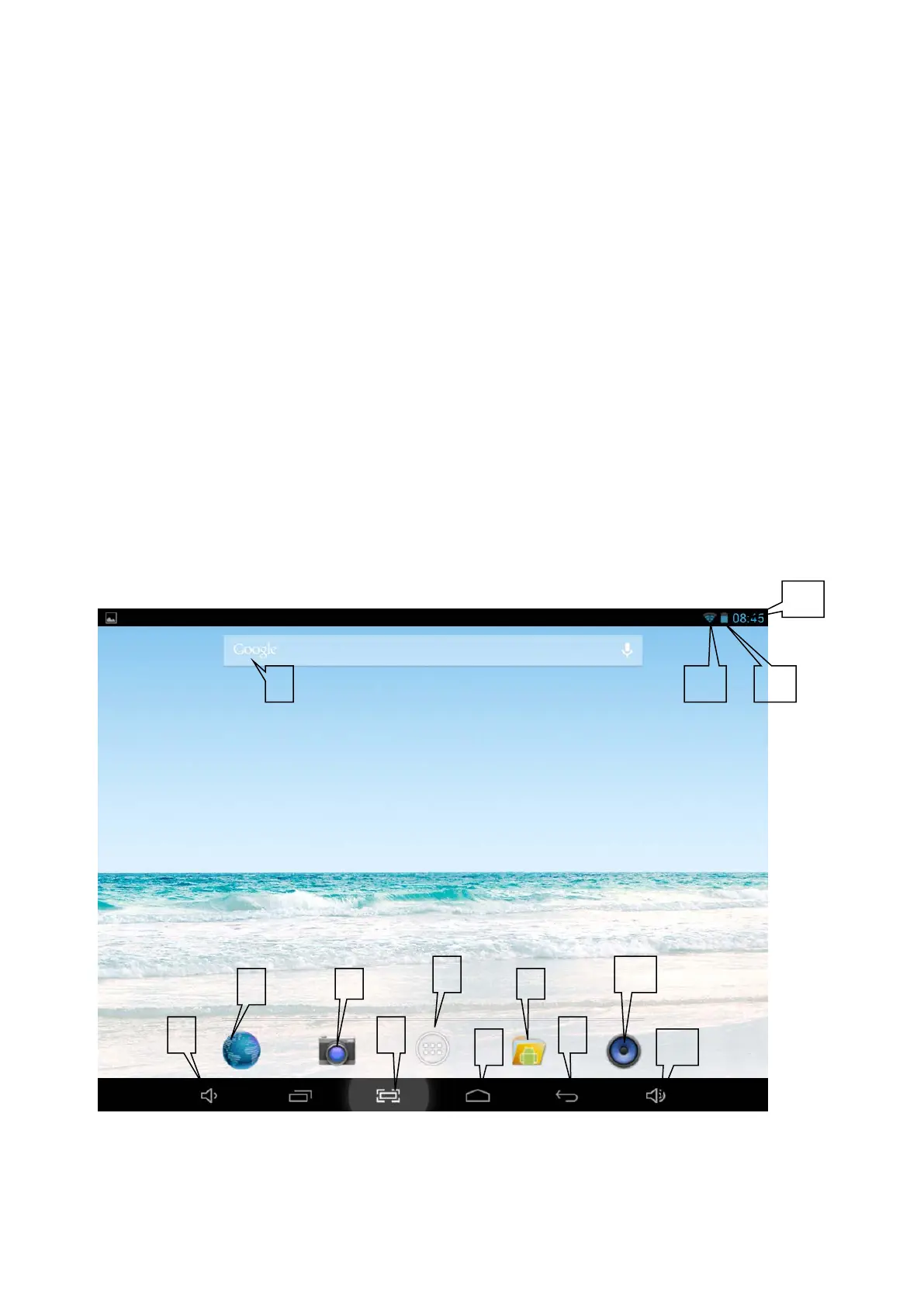
1. Desktop
1: View all applications
2: Google search
3: Return
2
6
4
10
13 12
6



 To Next Page