4: Return to desktop
5: Shortcut key for screen capture
6: Browser
7: Camera
8: File manager
9: Shortcut key to volume-
10. Shortcut key to volume+
11. Music applications
12. 3G/WIFI status
13: Battery status 4: Time display
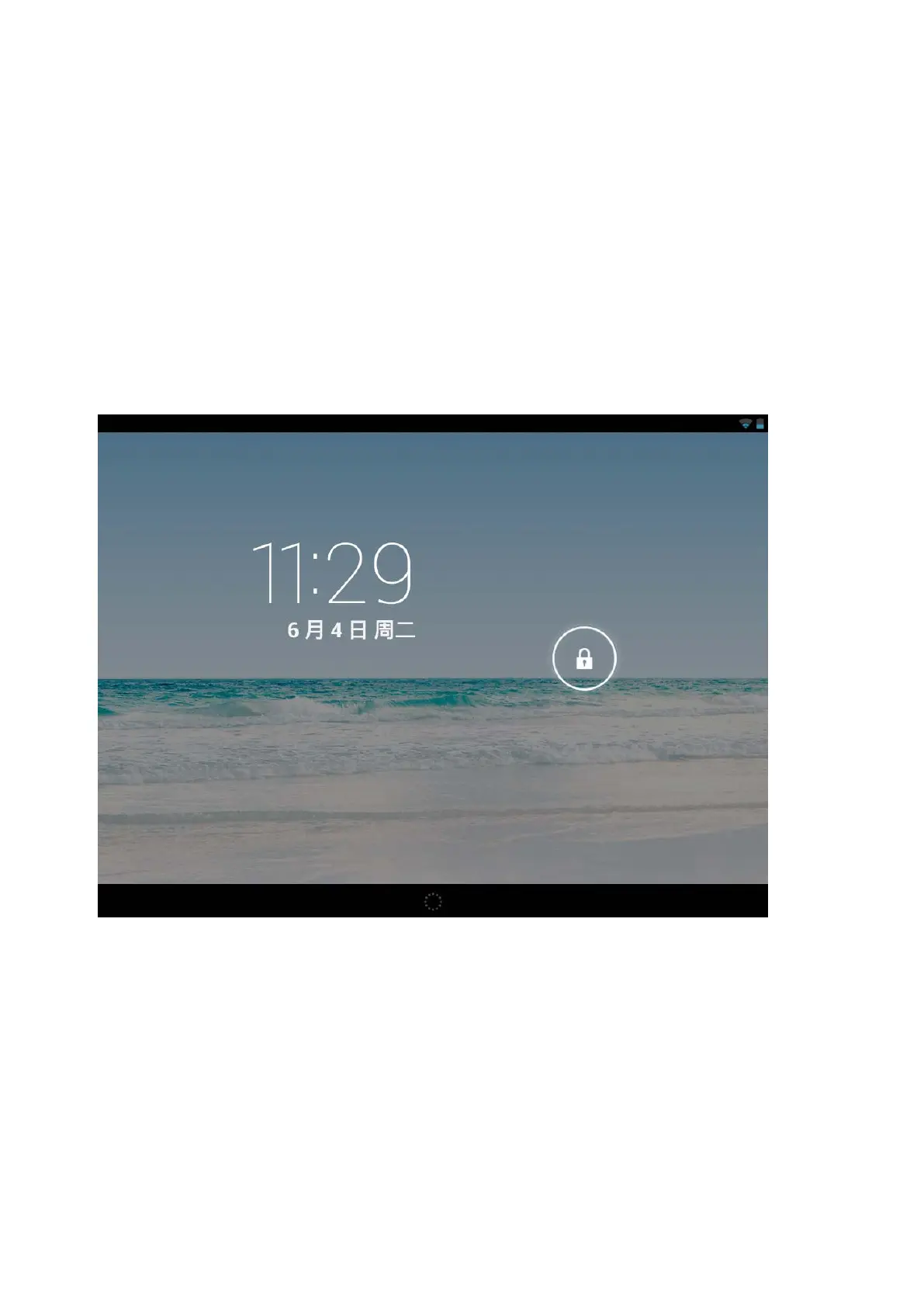
2. Locked screen
If the tablet is not used for a long time, press Power On key and enter standby mode. There are two
standby modes. One is sleeping mode, at this time the screen is off. Press Power On key again to enter
nap mode as shown in the picture.
7



 To Next Page