Page 10 of 31
3.2.TVChannelList
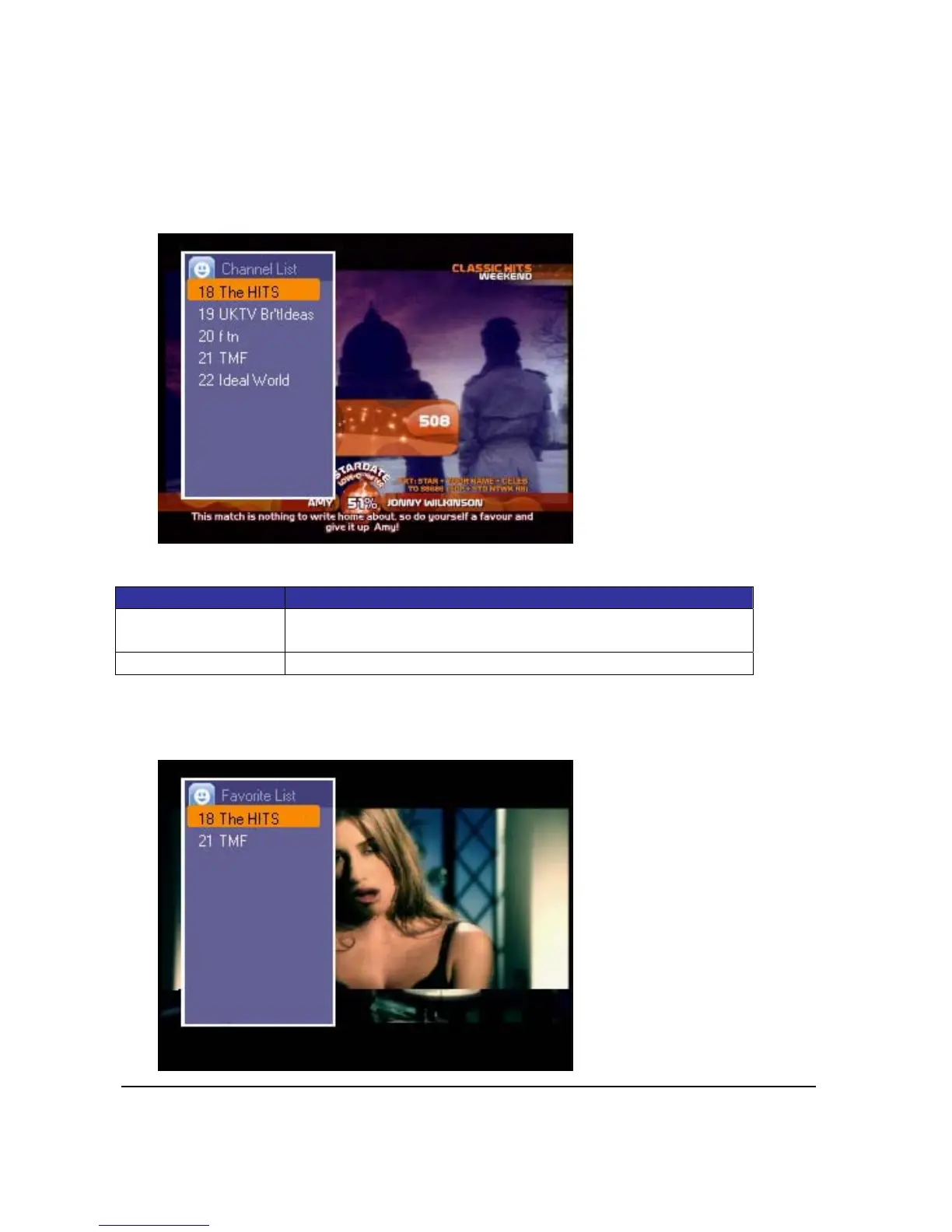
Press<OK>keytoshowsubmenuandselectChannelListduringTVwatching.Thechannellist
presentsalistofallchannelsfoundduringchannelscan.
Use<Up>and<Down>keytonavigatethroughthechannellistandswitchtotheselected
channel.
Press<EXIT>tohidethechannellist.
KeyDefinition:
Key Function
<Up><Down> Use <Up> and <Down> key to navigate through the channel
list
<Exit> Press<EXIT>toleaveChannelListwindow
3.3.FavoriteChannel
SelectFavoritetodisplayFavoriteChannellist.Press<Up>or<Down>keytoswitchtothe
desiredchannel.



 To Next Page