Page 7 of 31
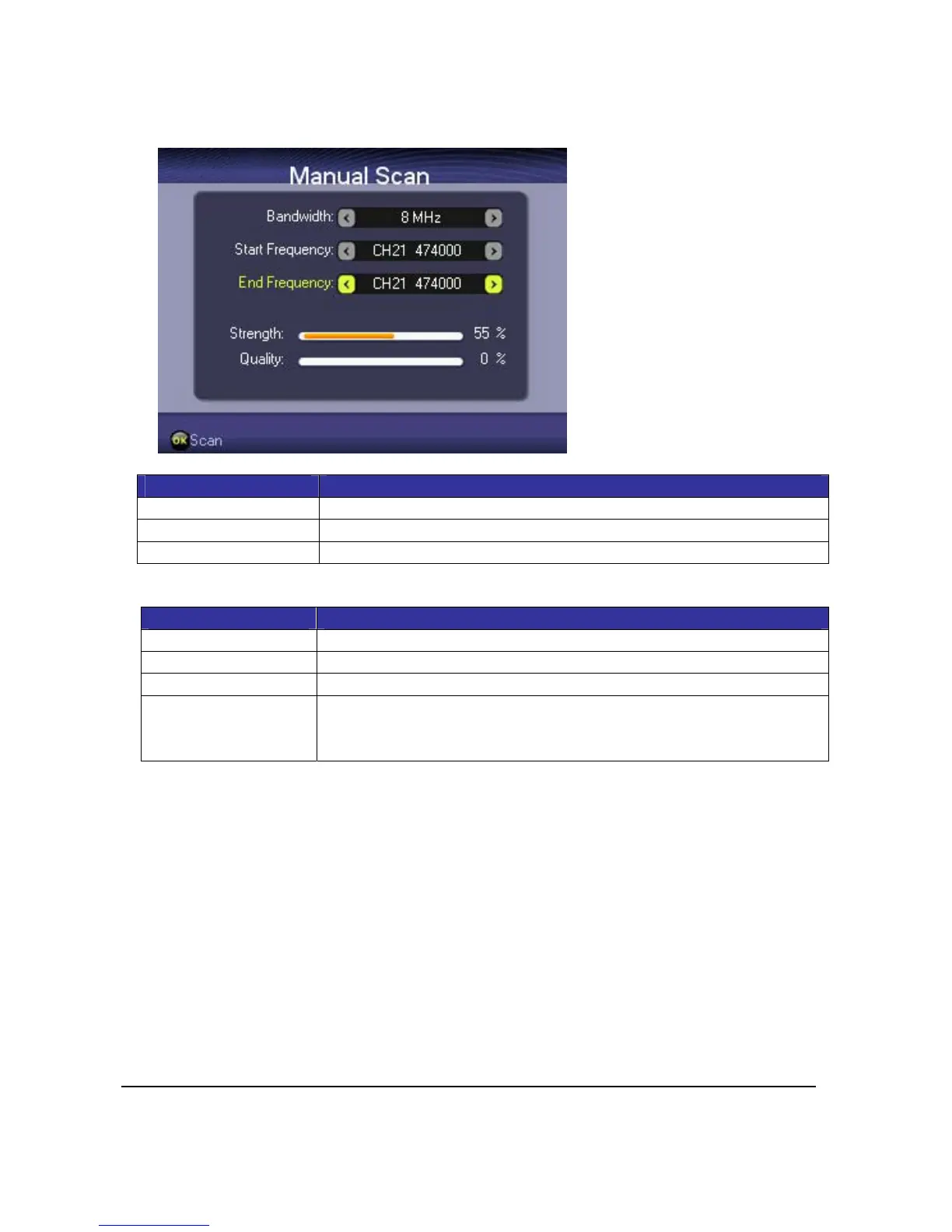
2.3.ManualScan
Press<OK>toselectmanualchannelsearchunderInstallationwindow.
Item Description
Bandwidth Press<Left>or<Right>tomodifybandwidthvalues
StartFrequency Press<Left>or<Right>tomodifycountrystartfrequencyvalues
EndFrequency Press<Left>or<Right>tomodifyendfrequencyvalues
KeyDefinition:
Key Function
<Up><Down> Press<Up>or<Down>toselect
<Left><Right> Press<Left>or<Right>tomodifyvalues
<OK> Press<OK>tostartmanualscan
<Exit> StartTVplayingiftherearescannedchannels.
Ifthereisnochannelscanned,selectYEStoretryorNOtogoback
toInstallationwindow.



 To Next Page