Page 12 of 31
Key Function
<Up><Down> Press<Up>or<Down>toswitchchannels
<Left><Right> Press<Right>or<Left>toincreaseordecreasevolume
<VOL+><VOLͲ> Press<VOL+>or<VOLͲ>toincreaseordecreasevolume
<OK> Press<OK>todisplayChannelList
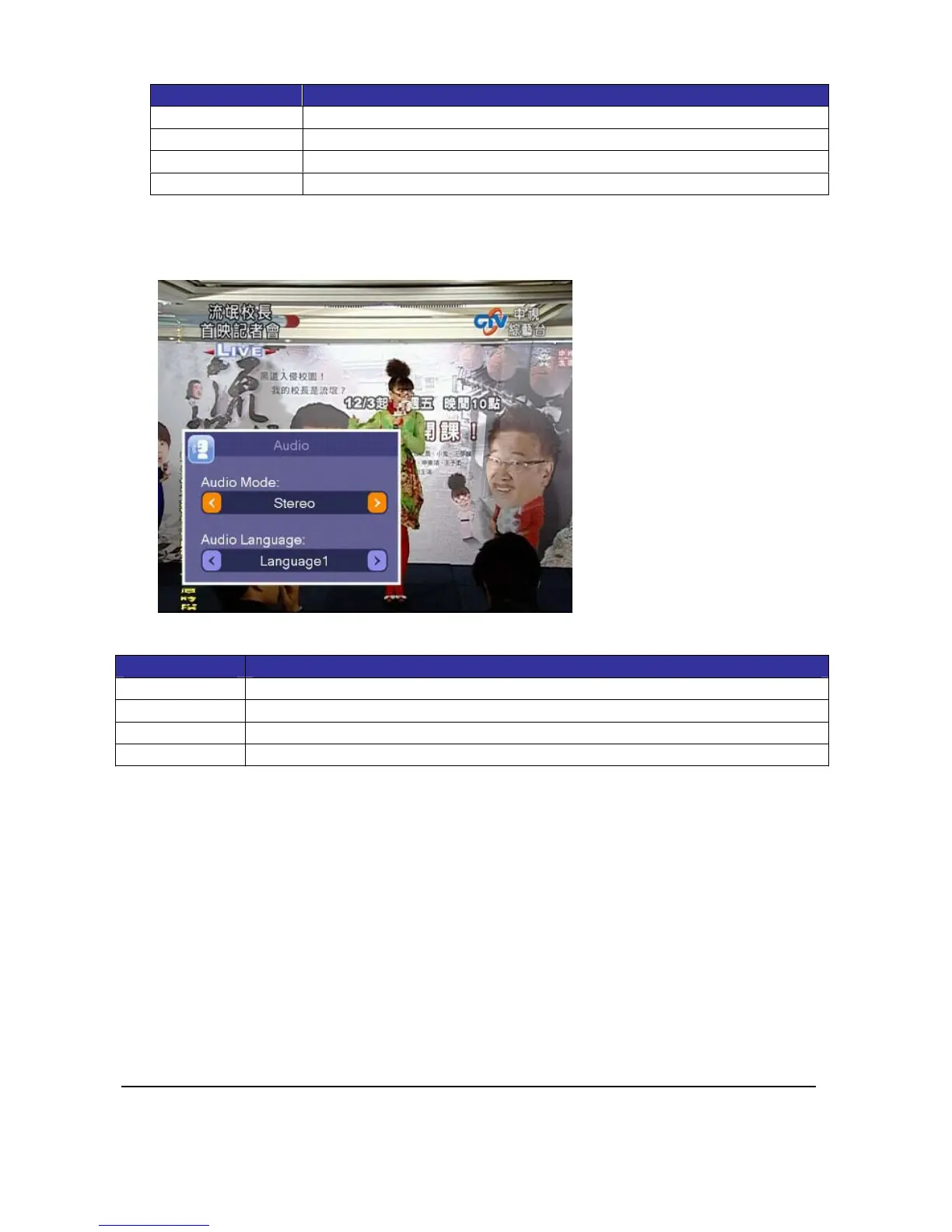
3.5.Audio
Somechannelsoccasionallycontainmultiplesoundtracks.Youcanuseaudiosettingtoselect
differentaudiomodesandlanguages.SelectAudiotodisplayAudiosettingwindow.
KeyDefinition:
Key Function
<Up><Down> Press<Up>or<Down>toselectsettingitems
<Left><Right> Press<Left>and<Right>tomodifysetting
<OK> Press<OK>tosaveaudiosettingandreturntoTV
<Exit> Press<EXIT>tocloseAudiosettingwindow



 To Next Page