Page 24 of 31
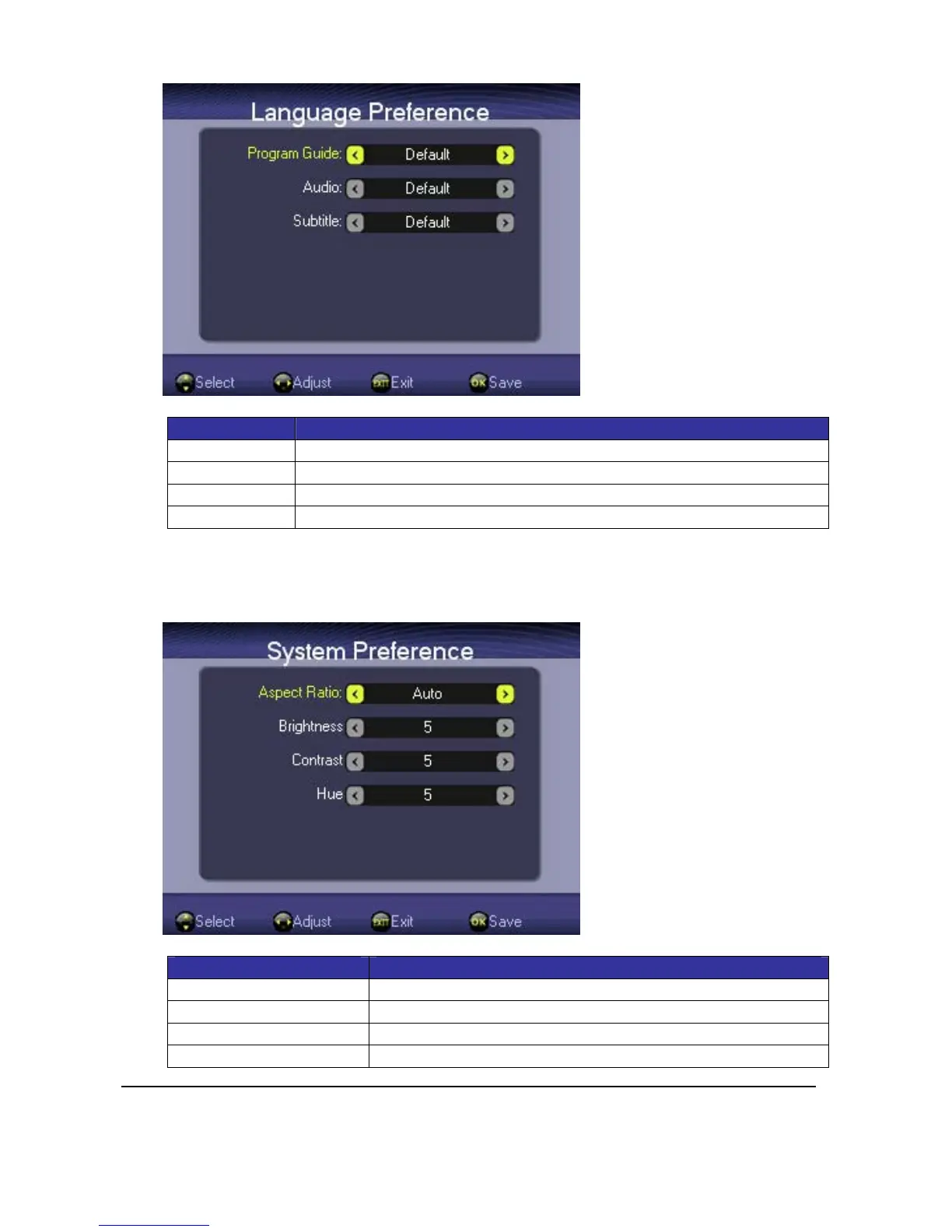
KeyDefinition:
Key Function
<Up><Down> Press<Up>or<Down>toselectsettingitems
<Left><Right> Press<Left>or<Right>toadjustsetting
<OK> Press<OK>tosavecurrentsettingandreturntoSettingsWindow
<Exit> Press<EXIT>toreturntoSettingsWindow
4.4.2.
System Preference
Press<Up>or<Down>keytoselectdisplaysettingitemand<Left>or<Right>keytoadjust
setting.
Item Description
Aspectratio 4:3LetterBox,4:3Pan&Scan,16:9PillarBox,16:9FullScreen
Brightness Level1~level10
Contrast Level1~level10
Hue Level1~level10



 To Next Page