Page 16 of 31
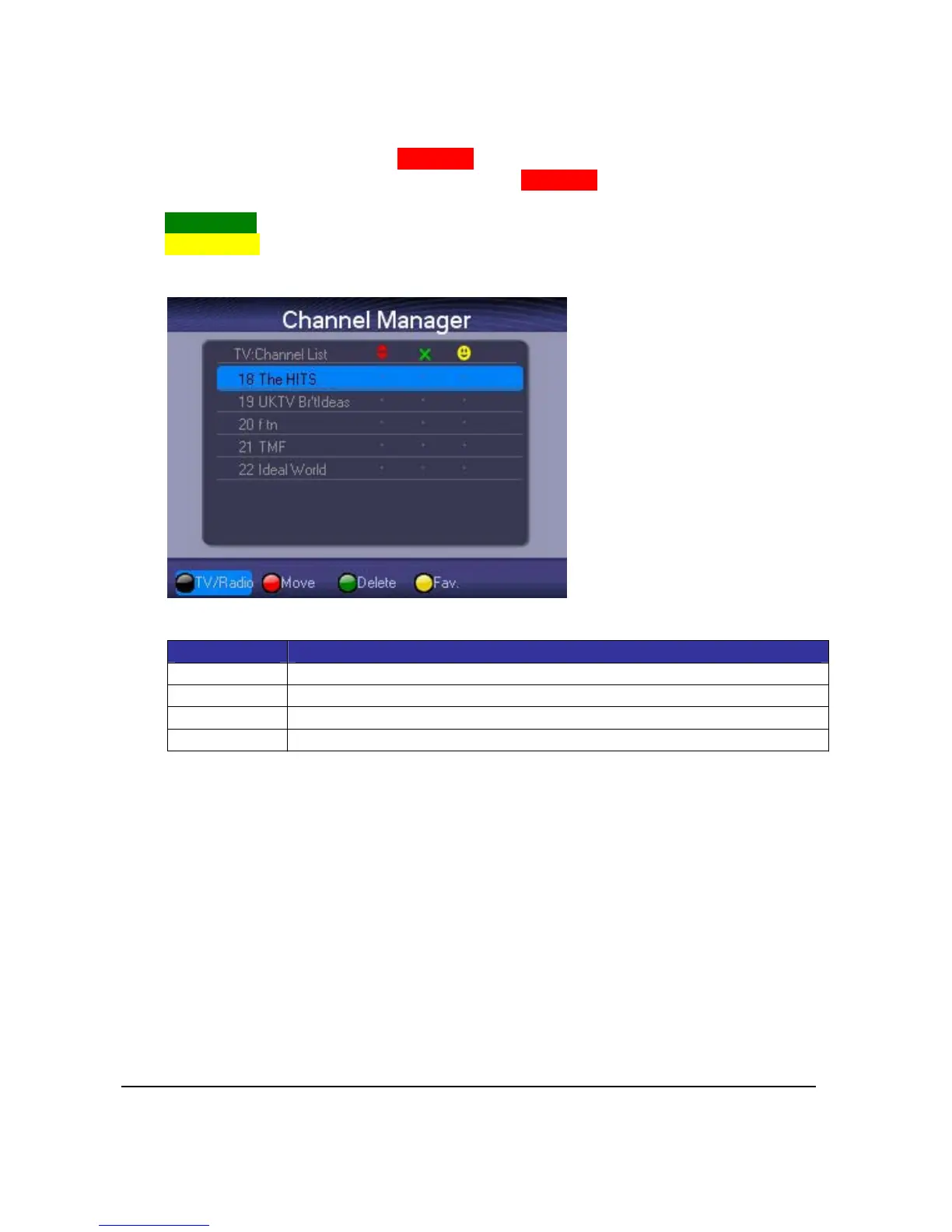
4.2.ChannelManager
ChannelManagerisusedtorearrangechannelsequence,removechannels,lockchannelsorset
favoritechannels.
Torearrangechannelsequence,press<RedKey>forthedesiredchannel.Use<Up>or<Down>
keystomovethechanneltowhereyouwantandpress<RedKey>againtoconfirmthenew
channelsequence.
Press<GreenKey>todeletechannelorundeleteit.
Press<YellowKey>toputthechanneltoyourFavoriteChannelListorpressagaintocancelthe
action.
KeyDefinition:
Key Function
<Up><Down> Selectchannelormovechannel
<Left><Right> Selectfunction
<OK> Press<OK>toconfirmchoice
<Exit> ReturntoMainMenu



 To Next Page