Page 14 of 31
Key Function
<Up><Down> Press<Up>or<Down>toselectchannels/programs
<Left><Right> Whenfocusontherightside:Press<Right>keytoview
programsofthenextday.
When focus on the right side: Press <Left> key to view
programsofthepreviousday.
<OK> Whenfocusontheleftside:Press<OK>keytohighlightthe
programintherightsideofProgramGuidewindoZ.
Whenfocusontherightside:Press<OK>keytodisplaythe
detailevent.
<Exit> When focus on the detail event: Return to program event
selectionintherightsideoftheProgramGuidewindow.
When focus on the right side: Return to channel selection in
theleftsideoftheProgramGuidewindow.
Whenfocusontheleftside:ReturntoTVplaying.
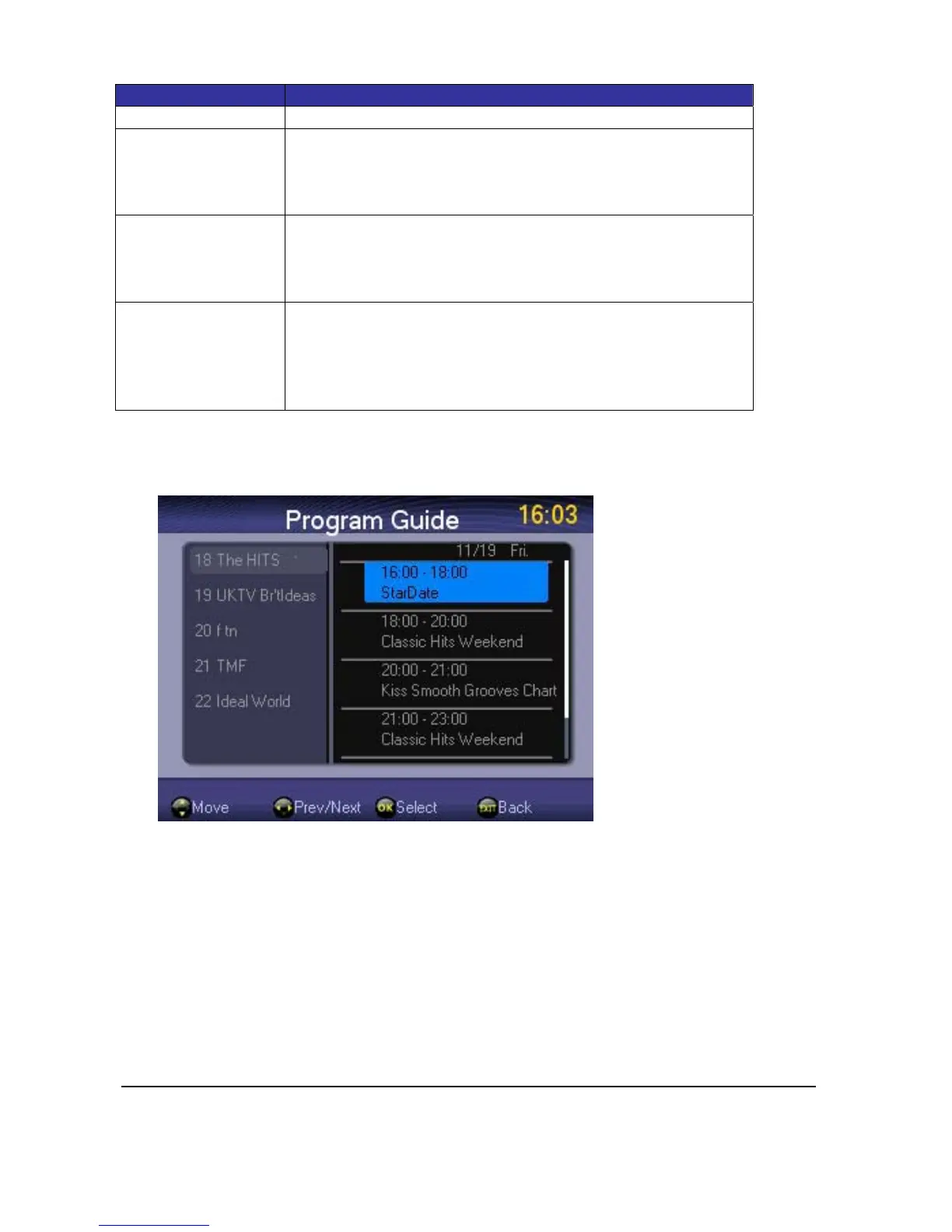
Ifyourequiremoreinformationonachannel,youcanuse<Up>or<Down>keytohighlightit
andthenpress<OK>keytohighlighttheprogramyouwant.Press<Exit>keyandgo<Up>or
<Down>toselectdifferentchannels.
Select<OK>toviewdetaileddescriptionoftheprogram.



 To Next Page